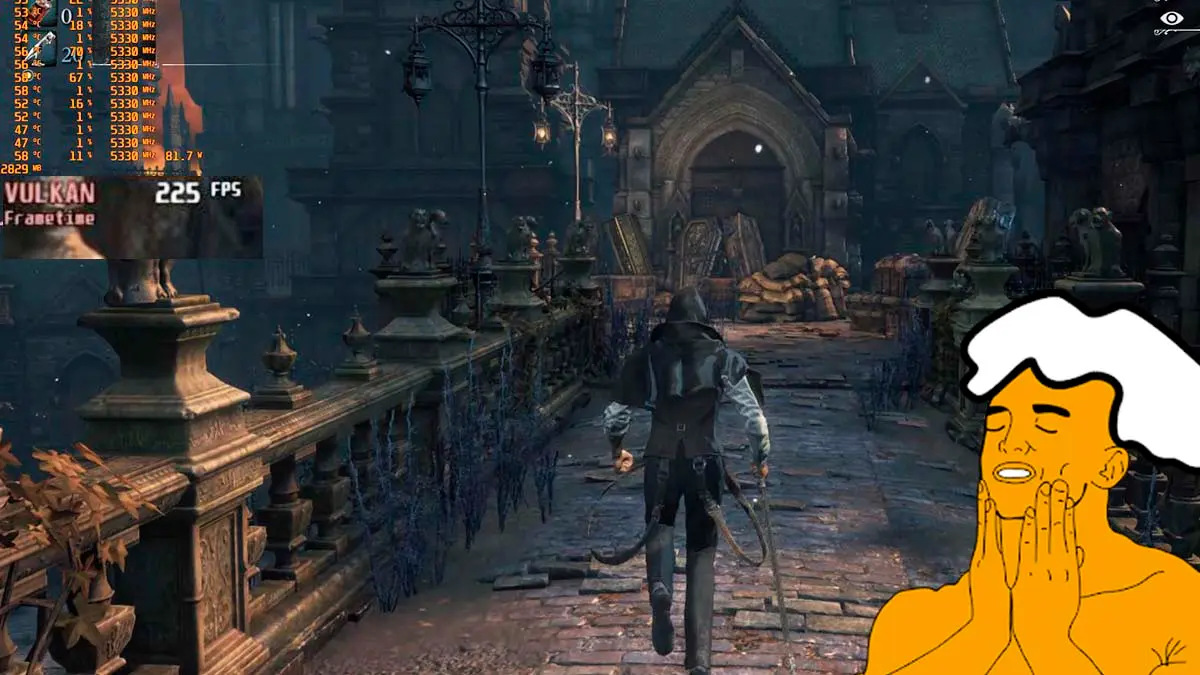
Bloodborne, one of the major PlayStation exclusives, has been stuck on PS4 for more than ten years. Since its 2015 release, FromSoftware never brought it to PC nor released an upgraded PS5 version, and on consoles it still runs at 30 FPS, with quite uneven fluidity.
In response, the community took matters into their own hands and managed to run Bloodborne natively on PC with a free port, without an emulator, and now a test shows it can exceed 200 FPS with DLSS and NVIDIA Frame Generation, nearly seven times higher than on PS4.
Complete Visual Transformation and Next-Generation Lighting
According to Wccftech, the channel MxBenchmarkPC tested the port with an RTX 4070. In native 4K with DLAA, the game runs at around 40 FPS, but with DLSS in Quality mode it climbs to over 100 FPS, and in Performance mode reaches between 120 and 130 FPS. In 1440p it hovers around 130 FPS, and in 1080p it exceeds 220 FPS, a figure aided by Frame Generation, NVIDIA’s AI-generated extra frames.
This is possible because Lantern Engine, one of the community launchers for playing Bloodborne on Windows, integrates DLSS with Frame Generation for RTX cards, as well as FSR 3.1 and FSR 4 for AMD cards. The game’s code runs directly on the PC’s CPU, without an emulator, while its graphics are translated to Vulkan based on the shadPS4 emulator. Wccftech attributes the test to the port by Supermedo, one of the developers whose work Lantern Engine builds upon.
Beyond the smoothness, the community also refreshed the visual side with BB PC Remaster, a mod by fromsoftserve that just arrived at version 1.11 and adds dynamic shadows across the game and lights on lanterns, candles, and torches that previously did not illuminate. It also adds higher-resolution textures, including those of characters and bosses such as Ludwig and Gehrman, and relief on floors and walls, which is still a work in progress.
Additionally, Lantern Engine brings support for mouse and keyboard and for modern controllers, and enables online play through fan-run servers, such as The Hunter’s Dream, without using PlayStation’s official network. With all this, the community has created a Bloodborne version that comes quite close to the remaster fans have been demanding for years.
Step-by-Step Guide to Installing Bloodborne on PC
A few days ago we told you that fromsoftserve released version 1.10 of BB PC Remaster, which for the first time worked alongside the community launcher.
To install it you must have the files from your own PS4 Bloodborne copy, updated to version 1.09 and extracted from your own console, because the port does not include any game files. Once you have them, here are the steps.
- Check that the eboot.bin file is in your game’s folder, because if you only have an unencrypted PKG file you won’t be able to continue, and for safety avoid downloading files from unknown sites.
- Download the latest version of Lantern Engine for Windows from its GitHub releases page.
- Extract the file into a simple folder, such as Games/LanternEngine, and do not run the program from inside the zip.
- Open Lantern Engine.exe, choose the folder where the eboot.bin file is located and press Play to do an initial test without mods, with a moderate resolution and FPS.
- If you want the graphical mod, download BB PC Remaster from its Nexus Mods page and make a full backup of the game’s folder.
- Copy the mod folders over the game’s dvdroot_ps4 folder, accept replacing the files, and keep the folder structure intact.
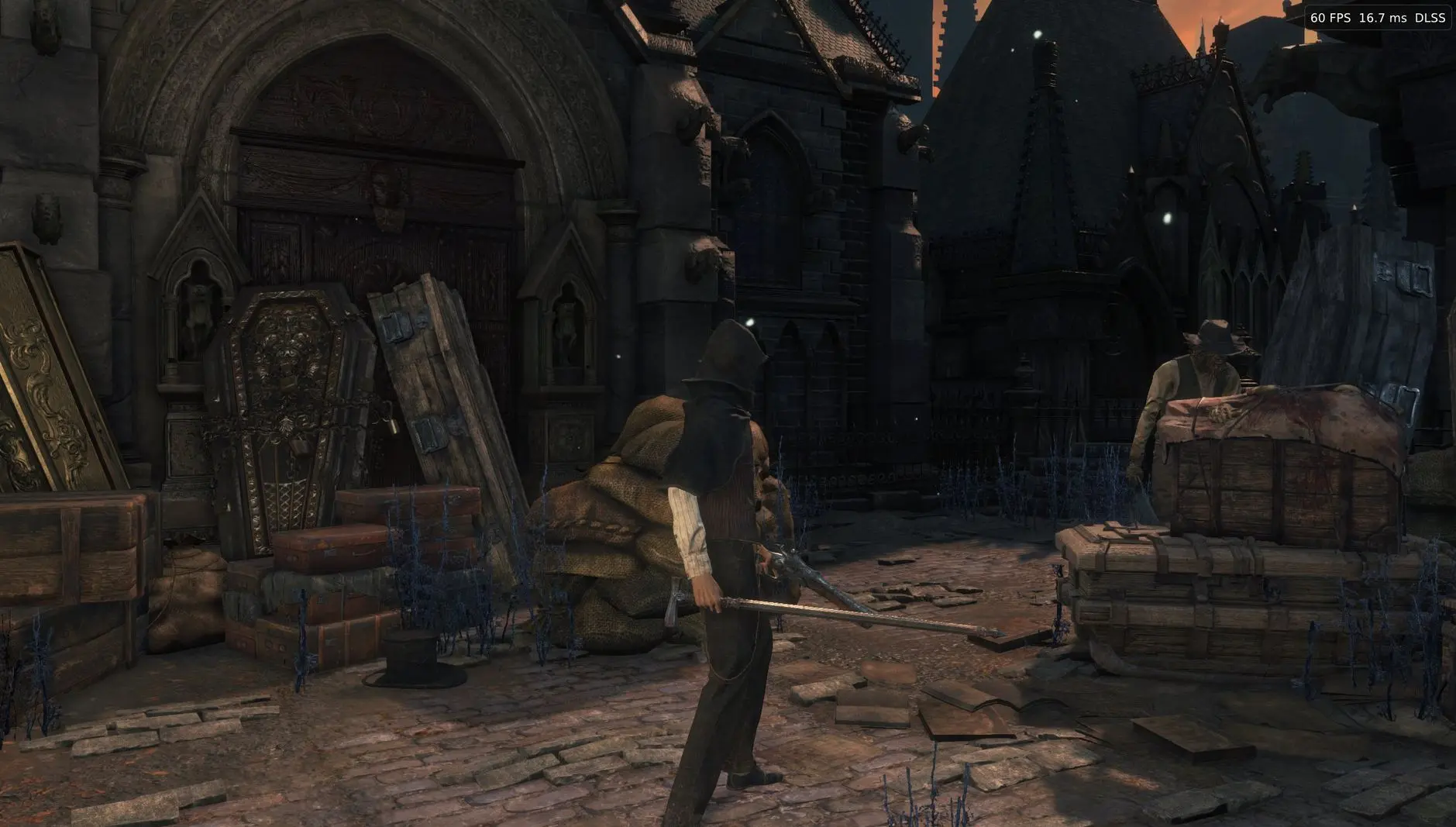
To approach the test figures you need an RTX card and a high-refresh monitor, because with unlimited FPS the game locks to your monitor’s refresh rate. All of this is part of a collective community effort that revived Bloodborne on PC, bringing improvements in shadows, lighting, textures, and controls, with a performance that, thanks to DLSS, surpasses 200 FPS, while FromSoftware and PlayStation remain silent about an official version.
