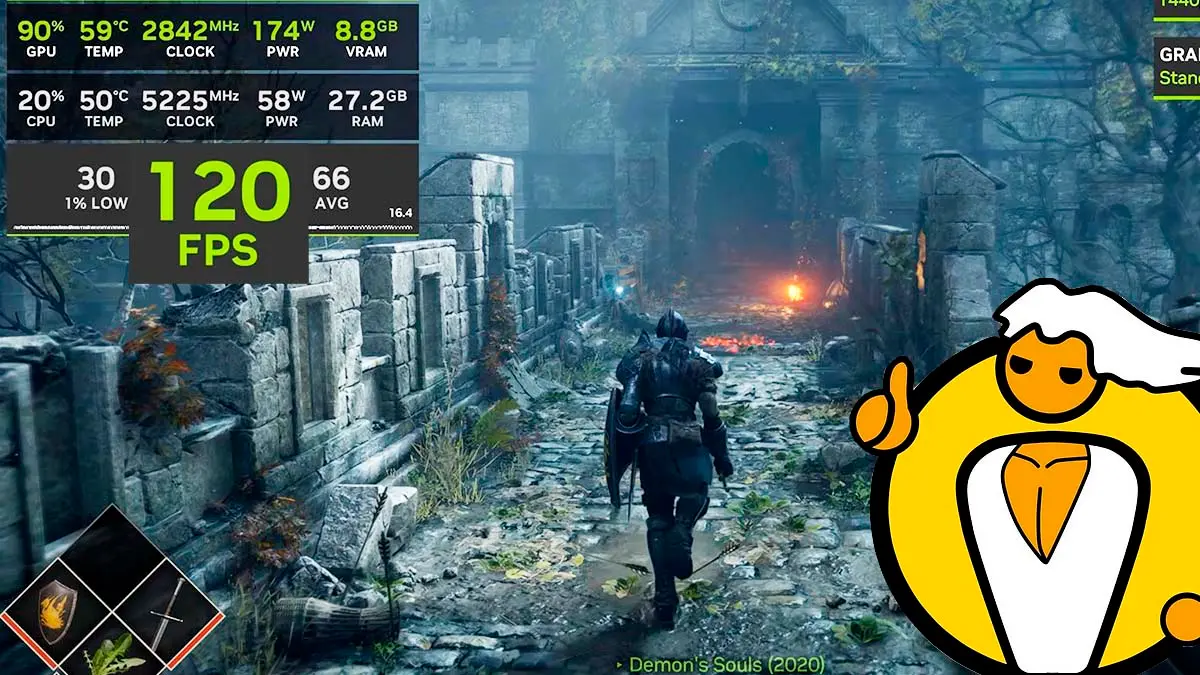
It’s incredible how the gaming community has managed to bring some of the most beloved and demanding console games to PC, and the latest example is that today it’s possible to play Demon’s Souls on PC with up to twice the frame rate of the PS5, reaching around 120 FPS at 1080p and more than 100 FPS at 1440p. All of this is made possible with KytyPS5, a free and open-source PS5 emulator, along with a version tuned specifically for this remake that adds NVIDIA’s Frame Generation.
The Bluepoint Games remake has remained one of PlayStation 5’s exclusive gems since 2020, so seeing it run on a computer is a giant step for PC emulation, especially considering that just a month ago the same emulator moved it to around 10 to 18 FPS, according to TweakTown in September.
The Big Leap of Demon’s Souls to PC
KytyPS5 is a PS5 emulator that translates the console’s instructions so a computer can understand them, and built on top of it are versions focused on a single game. The one making waves is KytyPS5 Demon’s Souls Frame Generation, which adds DLSS Frame Generation, widescreen support for 21:9 and 32:9, an option to change the render resolution, and its own launcher that makes configuring everything easier.
The results were shown in a video by YouTuber Geralt Benchmarks, compiled by PC Gamer, where a rig with an RTX 5070 and a Ryzen 7 9800X3D achieves about 120 FPS at 1080p and easily surpasses 100 FPS at 1440p. Meanwhile, the creator of the version claims that with an RTX 4080, a Core i7-13700K, and a 3440×1440 resolution, it reaches about 117 FPS.
To achieve these figures, DLSS Frame Generation is used, which creates intermediate frames to smooth motion, allowing the 60 FPS cap that the game has on console to be doubled, both in the PS5’s Performance mode at 1440p and on the PS5 Pro where the upscaling—known as PSSR—takes it to 4K while keeping that same 60 FPS ceiling. Without Frame Generation and with the same PS5 configuration, the game occasionally pushes past 70 FPS on that same rig, though the experience isn’t free of glitches, as you still notice tiny stutters due to the heavy load of translating the code in real time.
Why it matters to play Demon’s Souls on PC
Despite these technical details, the achievement is impressive and arrives at a time when consoles, including the PS5, have become more expensive, so more players are seeking alternative ways to enjoy these games on the hardware they already own. For now, though, a powerful PC is required, since PS5 emulation remains quite demanding on the processor.
This phenomenon also sets a precedent about preventing games from being stuck on a single console. By bringing these titles to PC, players can enjoy widescreen without letterboxing, HDR, frame rates higher than the console, and the option to disable effects such as volumetric fog or film grain to gain performance.
All this technical push demonstrates how far community-driven work can go, opening the door for more console exclusives to be playable on PC.
Requisites and how to play Demon’s Souls on PC
To use this version you need Windows 10 or 11, an AVX2-compatible processor and preferably with 8 or more cores, 32 GB of RAM recommended (though it runs with 16 GB), and an NVIDIA RTX card with 12 GB of video memory. Frame Generation only works on RTX 40-series or newer, while AMD and Intel cards have not been tested. Additionally, you must have your own copy of the game extracted from a PS5, since the emulator does not include any game files, and about 83 GB of free disk space.
- Download KytyPS5-DemonsSouls-FrameGen.zip from the project’s release page and unzip it to any folder, ideally on an SSD.
- Double-click launcher.cmd. If Windows shows a warning, click “More information” and then “Run anyway.”
- In Game folder, press Browse and choose the folder that contains the game’s eboot.bin and sce_sys.
- Before playing, press Precompile shaders. The process can take several hours, but it resumes if interrupted and helps prevent stutters and black screens.
- Choose your options and press PLAY. For heavier games, the creator recommends rendering at 1080p with Frame Generation enabled.
- Inside the game, press F1 to view the FPS counter and F2 to enable or disable Frame Generation.
Bloodborne also advances on PC, this time without an emulator
And showcasing the remarkable progress of PlayStation-exclusive titles brought to PC unofficially, just a few days ago we reported that Bloodborne, another FromSoftware classic that spent years tied to PlayStation 4, has seen historic progress achieved by modders this time without an emulator.
It concerns the 1.10 version of the Bloodborne PC Remaster project, a substantial modification that refreshes the game’s visuals with real-time shadows, advanced lighting and improved textures. The standout feature is that it works alongside Bloodborne Launcher version 0.9.3, a tool that lets the game run on Windows without relying on the shadPS4 emulator.
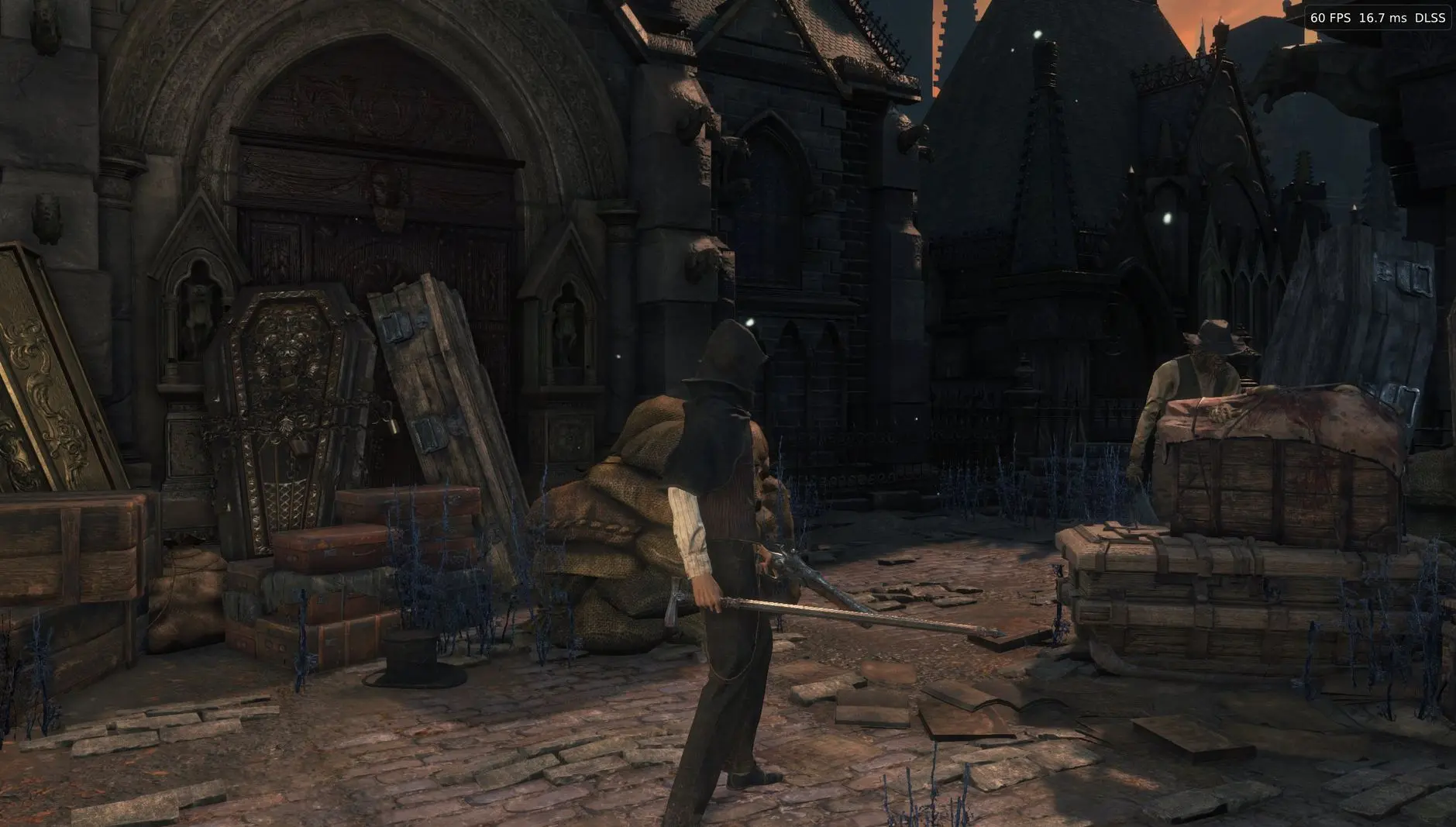
This combination makes the game look like a modern title and reach up to 120 FPS with DLSS support, and in our note about the free Bloodborne port for PC you can find download links and instructions. Between these two projects, it’s hard not to get excited about PC players getting so close to enjoying two of FromSoftware’s most beloved games without needing a PlayStation console.
