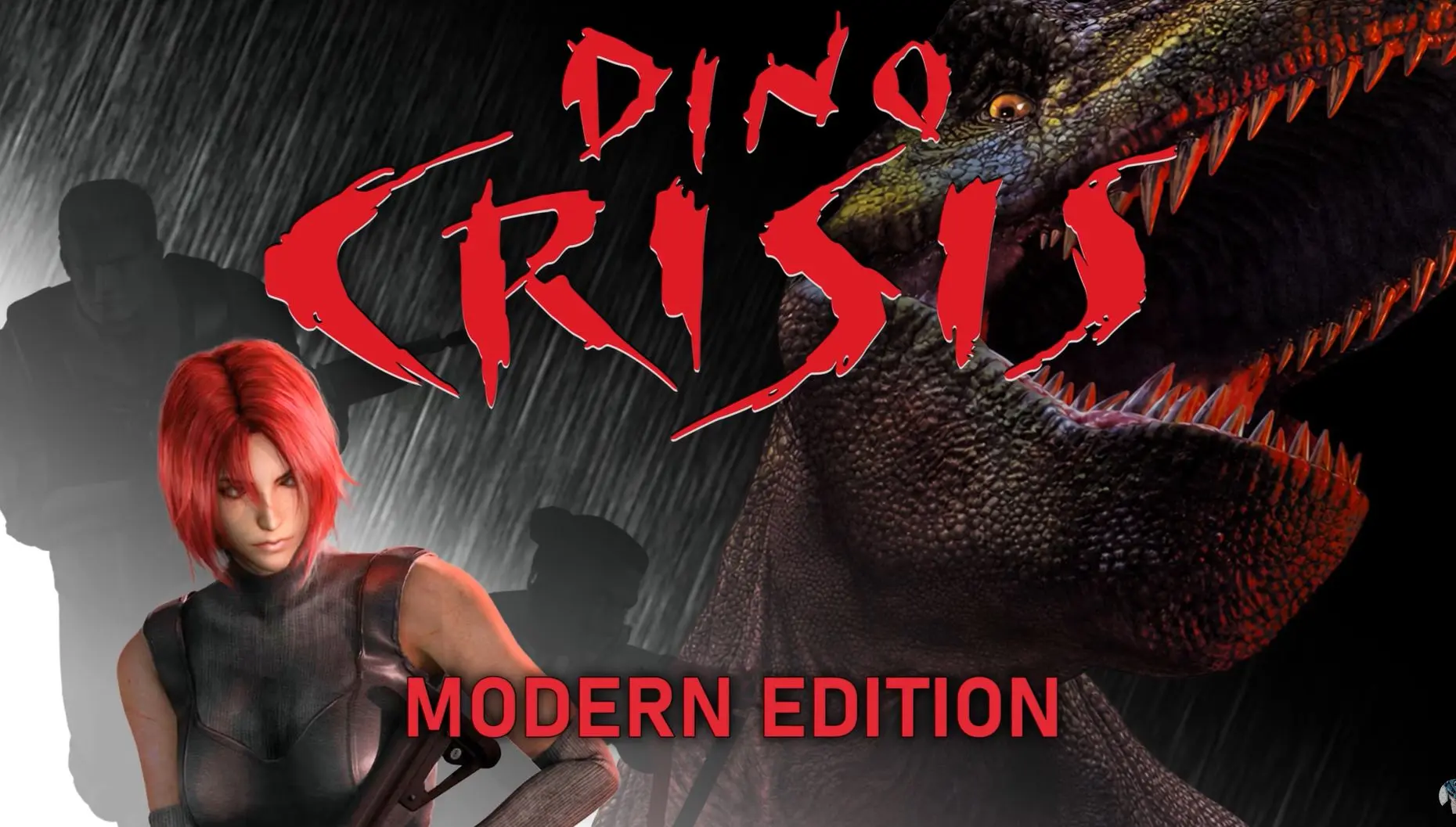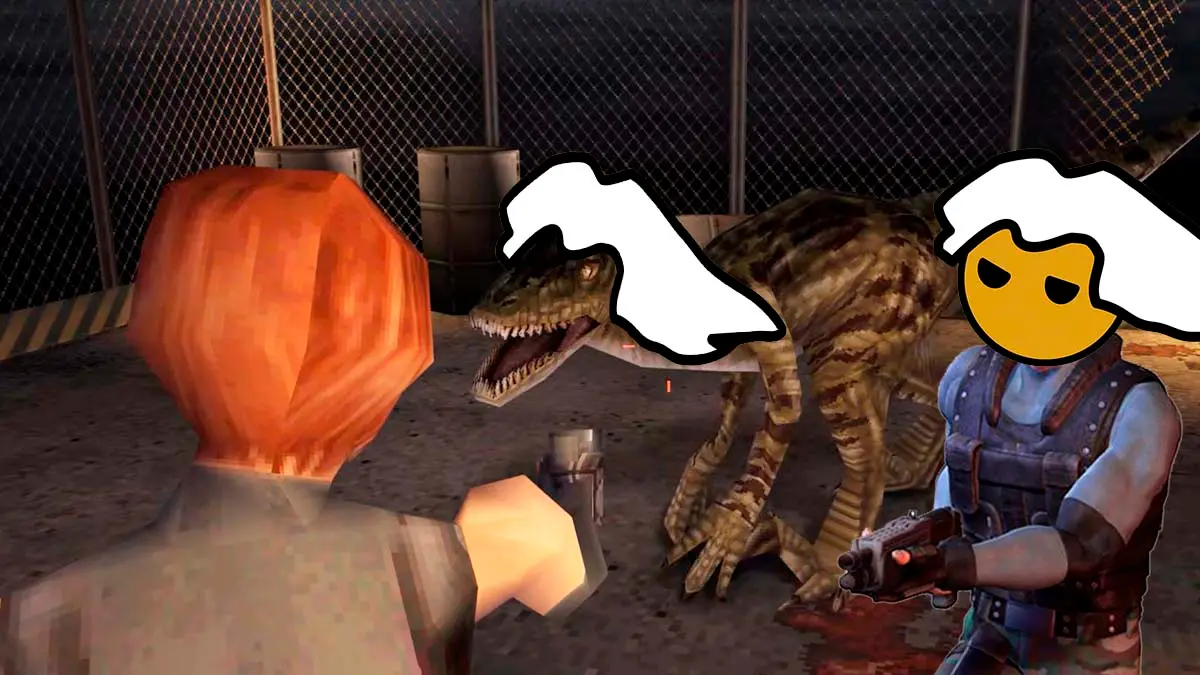
For many years, PC players and fans of survival horror have awaited a new entry or an official return of Dino Crisis, Capcom’s beloved dinosaur saga, which has not had a main game since 2003.
While that comeback has not arrived, a free PC port of the first Dino Crisis was released, called Dino Crisis Modern Edition, which runs without an emulator and replaces the old camera angles with a third-person over-the-shoulder view, adds support for mouse and keyboard, improves the graphics with shadows and other effects, adds facial animations and lip-sync in the characters’ faces, and allows playing on ultrawide screens and up to 4K, among other improvements.
The Arrival of Dino Crisis Modern Edition and All Its New Features
Dino Crisis is a legendary survival horror game released in 1999 for PlayStation and directed by Shinji Mikami, the creator of Resident Evil, in which you take control of Regina, an agent who must face dangerous dinosaurs inside secret facilities, carefully managing your ammunition and medicines while solving puzzles to escape alive.
This new project is a free fan-made modification that, unlike an emulator, takes the code from your own game disc and converts it into a native Windows program, in a process known as recompilation, so the game runs directly on your computer. On that basis, the project redesigns the way you play to adapt it to current standards and to feel modern and smooth.
One of the most significant changes is in the camera, as it leaves behind fixed angles, like those of the early Resident Evil, to offer a third-person, over-the-shoulder perspective, similar to the Resident Evil remakes. Likewise, the character movement and the aiming system have been fully adapted, allowing precise aiming at the dinosaurs with the mouse and keyboard, although it also works with a controller and all buttons can be configured.
In the graphics it adds shadows, ambient occlusion, and anti-aliasing, accompanied by full facial animations and lip-syncing in the scenes, details that did not exist in the original game.
It is also compatible with ultrawide and wide displays in 16:9, 21:9 and 32:9 formats without distorting the image, and allows upscaling the resolution up to 4K and playing at 30, 60 or 120 FPS.
Additionally, the game is ready to install mods created by other players, making it easy to replace characters, environments, sound effects, videos and textures through a dedicated folder and a tool called Dino Crisis ME Studio.
What You Need for Installation and the Steps to Follow
To install it, you must have your own copy of the original game in disk image format, and the compatible versions are the United States 1.1 version, the European versions in English, Spanish and Italian, and the Russian-translated version.
In the European versions, you also have to place next to the disk image the .sbi file, which corresponds to the copy protection of those disks. As for the PC, you need Windows 10 or 11 64-bit and a Vulkan-compatible graphics card. Once you have everything, here are the steps to install.
- Download the DinoCrisisME_Setup.exe installer from the GitHub releases page.
- Open it, select the image of your original disk, choose the folder where you want to install the game and press Install.
- Wait a few minutes while the installer builds the game on your computer, without needing to install anything else.
- Open DinoCrisisME.exe to start playing.
If you are using Windows 11 and the installation stops at the step “Recompiling the game to C”, the most probable cause is that Smart App Control is enabled, a security feature that blocks programs Windows does not recognize, so you will need to disable it in Windows Security, under App & browser control, and rerun the installer.