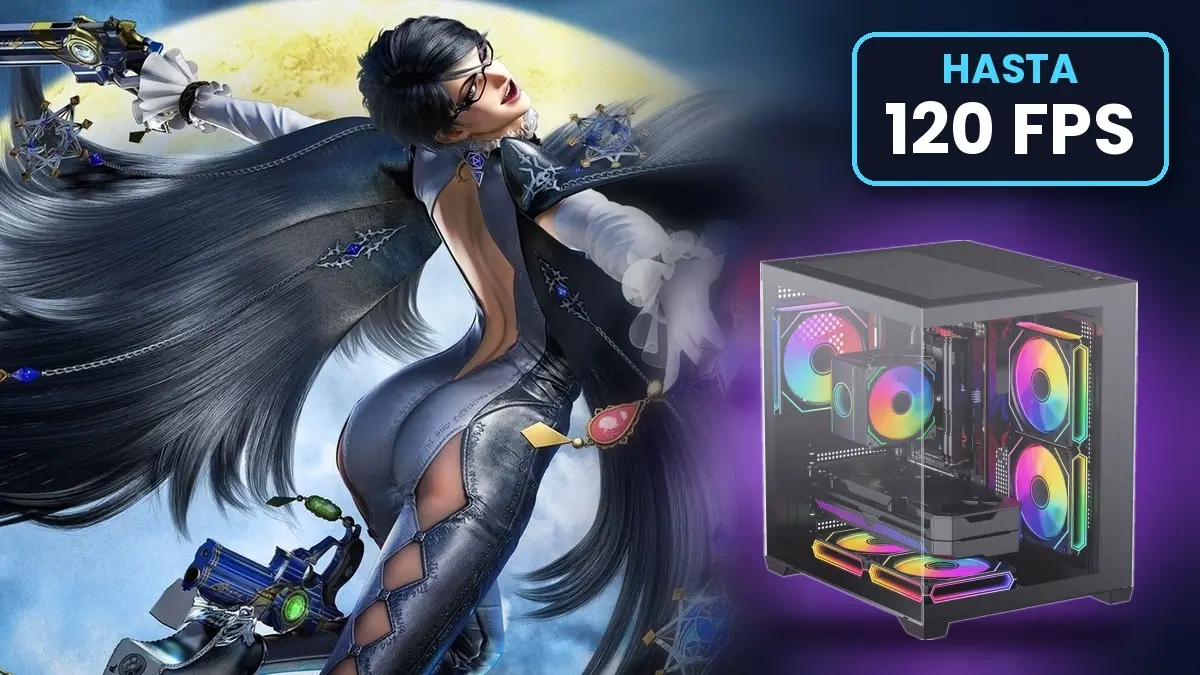
Bayonetta 2, one of Nintendo’s major exclusives, has a PC port that runs natively without an emulator, in 4K, with HDR and with an option for up to 120 FPS, and which can be downloaded for free from GitHub. It is called B2recomp, created by a developer known as K0NL, and its latest release, version 0.2.5, came out on October 19.
The PlatinumGames title released in 2014 on Wii U and in 2018 on Switch, always with Nintendo as publisher, so it never reached PC, unlike the first Bayonetta, which did launch on Steam in 2017. This port takes the Switch version’s code and converts it into a native Windows program, in a process known as recompilation, so the game runs directly on your PC without the need for an emulator.
What the Bayonetta 2 PC port offers
The original game runs at 60 FPS, and the port allows you to push up to 120 FPS in a beta mode, although according to its developer, in tests it reached 119 FPS without altering the rhythm of the combos, the slow cameras or Witch Time, Bayonetta’s ability to slow down enemies. That said, for now some effects and menus may appear faster than usual above 60 FPS.
The resolution can be scaled to 1080p, 1440p or 4K, in fullscreen, borderless or windowed, and on ultrawide displays you can choose between keeping black bars or stretching the image. Additionally, if you have HDR enabled in Windows, the game can look in , something that, according to the developer, costs nothing in terms of performance.
In terms of controls, it includes mouse and keyboard support with a layout similar to the first Bayonetta on PC and all keys configurable, and it works with PlayStation, Xbox, Switch Pro controllers and most others, even simultaneously with the keyboard. With a free mod, the game can also display PlayStation or Xbox buttons instead of Switch ones.
It also accepts Switch version mods, such as textures, models, sounds and code changes, which are activated from within the program. According to the developer on GitHub, artificial intelligence helped decipher how the game’s code works, and the port is based on ssbu-recomp, a recompilation project for Super Smash Bros. Ultimate.
What it still lacks
Keep in mind that the project is still in development, because so far only the prologue and part of the first chapter have been played without unexpected closures, while the following chapters are still being tested and may have bugs. Additionally, the first time you reach a new area the game may stutter briefly as it prepares its graphics, though that happens only once.
Players have tested it on AMD graphics cards from the RX 560 up to the RX 9070 XT, although on the RX 400 and RX 500 series the Windows driver lacks some functions used by the port, which leads to more stuttering at the start. There is also a Linux version, which is currently in testing.
Requirements and how to install the Bayonetta 2 port
To play it you need Windows 10 or 11, a graphics card compatible with Vulkan 1.3 and about 1.5 GB of free space for the installer. The port does not include any game files, so you need your own Switch copy of Bayonetta 2, updated to version 1.2 and extracted from your own console, with which the program builds the game on your PC. Once you have it, here are the steps to install it.
- Leave your game copy in a fixed folder, with the exefs and romfs folders, because the port will read it every time you play.
- Download the B2recomp-builder file from the GitHub releases page and unzip it into its own folder.
- Open B2recomp.exe, press Browse, select your game’s folder and then press Build, a process that takes about 5 minutes on a fast PC.
- When it finishes, the configuration menu will open, where it’s advisable to use a Resolution scale of 1.5 for 1080p, 2.0 for 1440p or 3.0 for 4K, and to choose between 60 and 120 in Frame rate.
- Connect your controller before playing, or use the mouse and keyboard, which work at the same time.
- Press Play, and note that the first time the game takes about 10 seconds longer to launch.
For subsequent launches you only need to open B2recomp.exe and press Play, without moving the folder containing your game copy.