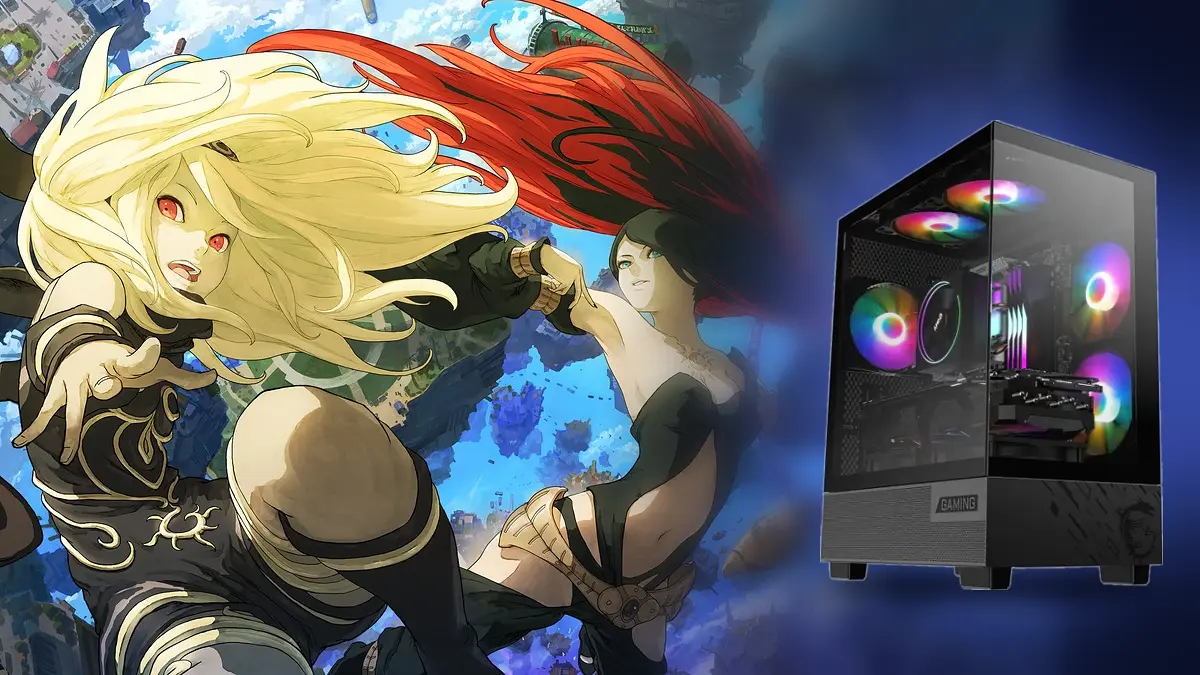
Gravity Rush Remastered, one of PlayStation’s cult exclusives, has a PC port that runs natively without an emulator, at resolutions of up to 4K and with NVIDIA DLSS, and can be downloaded for free from GitHub. The project is called gravityrush_pc, developed by Luca Pazienza, and its latest release, version 0.1.7, came out on October 21, just four days after its first test version.
The game originally released on PS Vita in 2012 and later arrived on PS4 in a remastered edition, but it never had a PC version, and a formal launch seems unlikely because Japan Studio, the PlayStation studio that created it, closed in 2021. This port uses the PS4 original code, which runs directly on the computer’s processor, and translates its visuals to Vulkan based on the shadPS4 emulator, the same foundation used for Bloodborne and MediEvil ports.
What the Gravity Rush PC Port Has to Offer
Visually, the port allows you to ramp up the resolution up to 4K, improves shadows with a higher-quality version, and adds anisotropic filtering. It also brings DLSS for NVIDIA RTX cards and FSR 3.1 for the rest, with modes ranging from DLAA to Performance, so even modest machines can achieve smoother performance.
In terms of controls, it works with mouse and keyboard and with any gamepad, but what stands out is that it preserves the DualSense’s special features. The gyroscope is used to move the gravity-shift camera just like on PS4, with adjustable sensitivity, and the touchpad also works, while with a mouse you can press and drag to mimic swipes.
It also includes a launcher in five languages, Spanish included, with options for video, controls, and automatic updates, as well as an in-game menu that opens with the Insert key or with R3 and L2 to adjust the image and view the FPS. Save games are stored normally, both manually and automatically, and the program creates a backup before each launch.
What It Still Lacks
That said, the project is in an early stage, because so far only the start, the first episode, and the city of Hekseville have been tested, so more issues could appear later. Its developer has not tested long sessions or other hardware beyond his PC, equipped with an RTX 5070 Ti, and among the next steps are to complete the story, add trophies, and improve performance.
Requirements and How to Install the Gravity Rush Port
To play it you need 64-bit Windows 10 or 11, a graphics card that supports Vulkan 1.3, and your own Gravity Rush Remastered PS4 copy, placed in a folder with the game’s files, because the port does not include any. It was tested with the European version 1.00, and the resolution and shadow improvements only work on that version. Once you have everything, these are the steps to install it.
- Download the Windows zip file from the GitHub releases page and unzip it into your own folder.
- Open Gravity Rush Launcher.exe and, if Windows warns that the program is not signed, click More information and then Run anyway.
- On the Game page, choose the folder where your copy of the game is located and press Play.
- From the Video page, adjust the resolution, shadow quality, and the DLSS or FSR mode according to your computer.
- On subsequent runs you can directly open Gravity Rush.exe, which starts the game with the saved settings.
Each time a new version is released, the launcher will notify you upon opening and will install it if you accept, without losing your saves or your configuration.