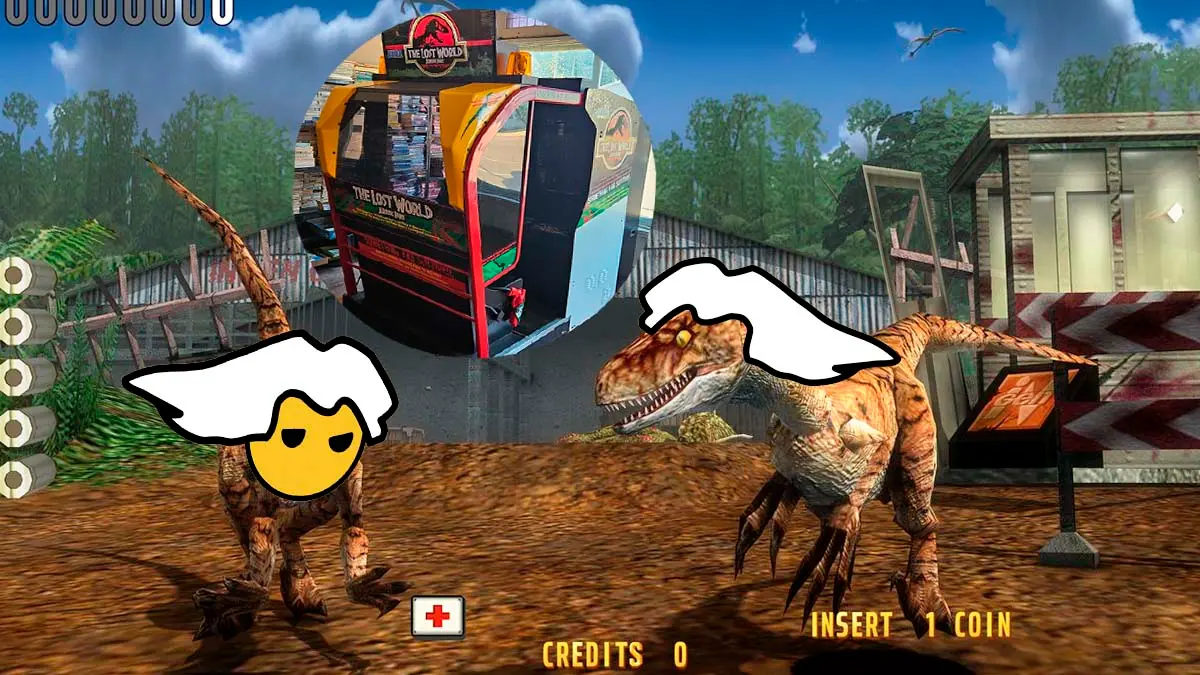
Arcade enthusiasts have great news, because The Lost World Jurassic Park, the classic rail shooter that SEGA released in 1997 on arcade machines, has arrived on PC with an unofficial port that runs without an emulator, reviving the experience that captivated thousands of players in arcade halls at the end of the nineties.
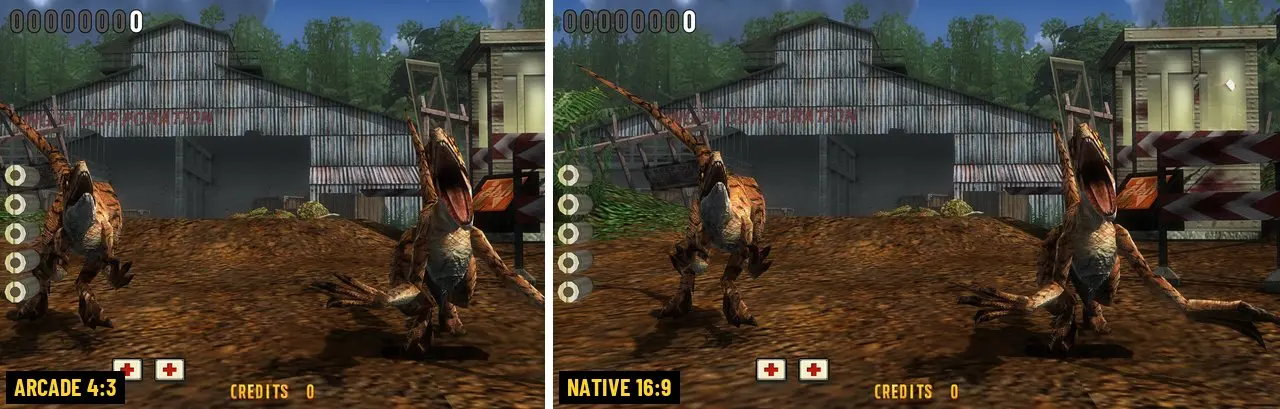
This Jurassic Park port isn’t limited to copying the original game, but leverages current graphics cards to add sun shadows with ray tracing, a new weather system with rain and lightning, true widescreen without distorting the image and smooth motion at 144 Hz or more, in addition to new survival modes and boss battles, achievements, and the possibility to play with mouse, controllers, or even light guns.
What the Jurassic Park port brings
The project was published on October 26 on GitHub by user snicolast, and unlike an emulator, the original arcade code was recompiled to C++, with a modern Vulkan-based graphics engine, which allows the game to run as a native PC program and to incorporate enhancements that the original hardware never had.
The developer detailed on his page all the technical improvements and novelties, which are these.
- Real widescreen in 16:9 or 21:9, without stretching the image and in any resolution.
- Sun shadows with ray tracing, ambient occlusion, distant fog, and bloom effects.
- New weather, with dense rain, wet ground, and lightning during the T-Rex storm.
- Modern flashlight to illuminate night-time scenes.
- Sharper image with MSAA or NVIDIA DLAA, plus high-definition texts, user interface, and texture packs.
- Fluid movement at 120 Hz, 144 Hz or higher.
- Original arcade sound, with modes for surround sound and headphones.
- Support for mouse, gyro-enabled controllers, or two mice for two-player play.
- Compatibility with light guns that Windows recognizes as mice, such as Sinden or Gun4IR.
- New game modes, such as Boss Fight and Survival, with stats and achievements.
What you need to play it
Before installing it, keep in mind that this is not a ready-to-run file, but the game is assembled on your own computer through an automatic process, and for that you need the following.
- 64-bit Windows 10 or 11.
- A Vulkan-compatible graphics card, something that most NVIDIA, AMD and Intel GPUs from recent years have.
- Python 3 and the Visual Studio 2022 Build Tools, which are free and we explain how to install them below.
- Your own copy of the original game, since due to copyright the download does not include any arcade files, and you must provide the lostwsga.zip file, from the Japanese Rev. A version (Sega Model 3 Step 1.5), because other versions do not work.
How to install the Jurassic Park port step by step
- Install Python 3 from python.org, click the yellow download button, and when the installer opens, check the box “Add python.exe to PATH” that appears at the bottom before pressing Install Now, because if you don’t do it the build process will not work.
- Download the Visual Studio 2022 Build Tools from the Microsoft download page, scrolling down to the Tools section and choosing Build Tools for Visual Studio 2022.
- Choose only the necessary components when the installer opens, to avoid downloading more than 6 GB, going to the Individual components tab and selecting MSVC v143 – VS 2022 C++ x64/x86 build tools (latest), C++ CMake tools for Windows, and a Windows 11 SDK, which also works on Windows 10, then press Install and wait for it to finish.
- Download the project from GitHub, by clicking the green Code button and then Download ZIP, and extract the file to an easy-to-find folder, for example LostWorld inside a Games folder.
- Copy your lostwsga.zip file into that folder, right next to the build.bat file, without extracting it.
- Double-click build.bat and leave the window open, because the program will automatically assemble the game in a few minutes, and the first time it will also download the control components and NVIDIA’s DLAA.
- Open LostWorld.exe to play, and from the Options menu you can change the resolution, the widescreen, the graphics and the controls.
Controls
With a mouse you aim by moving it, shoot with the left click, reload with the right click, insert a coin with the 5 key and start with the 1 key, while with a controller you aim with the sticks or the gyro, shoot with R2 or R1, reload with L2 or L1 and start with Start.
If you have a light gun, in Options > Game > Free play you can enable Free Play to begin and continue without coins, and with F11 or Alt plus Enter you switch to fullscreen.
The arrival of another arcade classic on PC
Speaking of arcade classics brought to PC, a few weeks ago we told you that the legendary racing game Daytona USA arrived on computers more than three decades after its debut, thanks to an amateur programmer who translated all its old code into a modern language, so it runs natively without the need for emulators.
As we explained in this post, where we left the download link, that port revives the golden years of arcade rooms, when people gathered around giant cabinets with steering wheels and pedals, and its developer continues to work on updates to improve graphical quality and even bring it to portable consoles.
