
Players who for years have followed Nintendo’s fighting games now have a new way to play online, because Brawl Online is a free app designed to play Project+, the mod of Super Smash Bros. Brawl, over the internet with rollback netcode, and which, according to the project itself, also allows playing with rollback any Wii game in a room with friends, always with your own copy of the game.
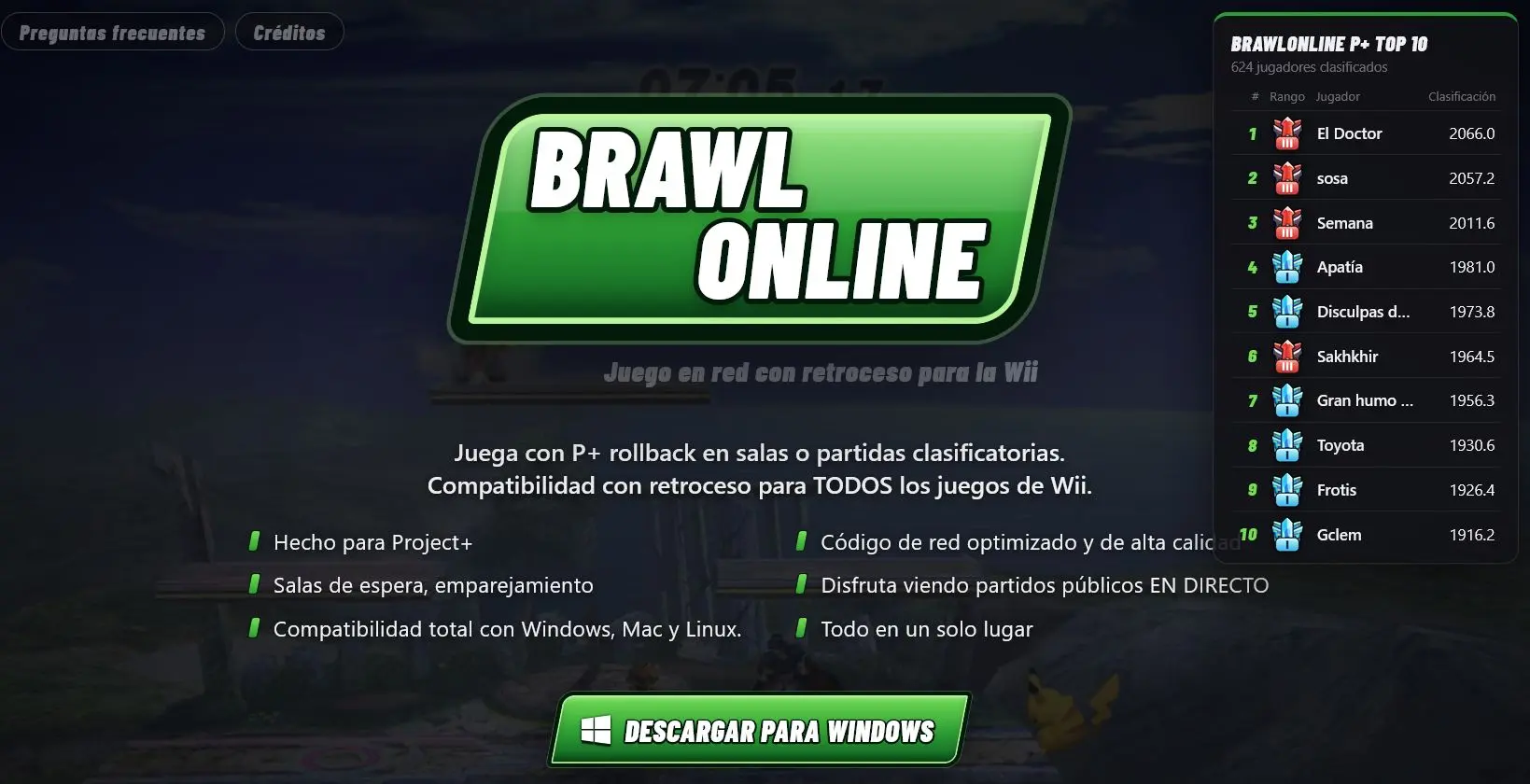
This Windows, macOS and Linux application uses rollback netcode, a technique that predicts the opponent’s moves so matches feel smoother even if there is latency, and that corrects the move if the prediction fails, something that reduces the lag but does not eliminate it, since it still depends on both players’ connections. Among its features are rooms with friends, matchmaking, 1v1 ranked matches with Elo points, spectator mode to watch real-time public matches, and saving a replay of every online match.
What is Super Smash Bros. Brawl and the functions of its community
In case you don’t know it, Super Smash Bros. Brawl is the platform fighting game that Nintendo released for the Wii in 2008 with the most iconic characters from its franchises and from other companies, and it served as the base for the community to create Project+, an adaptation that aims to give the game the physics and pacing of Super Smash Bros. Melee.
With Brawl Online, Project+ and, according to the project itself, any Wii game or Brawl mod can be played online with rollback in a room with friends, giving the community a modern alternative for online play.
The initiative began as a fork of Brawlback, a project that seeks to bring to Brawl and its mods the Slippi-style features, with the goal of providing full support for Project+, and later evolved into what the project calls machine-wide rollback for any Wii game. To achieve this, it relies on community tools such as the Dolphin emulator and the Slippi Launcher, so it isn’t a solution without an emulator, and it brings everything into a single program.
Additionally, there are options for different types of players, from those looking for casual matches in friend rooms to those who prefer competition, with a Ranked 1v1 mode scored using the Elo system and a leaderboard of the top 10 players on the project’s page.
What is Super Smash Bros. Brawl and the functions of its community
To play you need your own Brawl ISO image for Project+ and your own copy of any other game you want to use, as the app does not include any games, and according to the project the application leaves everything set up, so the preparation is brief.
Installation and setup instructions
- Visit brawlonline.net and download the version for your system, which could be the Windows installer, the macOS .dmg file, or the Linux AppImage.
- Install it and open it, and the application will take care of getting everything ready.
- Have your own Brawl ISO for Project+ ready and, if you want to play another title, your own copy of that game.
- Choose how you want to play among friend rooms, 1v1 ranked matches, or the Other Games section for other Wii titles.
- Open Spectate if you prefer watching the public matches that are live.
With all of this, Brawl Online offers rooms, Elo-rated ranked matches, spectators, and replays for Project+ and, according to the project, for any Wii game, and it only requires your own ISO and the installation of the program.
