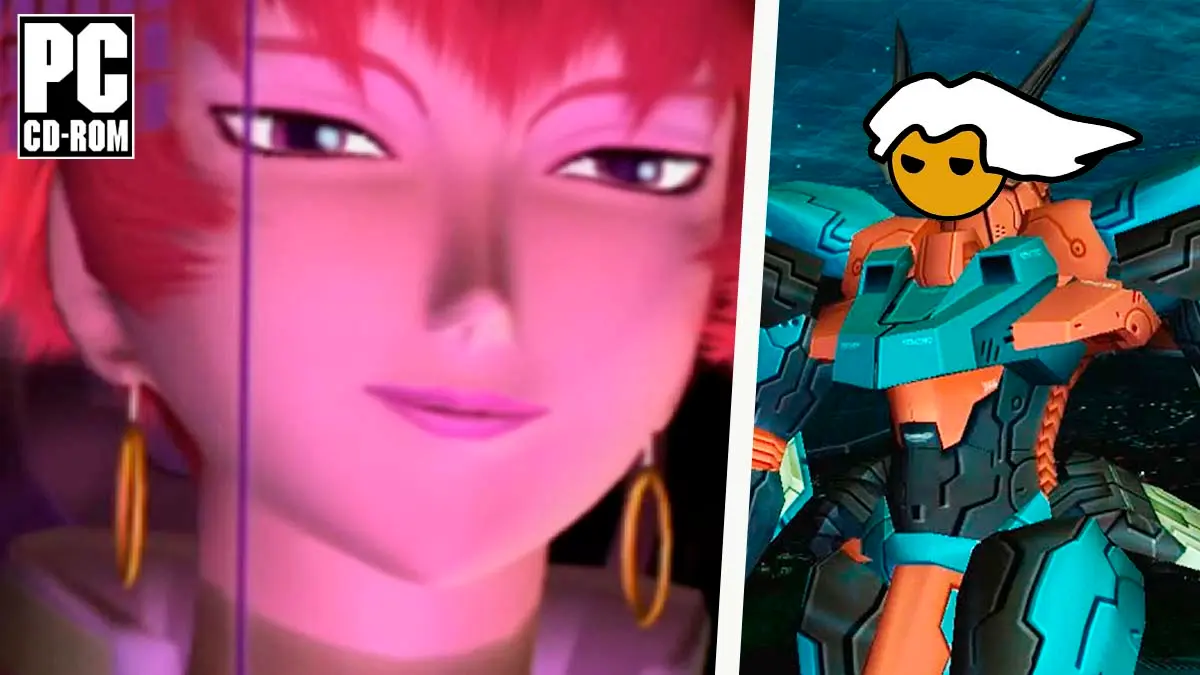
Preserving the classic titles that defined their era on consoles has long been a substantial technical challenge for computing enthusiasts, since the usual way to enjoy them on PC—such as Zone of the Enders—has relied on emulators that typically demand a lot of processing power and can suffer from slowdowns or compatibility issues.
But now, amid the wave of unofficial PC ports created by the gaming community, a native PC adaptation of Zone of the Enders arrived, called ZOE-Recompiled, independently developed by programmer Yz. It enables players to experience this robot classic on Windows systems with stable 60 FPS, up to three times the internal resolution of the PlayStation 2, and without resorting to a traditional emulator.
What is the original Zone of the Enders release and the set of improvements offered by this native port
If you’re not familiar with it, the first Zone of the Enders is a third-person action and giant-robot combat game released by Konami for the PlayStation 2 in 2001, directed by Noriaki Okamura and produced by Hideo Kojima, where players control the Jehuty robot to take on enemy forces in space colonies through high-speed battles.
Recently, the independent developer Yz (Yaz-Myst) released version 1.0.0 of ZOE-Recompiled, an open-source project that statically recompiles the game’s original code, meaning it translates it in advance into a program that runs directly on Windows, and it does not include any game files, so you must provide your own copy.
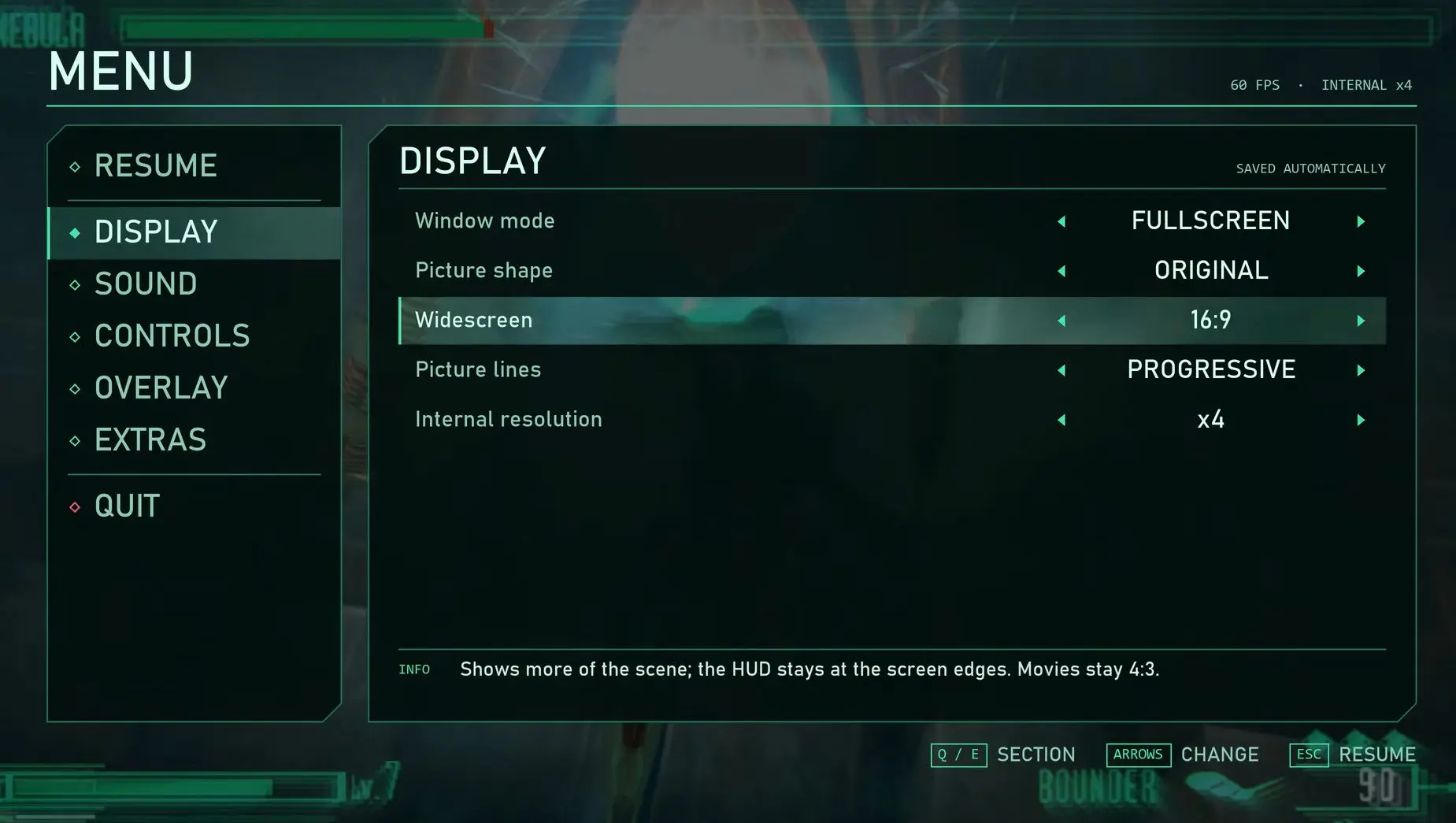
Regarding the technical features of this Zone of the Enders port, the highlights are stable 60 FPS, the ability to reach up to three times the original PS2 internal resolution, support for 16:9 widescreen, and progressive output.
Additionally, the port includes save states with multiple save slots alongside the game’s own memory-card saves, compatibility with controllers such as DualShock 4, DualSense, Xbox, and Switch Pro with vibration, the option to play with a keyboard, a two-player Versus mode that can be unlocked without finishing the game, and the ability to complete the game from the intro to the final area, including scenes and videos with sound.
Installation Guide, Controls, Keyboard Shortcuts, and Current Status of Issues Being Fixed
Installation guide, controls, keyboard shortcuts, and known issues
If you want to try this Zone of the Enders port, here are the steps to download and install it on your PC, keeping in mind that you must use your own ISO image copy of the game.
- Visit the ZOE-Recompiled Releases section on GitHub and download the 64-bit Windows ZIP for version 1.0.0.
- Extract the archive to a folder on your hard drive, avoiding placing it inside Program Files.
- Double-click the executable ZOE-Recompiled.exe.
- On the start screen, click BROWSE and select your own US version ISO image (SLUS-20148).
- Wait for the program to verify the image and copy the few files it needs, something it does on the first run and then remembers.
- Click START to begin the game, or SETTINGS if you want to adjust the image, controls, or audio.
On the other hand, these are the system requirements and the fix for common issues.
- Have 64-bit Windows 10 or 11.
- Have a graphics card compatible with OpenGL 3.3, something the author says is met by any card from the last ten years.
- Have the original US version ISO image of the game (SLUS-20148).
- If Windows reports a missing MSVCP140.dll file, install the 64-bit Visual C++ Redistributable.
For the smoothest experience, it’s recommended to use a gamepad connected to the PC, since this version is prepared and tested for controller play, while the keyboard is not yet fine-tuned and the options menu and the main screen do not fully align with the controller yet. In those areas, you should use the keyboard, with Q and E to switch sections, the arrows to move, Enter to select, and Esc to close. In-game, F5 saves a state, F8 loads it, and F6/F7 switch save slots.
Although finishing the game from start to finish is possible, version 1.0.0 still has a few outstanding details, including an infrequent lock when loading the warehouse before the second Neith fight, a freeze reported once after the lengthy elevator scene, and minor HUD glitches in some cockpit view elements.
For the warehouse load issue, the author recommends reloading the saved game, and since the project is free and distributed under the GPL-3.0 license, he noted that his next steps are to add controller support in the menus and address the lingering freezes, while bugs can be reported in the repository’s Issues section.
