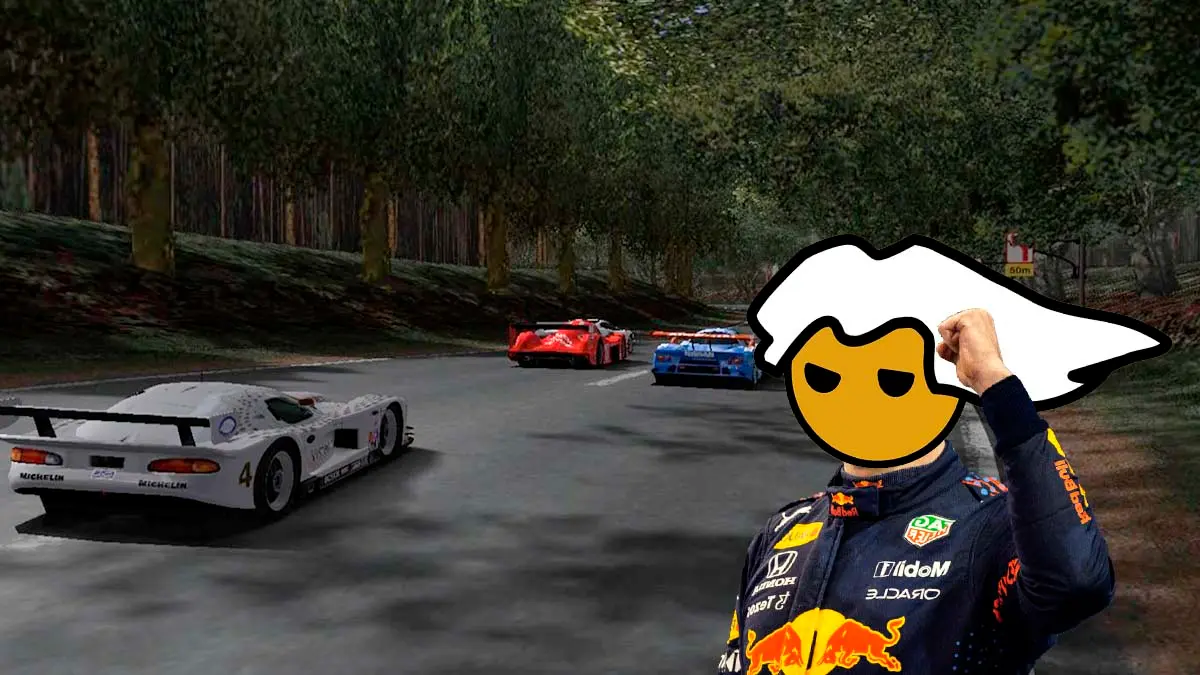
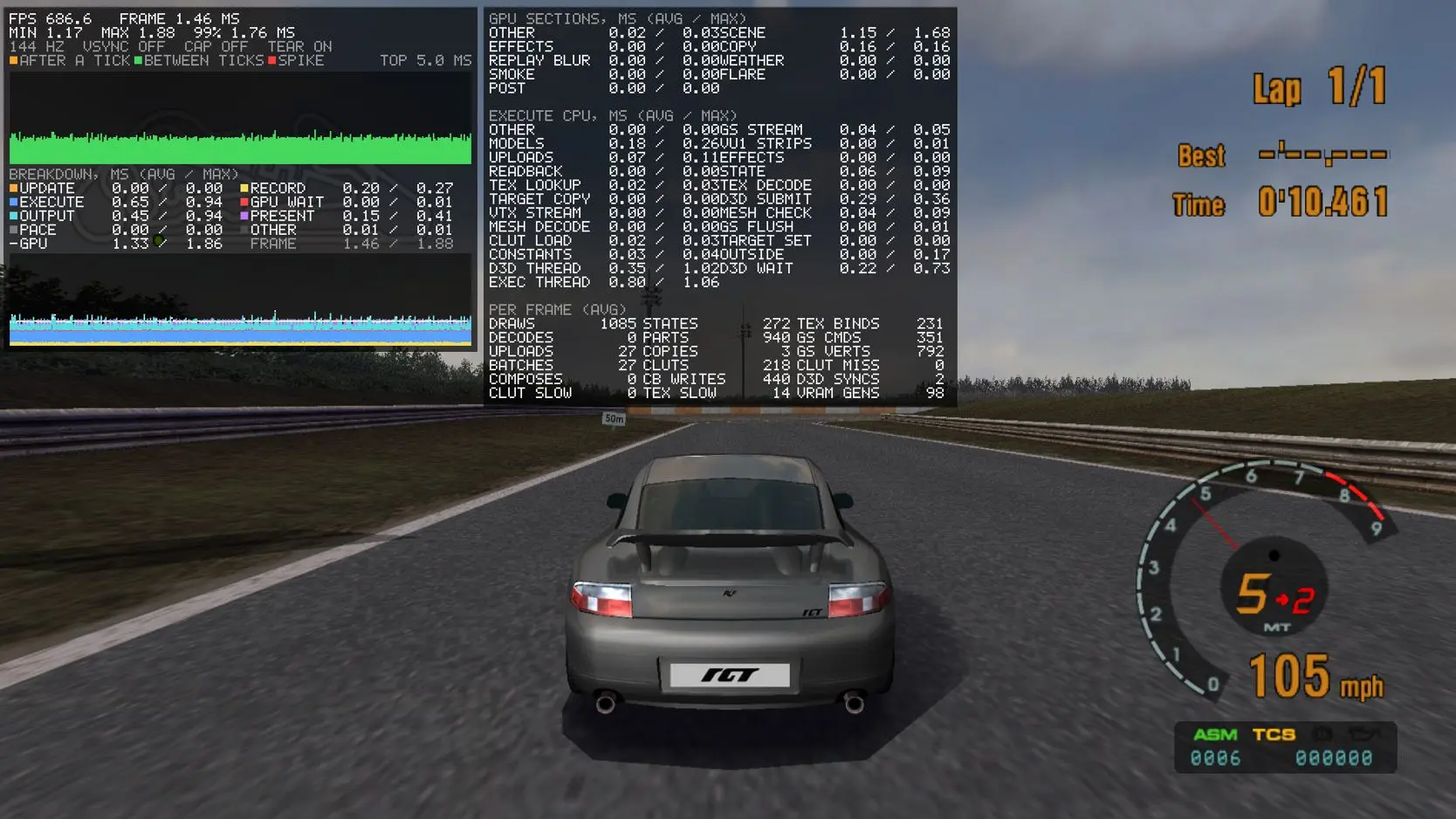
Now you can download for free the PC port of Gran Turismo 3, an unofficial adaptation of one of the greatest racing games in PlayStation 2 history, which runs natively on Windows without an emulator. The project is called GT3 PC Enhanced, published by the developer Silentwarior112 on GitHub, and it promises perfect parity with the PS2 original, but with supersampling up to 400%, races featuring up to 32 cars on track, and frame rates that far exceed the console’s 60 FPS, reaching over 680 FPS with no cap, as shown by the port’s own screenshots.
All of this is possible because the game was decompiled, meaning its code was reconstructed by hand and then adapted to Windows, so it does not run inside an emulator but directly on your computer. According to its creator, the result reproduces the original graphics with greater accuracy and sharpness than any emulator, takes advantage of multiple CPU cores to sustain very high and stable frame rates, and adds split-screen for two players, multi-monitor support, and a settings menu that you can open mid-race.
Graphics options of the Gran Turismo 3 PC port
The port allows resizing the window at any moment, and both the camera and the on-screen indicators automatically adjust. Everything is managed from an integrated menu that opens during gameplay with the F2 key or with the center button on your controller, from where you can instantly switch the image, the sound, the controls, or the horizontal, vertical, or multi-monitor split-screen formats where each player’s image appears on a different monitor. The game can run in windowed mode, borderless window, or exclusive fullscreen.
In the visuals department, the Gran Turismo 3 PC port offers a wide array of settings to push your graphics card. You can apply a supersampling of between 10% and 400% over the window size, choose among edge smoothing options FXAA, MSAA, or AGSS, and enable up to 16x anisotropic filtering so the asphalt looks sharp even at long distances. In addition, you can always force the maximum level of detail, adjust the quality and resolution of reflections on the road and on the cars, add depth-of-field blur in replays, and use in-race wheel and tire models from the showroom.
You also have full control over how far horizon elements are drawn, the field of view, and the rear-view mirrors. You can enable a cockpit view, create your own cameras for all cars or for each one individually, and use a free camera with the F7 key to move around any nook, both during a race and in the menus.
To drive in the most comfortable way, the port is compatible with keyboard and mouse, traditional controllers, and racing wheels, including pedals with a clutch and H-pattern shifters, with optional modes for realistic gear changes and realistic rev-limiter. You can also rebind each button, calibrate dead zones, and choose whether to use the wheel or the controller when both are connected.
If you want to give your matches a distinct vibe, the PC port includes extra options to tweak its rules. You can race with up to 32 cars on track, compared to the original’s six, although only the top six places count as results and everything behind is treated as sixth. You can also start with 15,000, 18,000 credits or any amount you choose, customize the position and colors of the indicators, race on random circuits, and receive prize cars at random, including prototype cars from the developers that were never used in the game. Additionally, you can buy vehicles that are normally not for sale, visit the tire shop with any model, store unlimited cars in your garage, and adjust grip, power, tire wear, and track surface properties.
As if that weren’t enough, three new challenge modes were added to test your skill and your management. In Money Decay you lose more and more money each day, in Car Decay your cars weaken day by day and you must find the optimal route to win all the races, and in Course Shrinkage the circuits get smaller with each new day.
Launcher prepared for modifications and customizable music
The launcher for the Gran Turismo 3 PC port was designed for the creative community, featuring straightforward management tools for handling mods, texture packs, and save files. It includes a system to replace textures that activates with the F10 key and allows extracting the originals for editing, as well as support for swapping the game’s videos for MP4 files, installing new fonts in TTF and OTF formats, and editing the game data, which automatically converts to SQLite databases.
In terms of audio, you can add your own music in MP3 and WAV formats to listen to while driving, skip to the next track mid-race with the M key or the Select button on your controller, and use a feature that automatically converts the old ADS sound files to WAV. For audio you can also choose between two outputs, one with ultra-low latency and another standard Windows output. Additionally, the port includes a plugin system that lets other enthusiasts create their own versions of the game with changes to the engine, without altering or harming the base installation.
Available languages, local connection and step-by-step installation
Both the launcher and the game’s settings menu are available in nine languages, including Spanish, along with English, French, German, Italian, Japanese, Russian, Portuguese, and Polish. However, its creators warn that English is the base language and the rest of the translations were done automatically, so some phrases may sound odd. The language of the game itself depends on the regional version of your disc, because each edition only includes the languages that were originally supported.
On the other hand, the port preserves the original local link between consoles, but the creator clarified that online play will not be added. As with all such projects, the download does not include any game files, nor cars or tracks, so you need your own copy of the Gran Turismo 3 disc to play.
How to install the Gran Turismo 3 PC port
- Download the compiled, ready-to-use package from the project’s GitHub page. If you know programming, you can also compile it yourself using the build.cmd file.
- Open the launcher and extract the files from your copy of any of the three main versions of the game, or run it directly from your disc image.
- Press F2 to open the settings menu, configure the graphical quality, sound, and your controls with keyboard, mouse, controller, or steering wheel, and head out onto the track.
With the Gran Turismo 3 PC port, the PS2 classic gets a new lease on life, with visual enhancements, modern fluidity, and total freedom to enjoy it today like never before. And if you enjoy these projects, you can also download the free PC port of Star Wars Rogue Leader, another classic that runs without an emulator, or check the Steam page for PC ports, which gathers more than 1,150 games.
