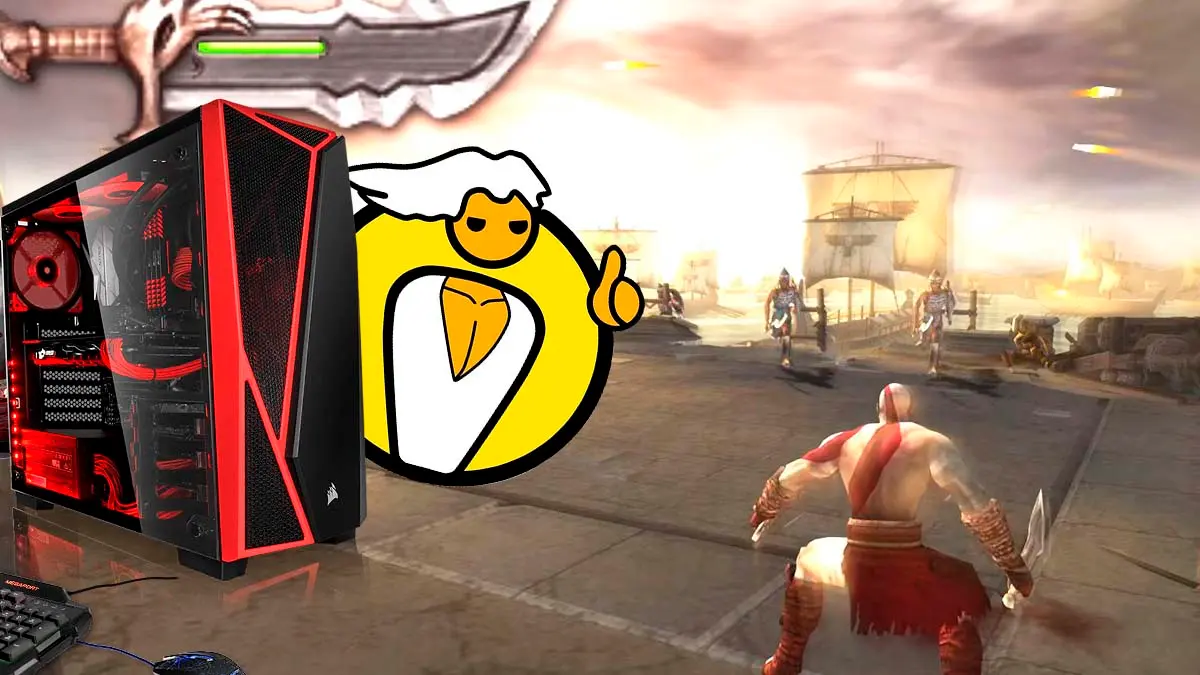
Following the wave of exclusive console games arriving on PC in the form of unofficial ports, fans of the legendary action saga God of War can finally enjoy God of War Chains of Olympus and God of War Ghost of Sparta on PC, which feature native Windows ports thanks to the static recompilation work of programmer DrummingBird1.
The project enables God of War Chains of Olympus and Ghost of Sparta to run directly on the computer without needing to rely on an emulator like PPSSPP during gameplay, resulting in performance and visual quality vastly superior to what the PSP offered, the PlayStation portable console, by taking advantage of current hardware with resolutions up to 4K and very high frame rates, and using legally owned copies in ISO or CHD format so that players can enjoy a much smoother experience on their systems.
Visual Enhancements, Control Options, and Project Development Status
In case you weren’t aware, God of War Chains of Olympus, released in 2008, is a prequel that places Kratos in his years of service to the gods of Olympus, where the warrior must embark on a desperate mission to stop the darkness threatening the world after the kidnapping of Helios, the sun god.
Meanwhile, God of War Ghost of Sparta, released in 2010, delves into the origins of the Ghost of Sparta, guiding us through an adventure filled with violence and revelations about his family and the whereabouts of his brother Deimos, on a journey where Kratos once again challenges the gods of the Greek pantheon; both games were remastered for PS3 in 2011 but never officially released on PC.
The project, known as gow-psp-recomp, takes God of War Chains of Olympus and its sequel to another level with a vast array of technical enhancements, notably 4K and higher resolutions, support for ultrawide 21:9 displays, HDR10 for much more vibrant colors, MSAA antialiasing to smooth edges, and the ability to play at 60, 120 or up to 144 FPS, or even more depending on the power of the machine, without the game speeding up.
Additionally, the launcher allows choosing between DirectX 12 and Vulkan, adding each game to Steam or to the desktop with its own icon and using texture packs, while in the gameplay section it offers compatibility with controllers and keyboard, with buttons remappable from the launcher itself, ensuring the saved games, cutscenes, and original sound continue to function correctly.
What’s New and the Guide to Installing the Games on Your PC
The 1.2.1 release, published on October 23, fixed the crashes of God of War Chains of Olympus when using MSAA in Vulkan and the choppy music at 120 FPS or higher, in addition to removing personal data from error reports, though it should be noted that the project is in a preliminary phase.
This means that, although all stages of both games load and run, no one has completed either game from start to finish yet, so there could still be errors in the final sections, boss battles, or the endings.
To play both games on your PC, you only need to follow these steps using the official launcher.
- Visit the project’s download page on GitHub and download the file GoW_PSP_Launcher-v1.2.1.zip (or the latest version), which is all you need to obtain.
- Create a folder on your computer, for example C:JuegosGoW_PSP, and extract the zip there by right-clicking the .zip and selecting Extract All, without opening anything from within the .zip.
- Open the GoW_PSP folder and double-click GoWLauncher.exe, and if Windows displays the warning “Windows protected your PC”, click More information and then Run anyway, noting that some antivirus programs may also flag it by mistake.
- Select the folder that contains your disc images in ISO or CHD format, which must be the US versions, with the codes UCUS98653 for Chains of Olympus and UCUS98737 for Ghost of Sparta, since the launcher detects each game by that code and not by the file name.
- Choose the game and click Build, and the first time the launcher will ask you to download its compilation tools, which weigh about 246 MB and are saved in the GoW_PSP_data folder without installing anything on Windows.
- Wait for the preparation to finish, which takes about 4 minutes with the first game (including the download) and less than 3 with the second on a 20-core processor, and a bit longer on more modest machines.
- Choose a predefined graphical preset or manually configure the resolution, the graphics API (Auto, DirectX 12 or Vulkan) and the FPS cap.
- Press Play to begin playing, noting that the game launches in fullscreen (F11 or Alt+Enter switch to windowed) and that this initial setup is not required for subsequent sessions.
The default keyboard controls are as follows.
- Arrow keys for the D-pad and I, J, K and L for the analog stick
- Z, X, A and S for Cross, Circle, Square and Triangle
- Q and W for the L and R buttons
- Space or Enter for Start and V for Select
- Esc to exit, with a confirmation prompt, noting that the game only saves at its save points
Thus, to conclude, you can enjoy God of War Chains of Olympus and Ghost of Sparta with this static recompilation project, which brings two PSP classics to PC with visual and performance improvements through a straightforward process that does not require emulators, and which updates automatically from the launcher whenever a new version is released.
