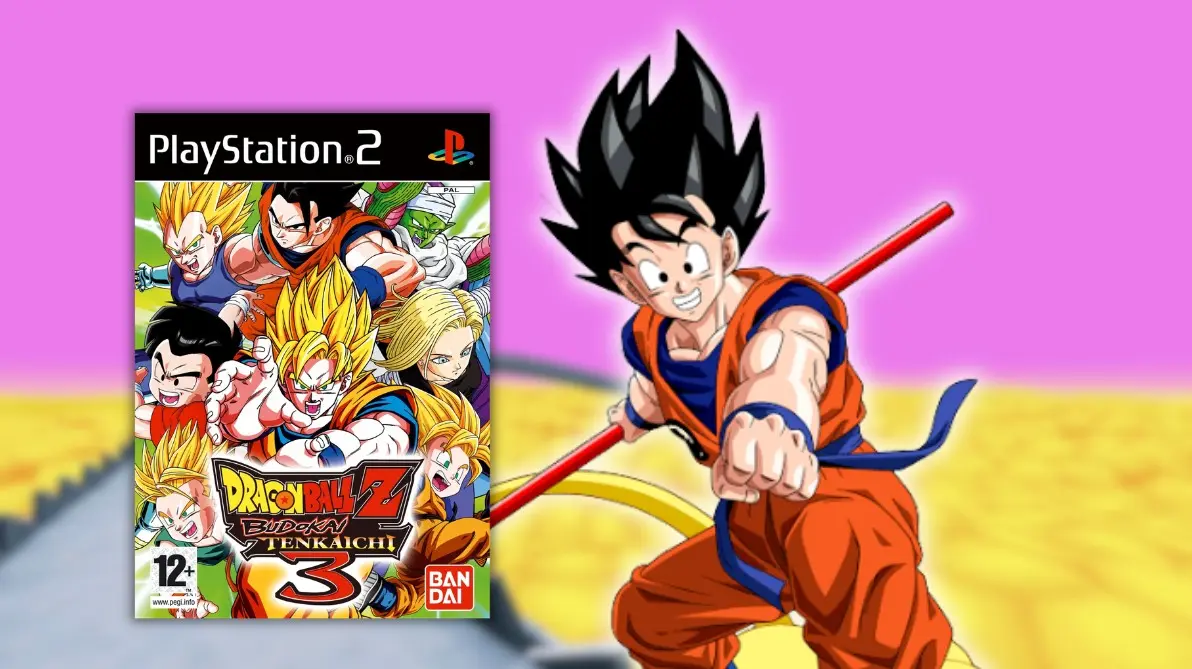
One of the most beloved Dragon Ball games of all time makes a huge leap on PC. It is available to download for free the Budokai Tenkaichi 3 port for computers, a community project that allows playing the PS2 classic without an emulator and with improvements it never had on console, such as resolutions up to eight times higher, support for ultrawide screens, and 60 FPS, while its creators are already working on the next big goal, online play.
In reality, these are two projects that advance in parallel and run with your own copy of the PS2 game, in its US version (SLUS-21678), because they do not include any game files. Unlike an emulator, they transform the console’s original code to run directly on Windows and Linux, which allows modifying it and adding modern features.
It is important not to confuse it with the browser version we showed a few days ago, because they are very different things. The version to play Dragon Ball Z Budokai Tenkaichi 3 for free in the browser from dragonballbt3.online is played instantly and requires no installation, and it even allows online battles with other players, but it is limited to one-on-one fights and depends on its server staying active. Additionally, there is another browser version at budokait3.com, which does include story modes, tournaments, and survival with more than 161 characters, although it asks you to load your own copy of the game and has no online play. By contrast, the Budokai Tenkaichi 3 port is installed on your computer and offers a much higher image quality, with higher resolution, widescreen, and more frames per second, although it still lacks online play and has a more complex installation process.
The two Budokai Tenkaichi 3 ports on PC
The first is Tenkaichi3Decomp, based on the decompiled game code, which uses Vulkan for graphics and includes an internal resolution from 1x to 8x, compatibility with 4:3, 16:9 and ultra-wide 21:9 displays without stretching the fights, PS2-style effects that can be turned on or off, music, voices, remappable controls, and a two-player split-screen mode. All its options are opened with the F1 key, and its creator asserts that online play is the project’s main goal, although it is not available yet.
The second is BT3-Recomp, a recompilation of the PS2 code that runs with OpenGL and its own launcher, and that allows choosing between the original 30 FPS or 60 FPS with interpolation, in addition to widescreen. This project even integrates part of the Tenkaichi3Decomp work and offers builds for Windows, Linux and, experimentally, macOS.
That said, neither is finished. Tenkaichi3Decomp still stalls when certain characters appear, while BT3-Recomp shows some odd triangles in the environments, differences in the shadows, and does not render the game’s videos.
How to test Budokai Tenkaichi 3 on PC
Unlike other ports, this does not come with a ready-to-play executable, because the game is assembled on your computer from your PS2 copy. The process is somewhat more technical, but if you want to try the Budokai Tenkaichi 3 port with Tenkaichi3Decomp, here are the steps.
- Install Python 3 and Git on your computer.
- Download the project from the Tenkaichi3Decomp page on GitHub using the green Code button and the option Download ZIP, and unzip it.
- Open a terminal in that folder and type python3 install.py –check to see what tools you are missing, and install them.
- Type python3 install.py –iso followed by the location of your game copy in ISO format.
- When it finishes, open the game and press F1 to adjust the resolution and aspect ratio.
Thus, Budokai Tenkaichi 3 enjoys one of its best moments nearly two decades after its release, because while some play it online from the browser, others can enjoy the Budokai Tenkaichi 3 port on PC with image quality that never had on PS2 or Wii, and with the promise that online play without an emulator will soon be possible too.