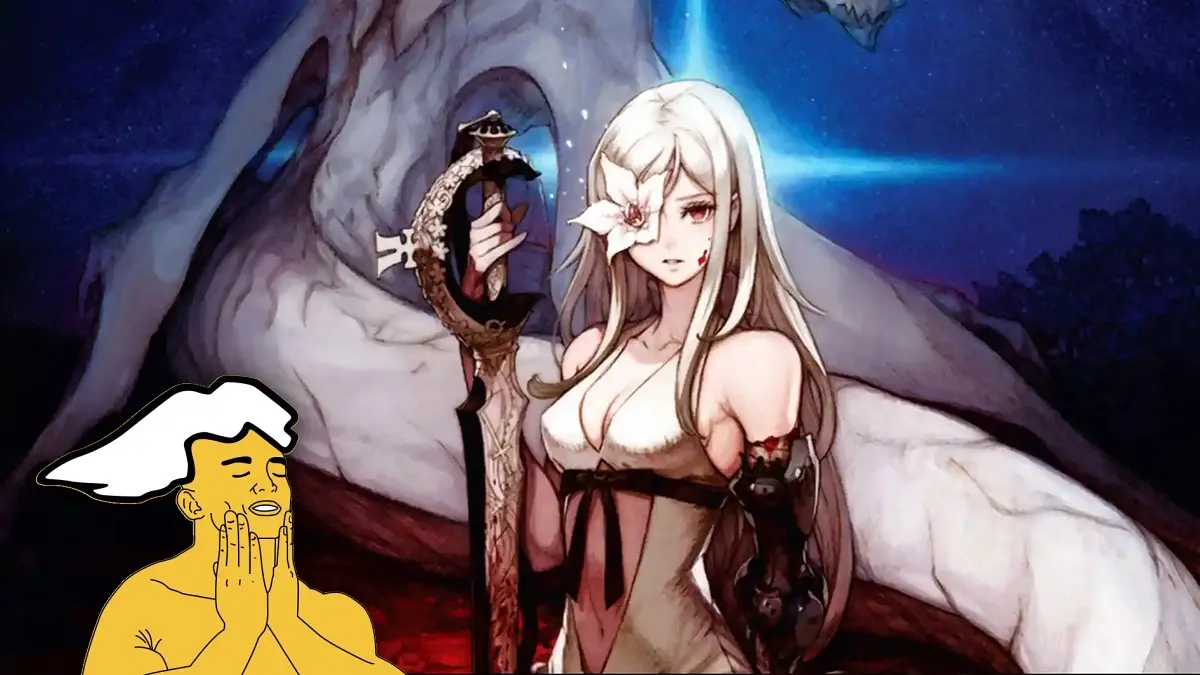
Drakengard 3, the action game by Yoko Taro, the creator of NieR, which released only for PS3 in 2014 in the West, can be played on PC with a free port that runs natively and which, furthermore, includes a fan-made Spanish translation, making it the opportunity to learn the story of Zero and her dragon Mikhail with improvements designed for computer use.
The project is called Drakengard 3 Recompiled and was published on GitHub by the programmer soyjxck, who recompiled the game’s original code to turn it into a native Windows and Mac application, and its version 0.4.0, released on October 22, adds a launcher with mods, DLC installation, and a long list of graphical options, in a saga that gave birth to NieR, since NieR was born from one of the endings of the first Drakengard.
What the Drakengard 3 PC port brings
The main draw for Spanish-speaking players is that the launcher installs from its Mods page the Spanish translation by Traducciones Vacuno (TraduSquare), which covers the game’s texts, menus, title screen, subtitled cutscenes, and the port’s own menus, and can be toggled on or off at will.
Regarding smoothness, the original game runs at 30 FPS, while the port allows up to 60 FPS, the tested and recommended option, or even 120 FPS, and in a YouTube video you can see the game in 4K and averaging 60 FPS with an RTX 5090 and a Ryzen 7 9850X3D, while graphically it supports up to 4K or higher resolutions, FXAA and MSAA anti-aliasing, anisotropic filtering, field-of-view adjustment, shadows and draw distance, and it runs with DirectX 12 or with Vulkan in experimental mode.
Additionally, you can play with a mouse and keyboard or with Xbox, PlayStation, and Switch Pro controllers, with the button icons adapted to the controller you use, while with the Japanese voice pack and a fan-made mod you can also hear the original voices in the DLC chapters.
How to download and install Drakengard 3 on PC step by step
Before you begin, it is important to know that the port does not include the game, so you need your own copy of the United States version, whether on disc (BLUS31197 code) in an decrypted image or the PSN package, plus the 1.01 update in the .pkg format that the console downloads, while other regions, including the European PSN version, do not work.
For the disc, the author recommends creating the copy with the PS3 Disc Dumper program, since an image made with a standard program remains encrypted and the installer rejects it.
Additionally, you need a 64-bit Windows 10 or 11 PC, a graphics card compatible with DirectX 12, and a processor with AVX2 (Intel Haswell, AMD Zen or newer), with about 16 GB free, plus 3 GB for the translation and 10 GB if you want the Japanese voices.
- Visit the project’s download page on GitHub, look for the latest version, and download the file dod3-recomp-…-win64.zip.
- Create a folder on your computer, for example C:JuegosDrakengard3, outside of “Program Files”, and extract the archive there by right-clicking and choosing Extract All.
- Double-click dod3.exe, and if Windows shows the warning “Windows protected your PC”, click More information and then Run anyway.
- In the installation that opens, use Add Files or Add Folder to add your disc or PSN package, the 1.01 update, and the DLCs you have, in any order, and then click Install, which takes a few minutes.
- To play in Spanish, download the translation from the TraduSquare page, unzip what you downloaded and, on the launcher’s Mods page, add with Add Files the files Drakengard_ES_BLUS31197_V2.pkg, Drakengard_ES_BLUS31197DATA_V3.pkg and MOVIES.zip exactly as they come, without manually copying anything into the game’s folders (if you have the DLC, translation packs for them are also available).
- Open Settings in the launcher and, on the display tab, choose your resolution and the 60 FPS cap, and it is advisable to use the borderless window mode instead of exclusive full screen, which can lose the image when switching windows.
- Press Play to start, and from then on every time you open dod3.exe the launcher will appear with options to play, mods, DLC and settings.
The default mouse-and-keyboard controls are as follows.
- W, A, S and D to move and the mouse to control the camera
- Left-click for normal attack and right-click for heavy attack
- Space to jump, E to defend and Shift to dodge
- Q or the middle click to lock onto the enemy and the mouse wheel to switch targets
- V for Intoner Mode and Esc to pause
What is still missing in this alpha version
As this is an early version, the port still has some problems, such as interface issues with ultrawide 21:9 and 32:9 screens, distant environments that pop in, and screens showing PS3 buttons, in addition to the fact that no one has finished the final part of Zero’s DLC yet, so the author asks to report any errors using the dod3.log file.
Thus, Drakengard 3 joins the list of PlayStation exclusives that reach PC thanks to the community, alongside games like inFamous, and with the advantage that, for the first time, Spanish-speaking players can enjoy it in their language without depending on a console.