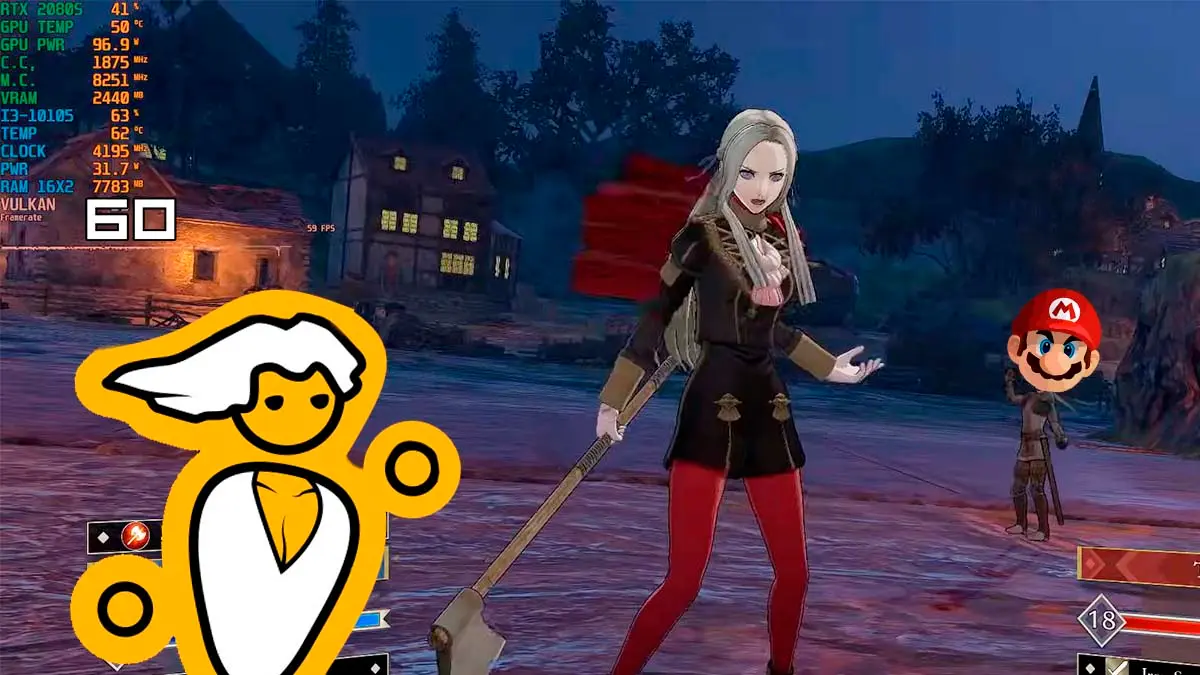
Another of the beloved console-exclusive titles, Fire Emblem Three Houses, lands directly on Windows without needing an emulator, thanks to tools capable of transforming the original code so it runs as a native Windows port, with the advantage that the CPU and GPU execute the game without real-time console emulation.
It is an unofficial port of Fire Emblem Three Houses that reaches 60 FPS, uses Vulkan 1.3 for graphics, allows increasing the internal resolution and offers FSR 1 and SMAA, in addition to including full audio, cutscenes, Xbox-style button controls, and support for downloadable content (DLC), all through a technique that pre-compiles the game’s code before playing, a process of about six minutes on first boot with an eight-core CPU, instead of emulating the console hardware.
How the static recompilation of Fire Emblem Three Houses Works
If you’re not familiar with this title, Fire Emblem Three Houses is a acclaimed tactical role-playing and turn-based strategy game that released exclusively for the Nintendo Switch in 2019, where you assume the role of a professor at a military academy, guide one of the three available houses, and make decisions that alter the story.
Unlike traditional emulators, which simulate the console’s processor while you play, this Fire Emblem Three Houses project, by developer onerag90, uses as its base the LAS Recomp tool from Peiikai, and statically recompiles the original Switch’s AArch64 code in advance, and according to the author himself, Claude, from Anthropic, he wrote most of the game’s specific code while he led the work and tested it.
In this way, Fire Emblem Three Houses becomes a native Windows application where the CPU and GPU run the program directly, even though the console services the game relies on—graphics, audio, files, and controls—are reimplemented by the program itself, and the graphics pass through Vulkan.
This PC adaptation of Fire Emblem Three Houses offers customizable internal resolutions, FSR 1 for improved upscaling, SMAA for edge smoothing, and support for the additional content, including the Expansion Pass and the Cindered Shadows campaign, provided you supply your own files.
Requirements and Steps to Install Fire Emblem Three Houses on PC
It’s important to note that this is the first public version (0.1.0) and a personal project the author shares as-is with no support promised, tested, according to him, on cards like the RX 9070 and the RX 6800 XT in the early chapters—the monastery, battles, cutscenes, the calendar, and the start of Cindered Shadows—so a full playthrough has not yet been completed and you may experience stutters the first time you encounter an area or effect, since shaders are compiled as you play, in addition to some very large effects possibly lacking a layer.
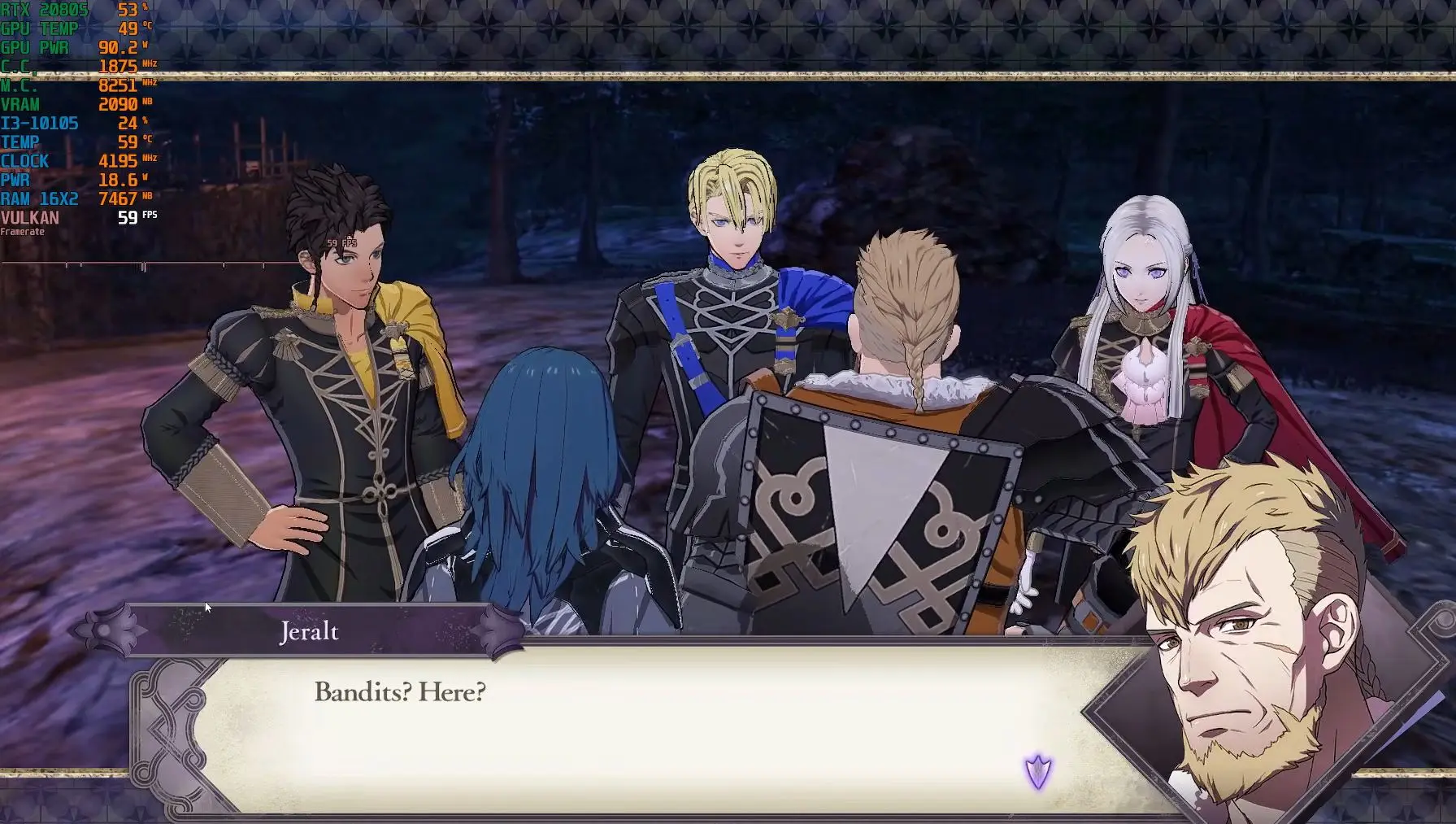
To run Fire Emblem Three Houses you need 64-bit Windows 10 or 11, a processor with AVX2 support (most since 2015), a graphics card with Vulkan 1.3 drivers, about 20 GB free, and your own game files in version 1.2.0 already extracted into the exefs and romfs folders, since the project does not include any game files or code and does not explain how to obtain them, and this note does not either.
Once you have everything ready, the installation steps are as follows.
- Go to the project’s releases section and download the Windows ZIP file.
- Extract it to a writable folder, not in Program Files, because saves, settings, and cache are stored there.
- Open fe3hrecomp.exe, go to Settings > Game Files, select the folder that contains your exefs and romfs folders, and press Set up game files.
- Wait for the preparation, which copies your files and recompiles the game’s code, a process of about 6 minutes on an 8-core CPU and longer with fewer cores, and it is performed only once per PC.
- Press Play to start the game.
Once inside the game, the F1 menu (or Minus and Plus on a controller) allows you to adjust the resolution, SMAA, and the rest of the options, and for a crisp image the author recommends an internal resolution set to “Match display” or higher with SMAA.
To install expansions or the Expansion Pass, copy the romfs from each pack into a folder with the format dlc/(content ID)/romfs, alongside the game’s exefs and romfs folders, for example dlc/010055D009F79001/romfs, and the program will copy them during preparation, while cheats are added with a cheats.txt file in Atmosphere format next to the executable and appear on the Game tab of the menu.
