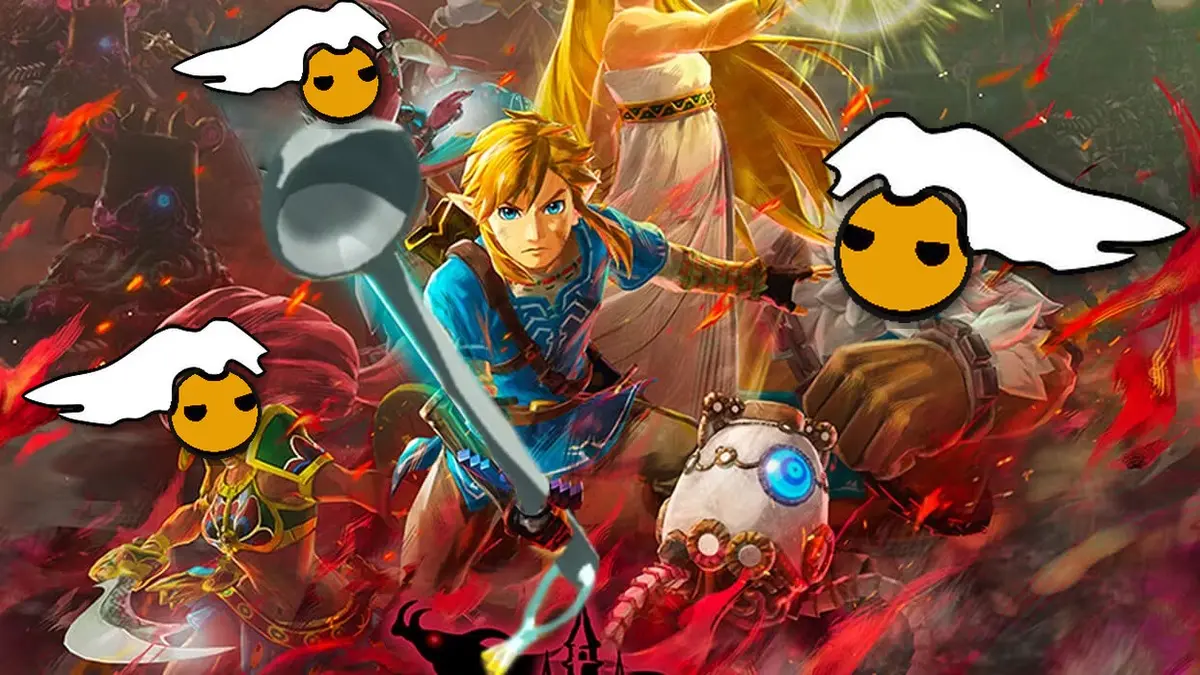
Hyrule Warriors: Age of Calamity, the prequel to Zelda Breath of the Wild that Koei Tecmo released in 2020 for Nintendo Switch, can be played for free on PC thanks to AgeOfCalamityRecomp, an unofficial port that runs without an emulator because it translates about 101,000 functions of the game into native code for Windows and Linux, and in its new version adds 4K resolution, DLSS on RTX cards, 60 FPS corrected, local co-op for two players and all four DLCs.
The project published its first version on November 20 and less than a day later released v0.2.0-alpha, which fixes the main issues faced by early players, and although its author still presents it as early access with details to polish, the game boots up, allows playing complete missions and battles, and saves progress, making it one of the most convenient ways to relive the war against Ganon one hundred years before Breath of the Wild.
What the Age of Calamity PC Port Brings
The most visible improvement is in the visuals, because the new version allows an output resolution of 2560×1440 or 3840×2160, with the interface drawn at that size so it looks sharp on 1440p and 4K monitors, and adds render scaling of 150, 175 and 200%, which equate to drawing the 3D scene at 4K over a 1080p image, far from the 1440×810 shown by the Switch version.
The port uses a Vulkan renderer that reimplements the Switch graphics API and adds DLSS and DLAA on NVIDIA RTX cards, AMD FSR 1 upscaling, anisotropic filtering, shadow quality, color adjustments and HDR, all configurable from a dedicated menu that opens with the F1 key, where there are also options for sound, controls, amiibo, mods and cheats.
In terms of performance, the game runs at its original 30 FPS or at 60 FPS at the correct speed, because version 0.2.0 fixed the bug that caused the map cursor and engine scenes to run at double speed, while the 120, 144 and 240 FPS modes remain experimental and unoptimized, and those who want to gauge their system’s performance can enable a performance counter with the F10 key.
The other major novelty is the two-player cooperative mode, which is activated by connecting a second controller and choosing the two-player option on the Hyrule map, so the battle is split into split-screen and each controller vibrates for its own player, while the first player can also play with keyboard and mouse and all buttons can be reassigned, with Xbox or PlayStation icons that switch instantly.
System Requirements to Play Age of Calamity on PC
To use it you need Windows 10 in version 2004 or newer, Windows 11 or 64-bit Linux with python3, plus 8 GB of RAM though 16 GB is recommended, any recent graphics card from NVIDIA, AMD or Intel compatible with Vulkan 1.3, about 46 GB free during the first compilation which then drops to around 26 GB, and an internet connection only for that initial install, because the program downloads about 2 GB in free tools to assemble the game.
The most important thing is that the port does not include any game files, so each player needs their own copy of Age of Calamity ripped from their Switch, with the base game, the update 1.3.0, which is the only compatible one, the DLCs if you have them, and your prod.keys file, and those who own a Steam Deck can play it if they compile the port on a computer and then copy the folder to the handheld console, which detects it by itself and activates a profile at 1280×800 with a quick menu on L3+R3.
How to Install the Port Step by Step
- Download the file AgeOfCalamityRecomp-v0.2.0-alpha-Windows-x64.zip from the release page and unzip it in any folder, for example in Downloads.
- Open AgeOfCalamityRecomp Setup.exe. If Windows says it protected your PC, click More information and then Run anyway.
- Choose where to install the game, which takes up about 26 GB.
- With the Browse button, locate the folder where you have your NSP files and your prod.keys. If a ticket appears next to the base game, the 1.3.0 update and prod.keys are ready.
- Check Windows, Steam Deck / Linux or both.
- Press Build and wait, because the first time takes between 20 and 30 minutes.
- When finished, press Play. From there you can launch the game with the Start menu or desktop shortcut.
Those who have the first version installed can update without re-searching their NSP files, because you just open the new installer, keep the same installation folder and press Update, which preserves saves and settings, although the shader step repeats for about 4 minutes and its cache grows by about 1 GB.
Known Issues of the Port
Version 0.2.0 eliminated the long freeze at the start of the first mission, because the installer preloads the shaders the game asks for during play, and on a RTX 4070 the first frame of the tutorial battle dropped from 2.6 to about 0.5 seconds, though the author warns that the first time a battle is opened it may take a moment while the graphics driver builds its processes, something he is working on.
The patch also ended the infinite loading in the first scene when using 125% and 140% scales, fixed a dark image with a black rectangle at the start of a new game, and improved performance on AMD cards on Windows to avoid jumps between 60 and 30 FPS, while the Steam Deck and Linux version remains untested, the DLSS option is disabled if you don’t have an RTX card, and some antivirus programs can slow down compilation.
Another Zelda Game Comes to PC Without an Emulator
Age of Calamity joins a wave of native Switch ports that began with Link’s Awakening, the first of its kind to reach GitHub, and continued with projects like SkyboundTOTK for Tears of the Kingdom, Metroid Prime 4 and the Mario Kart 8 Deluxe port, in a trend that has PC players trying a new Nintendo exclusive each week.
The port is based on AoC Recomp by Gabriel Azzulin and acknowledges support from projects like Astral Chain Recomp, TotK Recomp, LAS Recomp and Ryujinx’s shader translator; it is distributed under the GPL-3.0 license and its author clarifies that it is an independent fan project, with no affiliation to Nintendo or Koei Tecmo.
