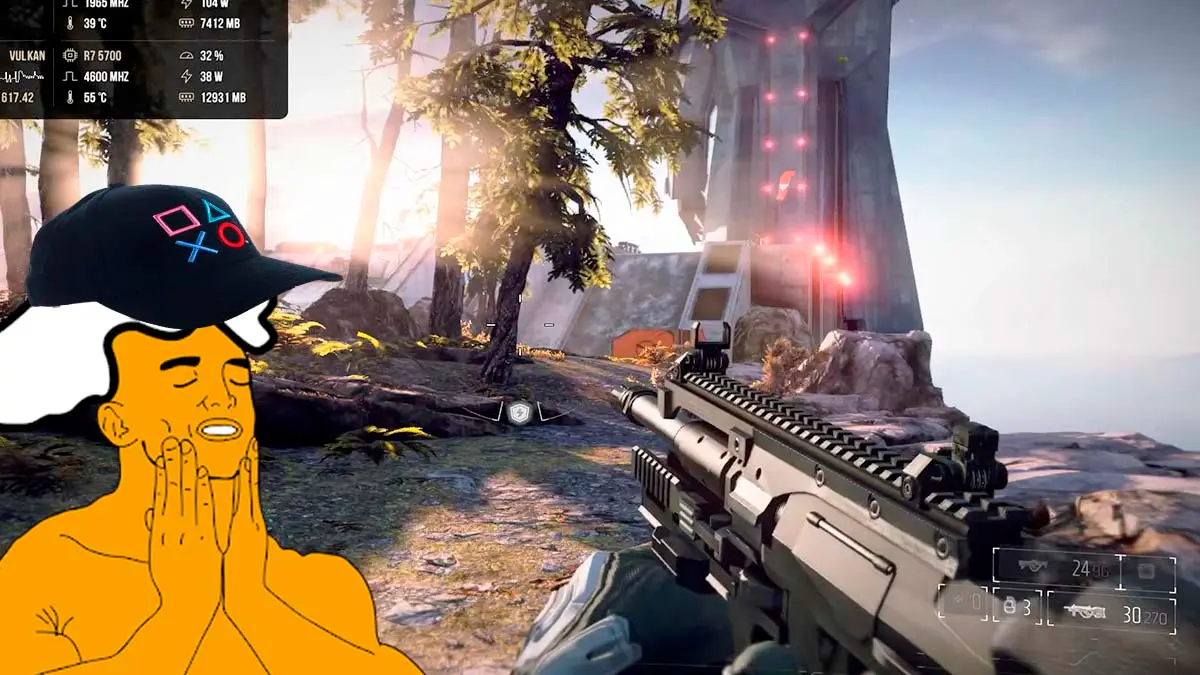
Following with the news of unofficial ports created by the community, now a PC version has arrived for a title that originally belonged exclusively to PlayStation 4, this time the acclaimed first-person shooter Killzone Shadow Fall. This is a native Killzone Shadow Fall port that runs without an emulator, created by programmer lesca-191204 based on Felipe Prado’s God of War III port and the technique that made Bloodborne’s port possible.
This unofficial PC beta version of Guerrilla Games’ shooter, a title that stood out at its PlayStation generation launch for its spectacular graphics, allows PC users to play and complete the entire campaign, even though it is a development build that still has some technical issues to resolve.
For those who may not know, when the game hit the market in November 2013, it was one of the PS4 launch titles and one of the flagship games to show off the console’s power, surprising everyone with graphics that were truly impressive for its era. Therefore, its arrival on PCs enables a much broader community of players to experience it on their own machines.
This release is in its first public beta version, which means the project is still under development and has several details to fix. However, the most important thing is that the game can be completed from start to finish without any bug blocking the progression of the main storyline, and that the multiplayer mode can be played offline against bots in Botzone mode.
Configuration options, controls and current technical issues
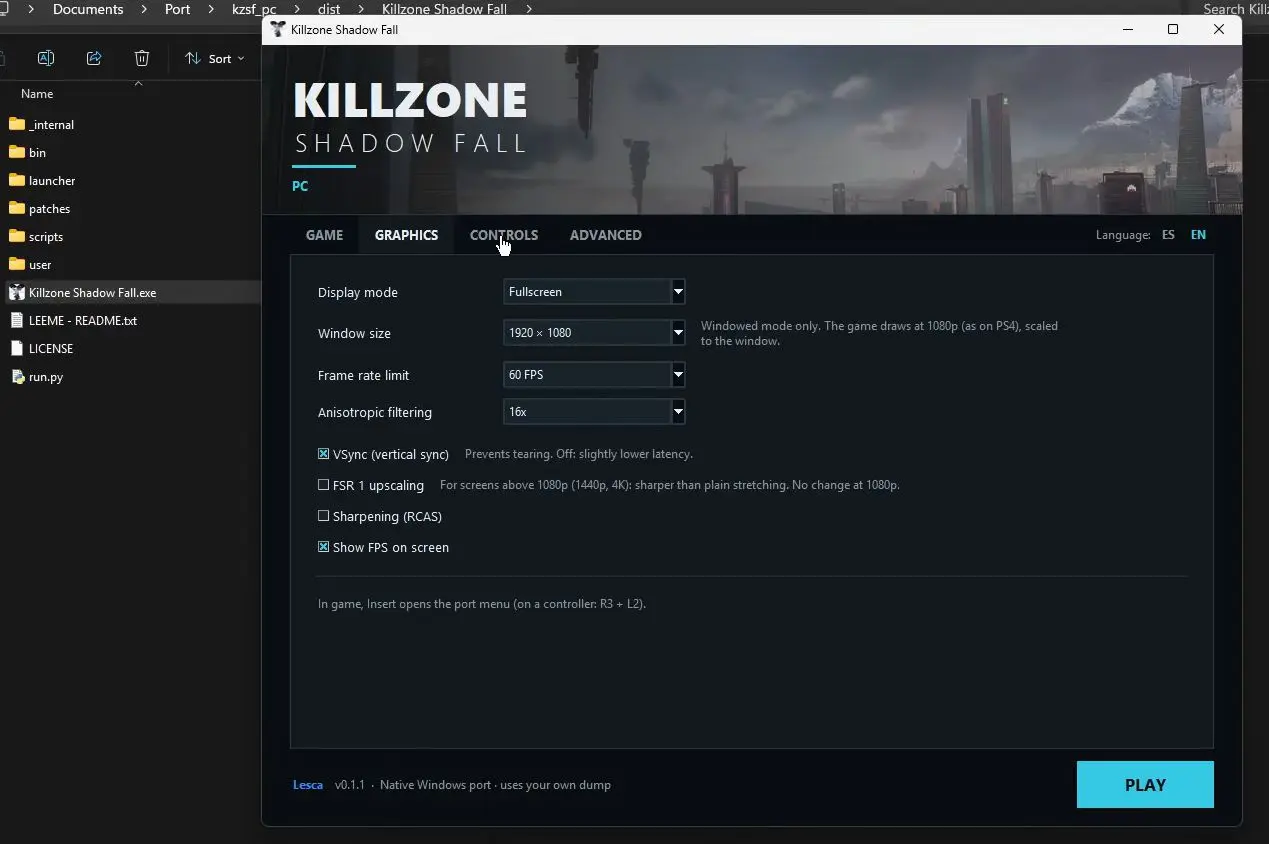
Technically, this project makes a very positive impression by including a launcher, available in Spanish, with a fairly complete set of graphics and display settings, including options to change the display mode, window size, cap at 30 or 60 frames per second, enable vertical sync, adjust texture filtering, and use the AMD FSR 1 upscaling technology. In the creator’s tests, with a Ryzen 7 5700 processor and an RTX 2060 Super graphics card, the game runs between 40 and 60 FPS.
Moreover, the standout feature is full keyboard and mouse compatibility, thanks to the control layer borrowed from the Uncharted ports for the first three games, allowing very precise aiming and the ability to rebind all keys to the player’s preference, which is essential to fully enjoy a shooter. It also works with Xbox and PlayStation controllers, and the touchpad used to operate the OWL drone is replaced by holding the Delete key and dragging the mouse.
Some details, download process and requirements to play it
Despite all of the above, being in an early phase, we must warn that the port has a major drawback. It lacks a resolution setting and runs at fixed 1080p, which means shadows and visual effects are configured for that exact size and could look wrong or smaller if you force another resolution, although its creator is prioritizing fixing this, aiming to reach 4K, surpass 60 FPS, and, later on, add DLSS and FSR 4.
Similarly, the first time you start the game you must process the shaders, a lengthy process that sometimes causes the program to close unexpectedly, something that is solved by reopening the game so it loads normally. Small stutters may also appear the first time you see each effect.
Nonetheless, all players who want to try the Killzone Shadow Fall port can download it for free from its GitHub page, noting that, as with all community projects, the downloadable file does not contain any resources from the original game. To run, it requires 64-bit Windows 10 or 11, a Vulkan 1.3-compatible graphics card, 16 GB of RAM and, as recommended, 8 GB of video memory.
That is why, and to conclude, it is always essential that each user provide their own copy of the game, extracted from their PS4 in the CUSA00190 01.81 version. Here are the steps to install it.
- Download the latest version from the project’s GitHub page.
- Extract the file to a folder outside of Program Files.
- Open the Killzone Shadow Fall.exe file.
- Select the folder of your game copy, the one that contains the eboot.bin file.
- Configure the graphical options and controls, and press PLAY. The first load will be slow while shaders are prepared.
