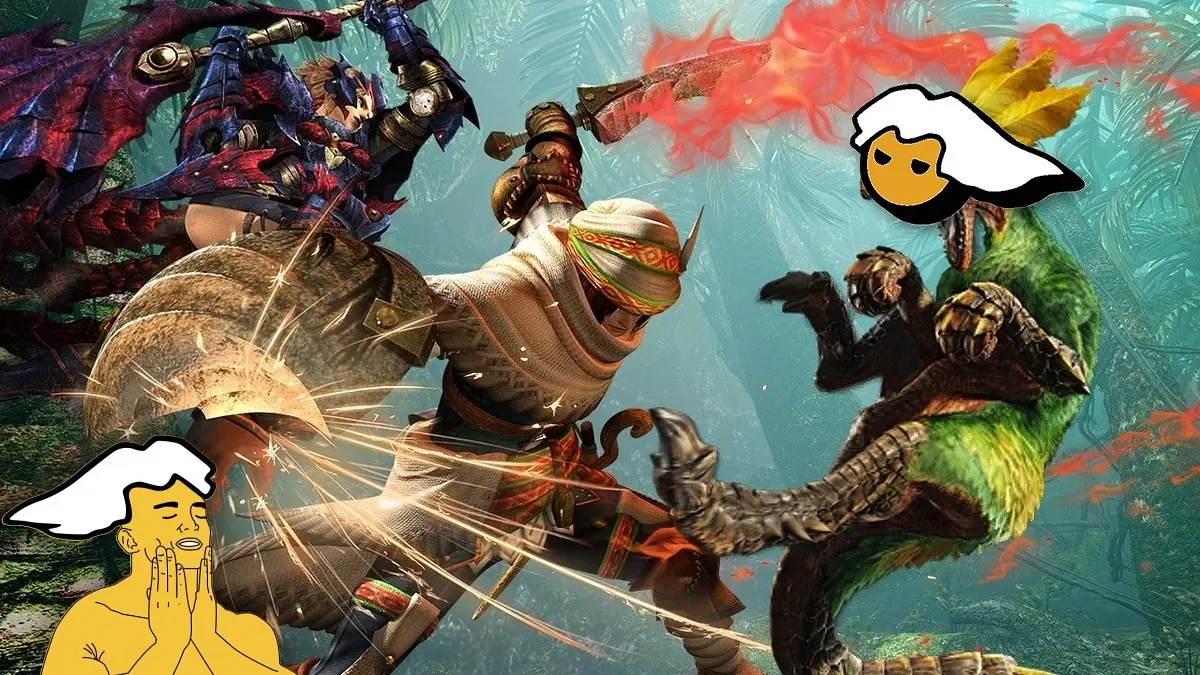
PC hunters have a new way to revisit one of the saga’s most beloved Monster Hunters, because MHGU Recomp has arrived, a PC port of Monster Hunter Generations Ultimate that runs without an emulator, with up to 240 FPS, widescreen, online multiplayer, as well as support for mods and cheats.
The project was published on GitHub by user morerokk and is on version 0.9.9 as of October 25, and according to its creator it can be played in full, as he claims to have completed a dozen hunts without problems, although he warns that there could still be some bugs.
What the Monster Hunter Generations Ultimate port brings
Unlike an emulator, which imitates the Nintendo Switch while you play, this port translates the game’s code into a native PC program, and replaces the console’s services and graphics with own versions that run on Windows and Linux.
Additionally, it adds several enhancements that do not exist in the Switch version.
- Graphics options to change the resolution, and enable MSAA, FXAA, supersampling and VSync.
- Widescreen, from 16:10 to 21:9, 32:9 and even wider formats, without stretching the UI.
- Configurable FPS cap between 30 and 240 FPS.
- Support for almost any controller, in addition to mouse and keyboard in experimental mode.
- Multiplayer over local network or internet, with the option to synchronize small monsters between players.
- Village quests in cooperative mode, with monster health scaled according to how many hunters there are.
- Scenes that can be advanced with the A button, including ones the game does not allow skipping by default.
- Support for mods and cheats, which install simply by copying folders.
- All free online content of the game, such as event quests, item packs and felynes, which is added to your save automatically.
Requirements to play
- 64-bit Windows 10 or 11, or Linux.
- An AVX2-capable 2014-era or newer processor.
- A graphics card from 2016 or newer, with Vulkan 1.2 support and at least 1 GB of video memory.
- Your own copy of Monster Hunter Generations Ultimate version 1.4.0, in the exefs and romfs folders, which you can obtain from your own Switch or Ryujinx, with the 1.4.0 update installed.
How to install the Monster Hunter Generations Ultimate port, step by step
- Enter the project’s Releases section on GitHub and download the .zip file of the latest version, choosing the one that matches your system, whether Windows or Linux.
- Unzip the .zip into a new folder, for example one named MHGURecomp inside a Games folder, and check that inside you have the mhgurecomp.exe file and a folder named data.
- Prepare your game copy. If you have the game on Ryujinx, first ensure it has update 1.4.0 installed, then right-click the game and choose the option to extract the game data with patches applied, to obtain the exefs and romfs folders.
- Copy the exefs and romfs folders into the data folder, and note that exefs must be the 1.4.0 update, while romfs should be the base game with the update files on top, something Ryujinx does only if you extract with the patches applied.
- Open mhgurecomp.exe to play, and if the files are missing or are from another version, the port will display a warning message.
- If you want to continue your Switch save, copy the save files named system and system_backup into the save folder, in the subfolder save_0, created inside the MHGURecomp folder within AppData, which you can open by typing %APPDATA% in the file explorer’s address bar.
All graphic options are changed in the mhgurecomp.ini file, which appears next to the executable the first time you open the game, and each option is explained inside the same file, while with F11 or Alt plus Enter you switch between windowed and fullscreen, with F12 you take screenshots and with F7 you change the MSAA.
How to play in multiplayer
To play with friends on the same local network, multiplayer works without any setup, and you simply need to select the local wireless play option within the game, because the port behaves as if there were a nearby Switch.
To play online, the host must open port 39500 TCP and UDP on their router, and other players must enter the host’s IP address in the Join option of the mhgurecomp.ini file, and then also choose the local wireless play option within the game.
Mouse and keyboard controls
Although the creator recommends playing with a controller, you can also use a mouse and keyboard, with W, A, S and D to move (and Left Shift to walk), the mouse for the camera, left and right click for the X and A buttons, Space and R for B and Y, Q and E for L and R, Tab and T for ZL and ZR, Enter and Backspace for the + and − buttons, and the arrow keys for the D-pad.
To use the mouse for the camera you must click inside the game window, and press Esc to release it, while sensitivity is adjusted in the MouseSensitivity option of the mhgurecomp.ini file.
Mods and cheats
To install a mod, you simply copy its folder into the mods folder, next to the executable, and to uninstall it you just delete it, while cheats are added as .txt files in the cheats folder, with the same codes used in Ryujinx or a modded Switch for version 1.4.0.
That said, the creator notes that you don’t need resolution, FPS, or connectivity mods, because those features are included in the port, and for those just starting out he recommends the Key Quest Markers mod, which marks in the menu the quests you need to complete to advance in rank.