The scene of fan-made adaptations has just received a new gem with the release of an unofficial PC version of Pokémon Legends Arceus, the 2022 Nintendo Switch game, a project dubbed PokeL-ARecomp that brings this beloved title to computers without emulation and with a massive leap in smoothness, image quality, draw distance, and control options, although it remains in active development with some technical issues pending; its author does not confirm whether the game can be finished from start to finish, and it requires each player to provide their own original files dumped from their console in order to run.
This computer adaptation offers several options to adjust the framerate according to the power of your machine, allowing you to choose between a classic cap of 30 or 60 frames per second (FPS) or to unlock the rate entirely to reach up to 240 FPS if you disable vertical sync. It also includes optional Frame Generation, which allows you to reach between 90 and 120 FPS without accelerating the game’s logic, and to ensure everything loads smoothly the program can utilize up to eight processor threads dedicated exclusively to processing textures on multi-core systems, reducing the annoying stutters when exploring new maps, and unlocks a 3.1 GB video memory space on dedicated GPUs such as the Intel Arc B580.
Visual sharpness, lighting, colors, and ultrawide displays
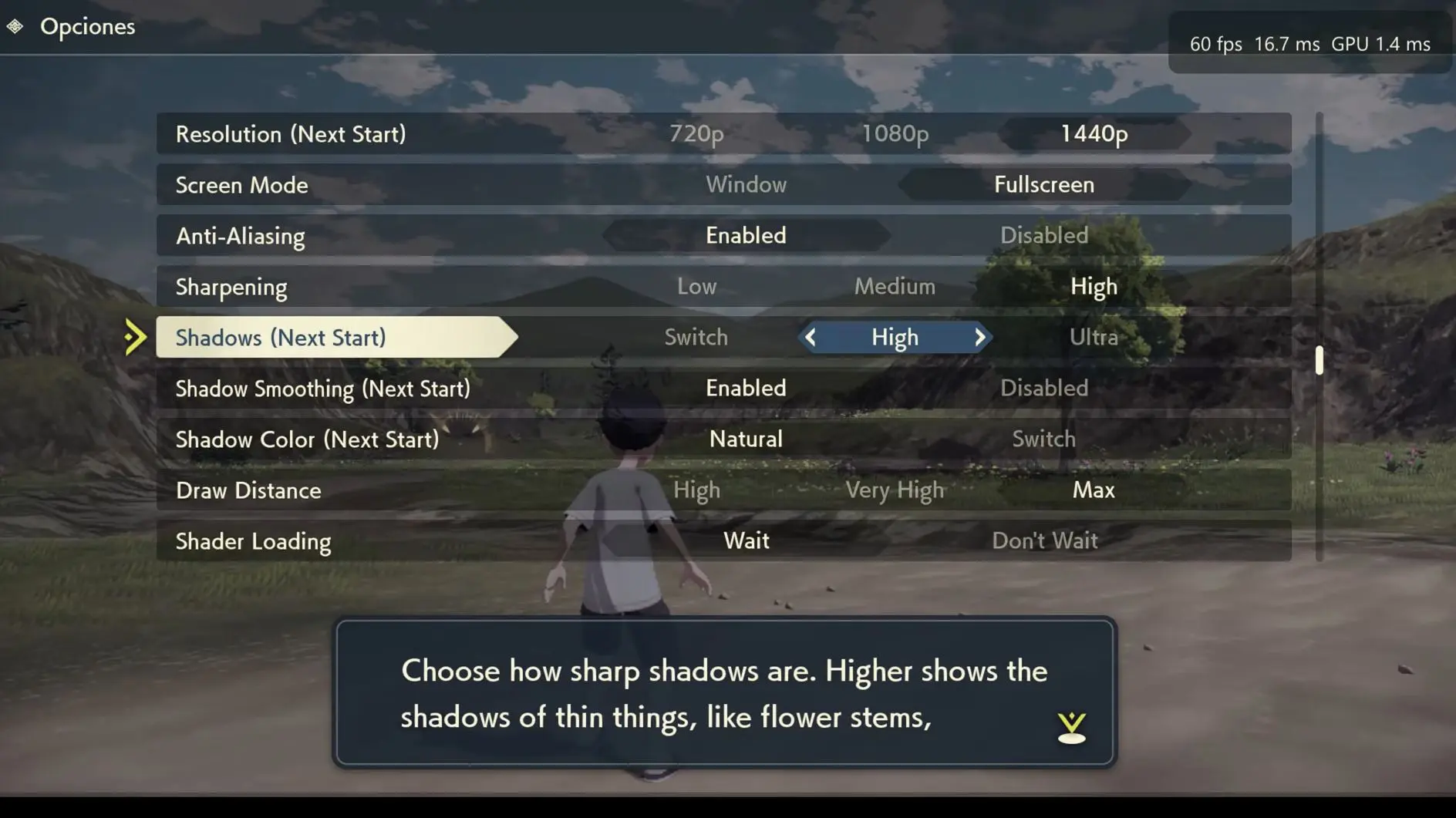
In the aesthetic department, the shift versus the original hardware is radical thanks to the integration of modern upscaling technologies such as Intel XeSS, AMD FSR 1, FSR 2 and SMAA anti-aliasing, accompanied by a sharpness adjustment to better define each edge and the possibility to multiply the internal resolution from 25% up to four times above native 1080p, i.e. 4K, in addition to automatic dynamic scaling.
Added to this are deep visual improvements such as shadows with up to four times more detail, realistic reflections on water, advanced on-screen lighting, and full compatibility with HDR10 and scRGB monitors with maximum brightness adjustment. It also includes two color profiles named Hisui Vibrant and Hisui Cinematic that eliminate the original’s grayish, dull look, supports high-definition texture packs loaded from an external folder, and adds experimental modes for ultrawide monitors (21:9 and 32:9) that widen the side view without distorting the image, though battles, cutscenes, interiors, and menus are not yet fully tested in that format.
To make the open landscapes of Pokémon Legends Arceus look much more vibrant and detailed, the menu allows you to adjust how far distant horizon elements appear with three levels called Standard, High, and Ultra, achieving that the High mode multiplies the distance by 2.5 and the Ultra mode increases it up to four times the original. With this maximum setting, trees render at a distance of 800 meters, and both wild Pokémon and characters appear up to 150 meters away from your position.
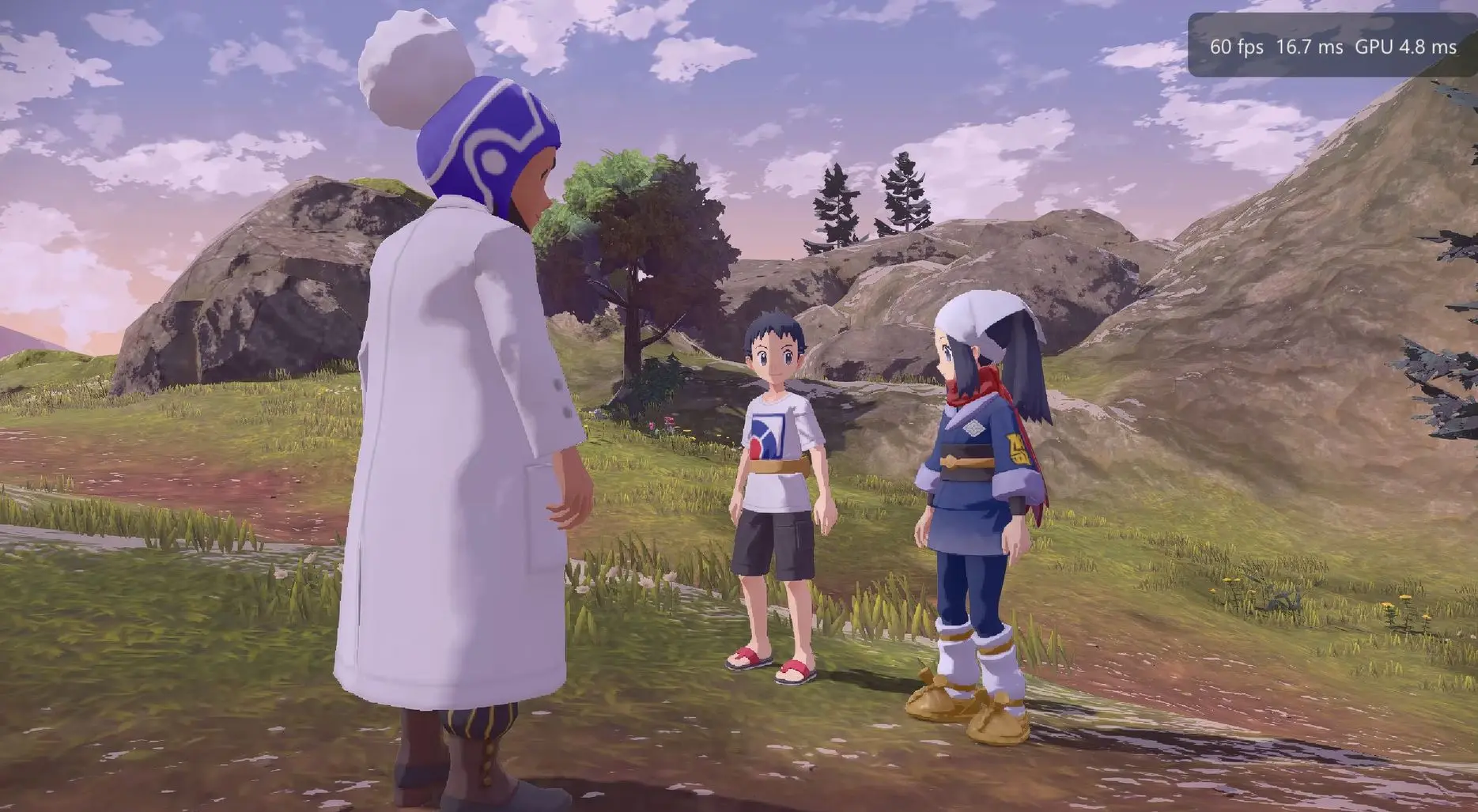
However, given that this is software still in active development, players should expect certain visual glitches, sudden crashes, stuttering when compiling effects, and notable performance drops in processor-demanding scenarios where, according to the repository itself, the open world runs around 40 to 50 FPS on their test rig, with dips in heavier areas, making Frame Generation a key tool to smooth the experience in those zones.
As with early-stage development software that always carries the risk of freezes or unexpected errors that could affect a save, the creators included a handy automatic backup system that runs in the background.
Each time you save your progress within the adventure, the application generates a backup labeled with the exact date and time, always keeping the 10 most recent saved games so you can restore a previous point with ease if any technical issue arises.
Requirements, installation, setup, and controls
To get this project running you need a 64-bit Windows 10 or 11 or Linux system, the 1.1.1 version of Pokémon Legends Arceus, and your own files legally dumped from your console, because the official download does not include the game nor any copyrighted files, and note that the repository does not detail which languages are available inside the game.
To simplify preparation, each release comes with PokeL-Extractor, an independent utility with a dark interface window or command-line operation that scans all folders for NSP, NSZ, XCI and XCZ files, automatically detects whether they belong to the base game, updates, or additional content even if you renamed them, extracts the official icons, and merges patches directly into clean folders ready to use while showing transfer speed and time remaining in real time.
Steps to install and configure the game
- Download the latest available version from the project’s official page at this link, choosing the PokeL-ARecomp-windows-x64.zip package for Windows or the .AppImage file if you are using Linux.
- Extract all the contents of the downloaded file into a folder on your computer where you have write permissions, such as C:GamesPokeL-ARecomp.
- Gather your original files dumped from your console, which are the base game in .nsp or .xci format, the 1.1.1 update in .nsp format, and your personal prod.keys file.
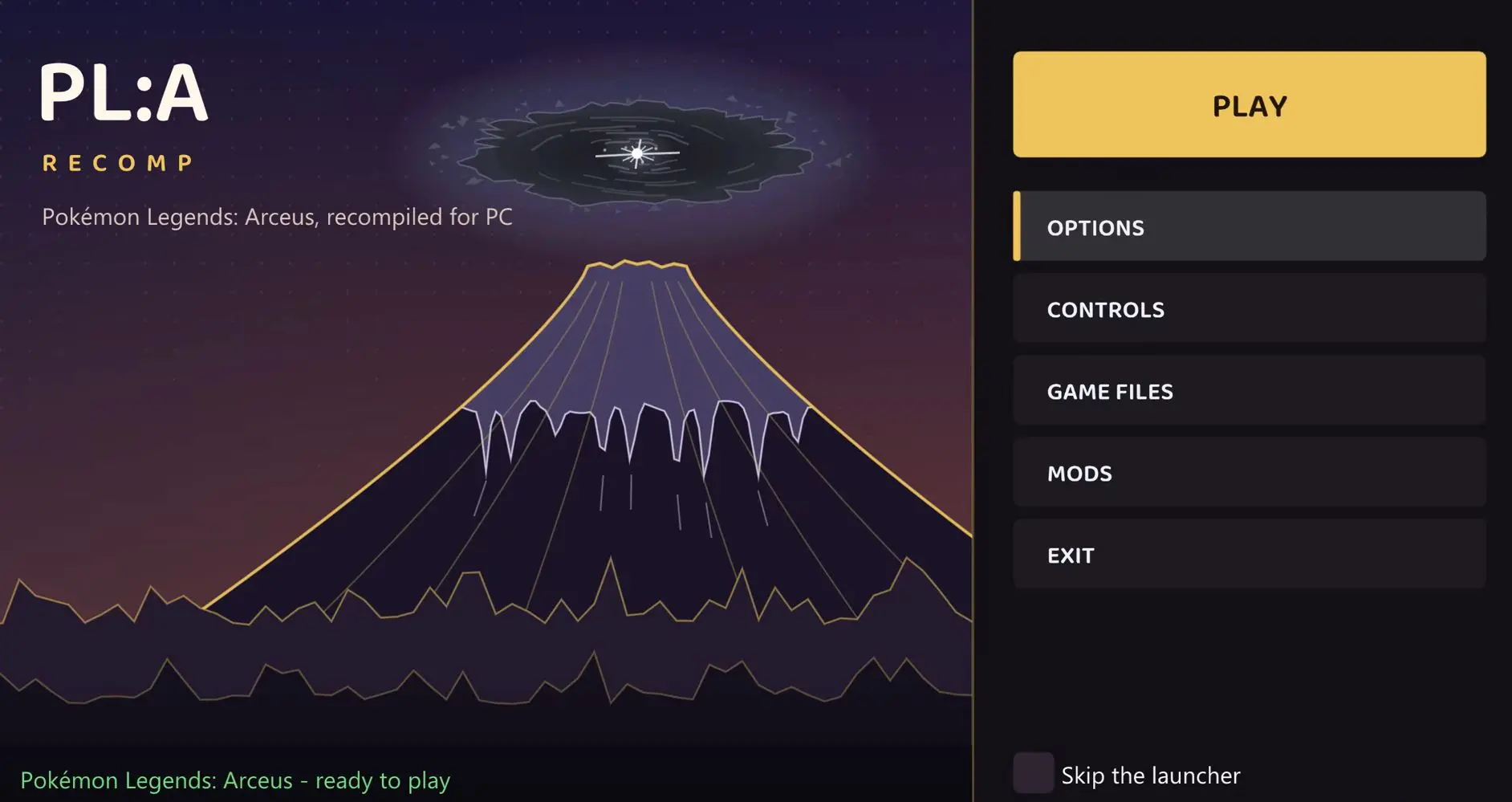
- Open the main executable by double-clicking PokeL-ARecomp.exe if you’re on Windows or running ./plarecomp.AppImage from Linux to launch the welcome screen.
- In the initial menu, select the folder where you prepared your game files and press the Set up the game button to begin the adaptation process.
- Wait patiently between 10 and 25 minutes depending on the number of CPU cores you have while the program performs the initial recompilation, a heavy task that occurs only the first time you configure the title.
- Click the Play button as soon as the preparation finishes and start exploring the Hisui region freely from your computer.
Controls compatible with gamepad, keyboard, and mouse
This version offers outstanding convenience by integrating native support via SDL3 for modern gamepads from Xbox, PlayStation, Nintendo Switch Pro, and Steam Deck, displaying on-screen the exact icons of the connected controller, in addition to letting you play and rebind each action if you prefer the classic keyboard-and-mouse setup, with these controls by default.
- Move the character with the W, A, S and D keys on the keyboard or the left stick on the controller.
- Control the camera with the mouse movement or the right stick on the controller.
- Throw a Poké Ball or attack with the left mouse click or the ZR button on the controller.
- Aim precisely with the right mouse click or the ZL button on the controller.
- Dodge by rolling or run with the Space bar or the Shift key on the keyboard, or the Y and B buttons on the controller.
- Open the settings menu with the F1 or Escape keys on the keyboard, or the + and − buttons on the controller.
- Take a screenshot with the F10 key, which saves the images directly to the captures folder.
- Toggle fullscreen with the F11 key to enter or exit that mode instantly.
Thus, you can enjoy PokeL-ARecomp, which represents a highly appealing proposal to rediscover Pokémon Legends Arceus on PC with a graphic level, fluidity, and control flexibility that completely transform the original Nintendo Switch experience, though there is still a road ahead to polish its performance and confirm that the adventure can be completed without issues.
