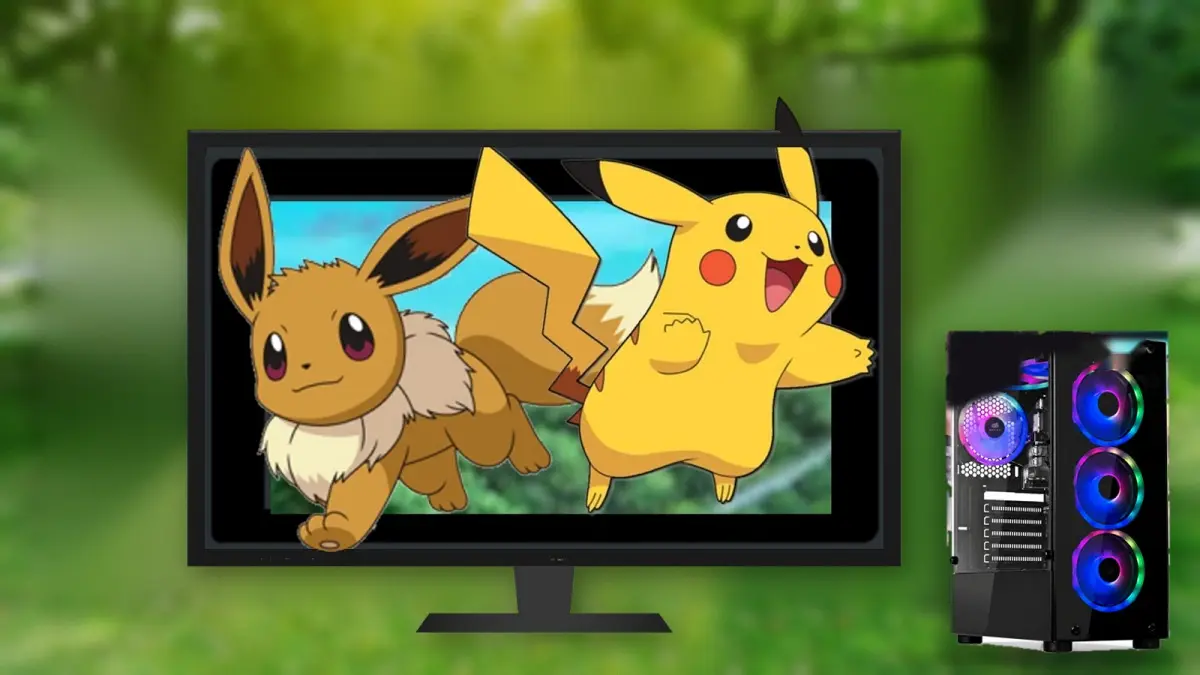
Pokémon trainers who game on PC have a fresh reason to cheer, because the port of Pokémon Let’s Go for PC has arrived, an unofficial version of Pokémon Let’s Go Pikachu and Let’s Go Eevee that runs without an emulator on Windows, with resolutions up to 4K and a feature fans have been requesting for years, wild Pokémon battles that the Nintendo Switch original did not include. It is the 2018 remake of Pokémon Yellow, which now joins other Switch titles that the community brought to computers, such as Zelda Link’s Awakening and Zelda Skyward Sword HD.
The project, called Let’s Go Recomp and created by raulzrrs, was built precisely on the basis of the Link’s Awakening port, and in its current state it is playable. The introduction, exploration, captures, battles against trainers, menus, the Pokédex, the co-op mode and save games work, although the full game from start to finish has not yet been tested.
How the Pokémon Let’s Go port works without an emulator
Unlike an emulator, which mimics the console’s hardware, this port translates the Switch game’s code into a native Windows program, running alongside a system that replaces the console’s services, with graphics powered by Vulkan, as well as the audio, controls and touchscreen input.
Graphically, it allows increasing the internal resolution from 720p up to 4K, adds SMAA edge smoothing that the original game did not have and 16x anisotropic filtering, and maintains the original’s steady 30 FPS. Furthermore, it preloads graphics in the background and saves them to prevent stutters during play, and includes an experimental 60 FPS mode on the map, though battles and captures stay at 30 FPS.
Wild Pokémon Battles, Controls, and Spanish
The most striking novelty of the Let’s Go port is an experimental option that adds classic wild Pokémon battles. When you touch one, a battle begins just like in the traditional games of the series, with its species, level, gender and moves, and then comes the capture. This addresses one of the major criticisms Let’s Go faced at launch, since the original allowed catching wild Pokémon without battling, in the style of Pokémon GO.
As for the controls, it works with keyboard, mouse and any controller, and the mouse is used to throw Poké Balls, mimicking the Switch’s motion controls, in addition to replacing the touchscreen in the mode to play with Pikachu or Eevee. And since it uses the game’s own languages, you can play entirely in Spanish. However, online play, trades, connection with Pokémon GO or a two-player mode are not included.
Requirements and How to Download
All interested parties can download the Pokémon Let’s Go port for PC for free from its GitHub page. To run, it requires Windows 10 or 11 64-bit, a processor that supports AVX2, FMA and BMI2 instructions, such as Intel CPUs from 2013 onward or AMD Ryzen, a Vulkan 1.3-capable graphics card, about 4 GB of free RAM, and around 6 GB of disk space. As with all such projects, the game files themselves are not included, so each player must use their own copy of Let’s Go Pikachu or Let’s Go Eevee, extracted from their console.
- Download the LetsGoRecomp file for Windows from the project’s version page on GitHub.
- Extract it to a folder outside Program Files.
- Open the LetsGoRecomp.exe. If Windows blocks it, click “More information” and then “Run anyway.”
- Press Select game folder and choose the folder of your game copy, the one containing the exefs and romfs folders.
- Wait for the program to recompile the game for your computer. This is done once and may take about 13 minutes or more, depending on your processor.
- Press Play. If you want to try the wild Pokémon battles or the 60 FPS, enable them first in the experimental options on the startup screen.
On the other hand, Pokémon Brilliant Diamond also received an unofficial PC port, called uDPR, which rebuilds the game as a Unity project, with adjustable resolution and FPS and 2x to 8x fast-forward. However, its installation is much more complex, because it requires installing Unity and Wwise, about 60 GB free space, 32 GB of RAM recommended, and roughly three hours of processing time, and its creator warns that it was almost entirely made with artificial intelligence and that it is still in beta. Those who want to try it can find it on its GitHub page.