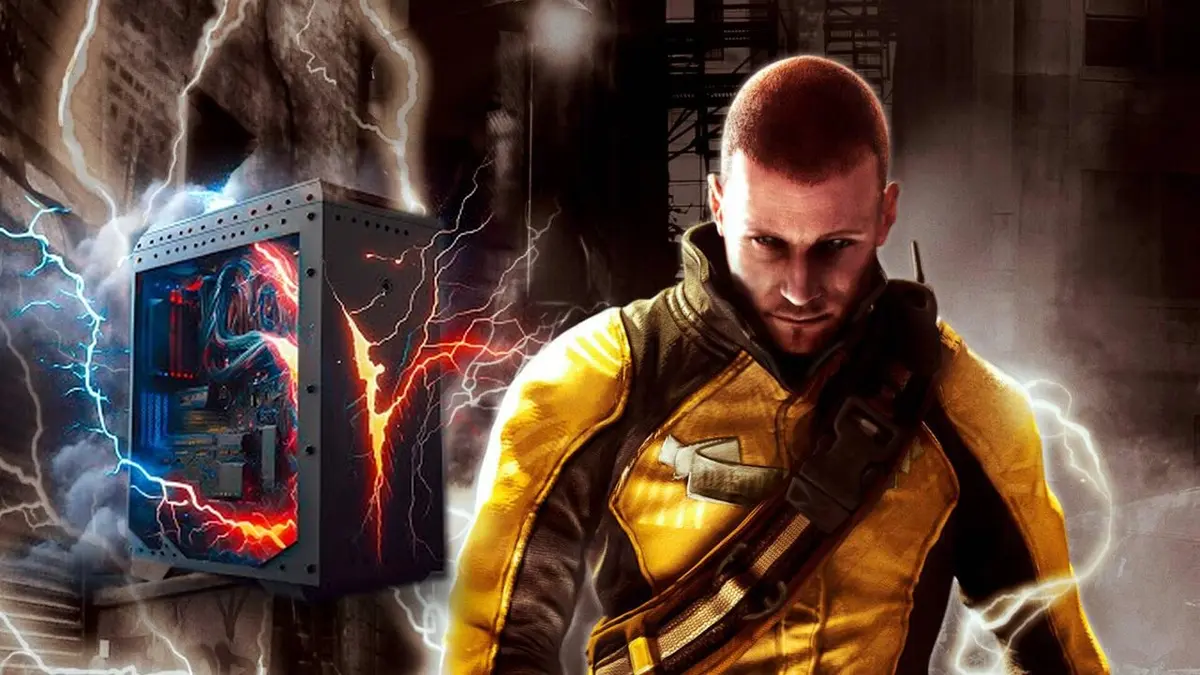
Within the wave of ports of console-exclusive games reaching PC unofficially, it is now the turn of a PlayStation classic, as a PC port of PS3 inFamous has surfaced, running natively without an emulator and with unlocked FPS. It is the first game in Sucker Punch’s saga, released in 2009 as a PS3 exclusive, which never had an official PC release, so up to now it could only be played on the console, with an emulator, or via streaming through PlayStation’s subscription services.
The project is called inFamous PC and is the work of developer whompay, who used the ps3recomp tool to recompile all the game’s code and convert it into a native Windows program. Thus, inFamous runs like any other PC game, with the option to play with a controller, just like on the console, or with a keyboard and mouse, something very useful for aiming Cole’s electrical attacks.
How the PS3 inFamous port for PC works
For those who didn’t play it at the time, inFamous puts you in the shoes of Cole MacGrath, a courier who survives a gigantic explosion in Empire City and wakes up with electrical powers. With them he must roam a city in chaos, climbing buildings and facing gangs, while deciding whether to use his abilities to save people or to sow fear, a karma system that changes his powers and the reaction of the citizens.
Unlike an emulator, which mimics the console hardware in real time, ps3recomp translates the PS3 processor code into PC code before playing, so the game runs directly on your computer. The interesting part is that the installer builds the port on your own PC from your copy, so the project does not distribute any game files.
Once installed, with the F10 key a configuration menu opens where you can change the resolution, enable or disable vsync and adjust the FPS limit, or unlock it completely to play with much smoother performance than on the original console. Additionally, the port includes an updater that downloads only the files that change, so you don’t have to reinstall everything with each new version.
System requirements and how to install inFamous PS3 on PC
To play you need 64-bit Windows 10 or 11, a DirectX 12-compatible graphics card, 16 GB of RAM and about 10 GB of free disk space, in addition to your own copy of PS3 inFamous in its European version (BCES00220), in ISO format or as the game folder. The full project is on the inFamous PC page on GitHub.
- Download inFamous Setup.exe from the project’s releases page.
- Open it and choose your .iso file, with its .dkey next to it if encrypted, or the game folder that contains PS3_GAME.
- Choose where to install it and press Install.
- If you’re missing Python or the Visual Studio build tools, the installer will offer to install them. If your copy has the encrypted executable, you’ll also need RPCS3, which the installer uses only to decrypt it.
- Wait for the installer to copy the game, generate the code, and compile it on your PC.
- Open the Play inFamous shortcut and press F10 inside the game to adjust the resolution and the FPS.
If you have an older processor without AVX2 support, the installer will automatically create a compatible version, though slower.
With this port, inFamous adds its direct PC sequel as well, since we recently also covered the PC port of inFamous Second Son without an emulator, the PS4 entry starring Delsin Rowe, which leaves two of Sucker Punch’s most beloved games available to play on computers without the need for a PlayStation console.