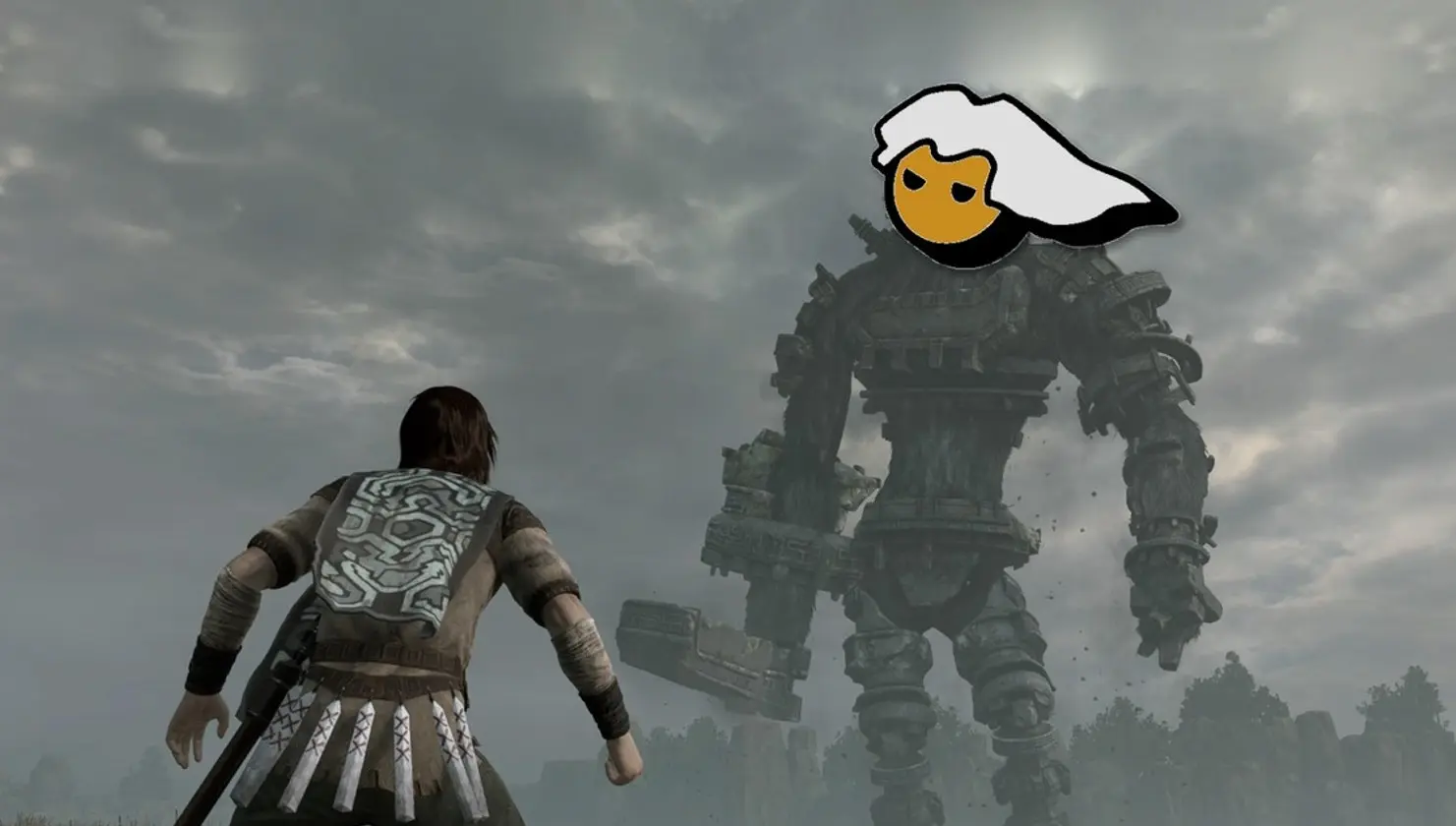
Unofficial ports of PlayStation exclusives continue arriving on PCs, and after players could enjoy Bloodborne and God of War III Remastered without relying on a console, now it’s the turn of another beloved classic. It is available to download for free: the PC port of Shadow of the Colossus, based on the remake that Bluepoint Games released in 2018 for PS4, which runs without an emulator, with keyboard and mouse support, and can reach 60 FPS.
The project was created by developer AjncSystem and is built on the same foundation as the Bloodborne port, together with the video core from the shadPS4 emulator and the 60 FPS patch created by illusion. Unlike a traditional emulator, the program executes the game’s original code directly in Windows and translates its graphics to Vulkan, allowing you to play the adventure from start to finish, although its creator warns that errors may still appear because this is version 0.0.9.
What the Shadow of the Colossus PC port offers
If you’ve never played it, Shadow of the Colossus is one of the most influential works in video game history. It was originally created by Fumito Ueda and Team Ico for PS2 in 2005, and you control Wander, a young man who must defeat 16 colossal giants in a forbidden land to restore the life of a girl named Mono, climbing their bodies to find their weak points.
Regarding the image, the port renders the game at 1080p and uses AMD FSR 1 upscaling to display it at up to 4K, along with 16x anisotropic filtering. That said, the 60 FPS and the enhanced filtering only work with the European 1.01 version of the game, while the other versions run at 30 FPS.
In terms of performance, the creator tested Shadow of the Colossus on PC with an RTX 2060 Super and achieved about 67 FPS on the title screen, although in the more demanding areas, such as the Canyon Bridge, the figure drops to between 29 and 34 FPS. Meanwhile, the YouTuber shinoum tested it with an RTX 3060 Ti and an Intel Core i5-14600K, recording nearly 40 FPS in the heavier sections.
Requirements and how to install the Shadow of the Colossus PC port
To play Shadow of the Colossus with this port you need 64-bit Windows 10 or 11 and a graphics card compatible with Vulkan 1.3, whether NVIDIA, AMD or Intel with recent drivers. The package does not include game files or PlayStation files, so you must have your own copy of the PS4 version extracted from a console with GoldHEN, ideally the European 1.01, in addition to the sound modules libSceNgs2.sprx and libSceUlt.sprx from your PS4, because without them the game runs without audio.
Once you have everything ready, you only need to follow these steps.
- Go to the port’s GitHub page, open the Releases section and download the file SotC-PC.zip.
- Extract the file into a folder on your computer.
- Run SotC.exe. The program will automatically search for the game’s folder, the sound modules, your shadPS4 saves, and the DLCs.
- If it doesn’t find them, manually add the folder with your copy of the game to the program’s library.
- Click Play (the program is in Portuguese) to start playing.
If you have an AMD or Intel GPU and the screen goes black, go to the program’s options and leave the graphics card delivery mode on Automatic, because some options are preset for NVIDIA.
Thus, the Shadow of the Colossus PC port joins the growing list of PlayStation exclusives that the community brings to PCs without emulation, and although it still has performance dips and somewhat demanding requirements to obtain the files, it allows reviving the battle against the colossi with keyboard, mouse and with greater fluidity than on the console.
