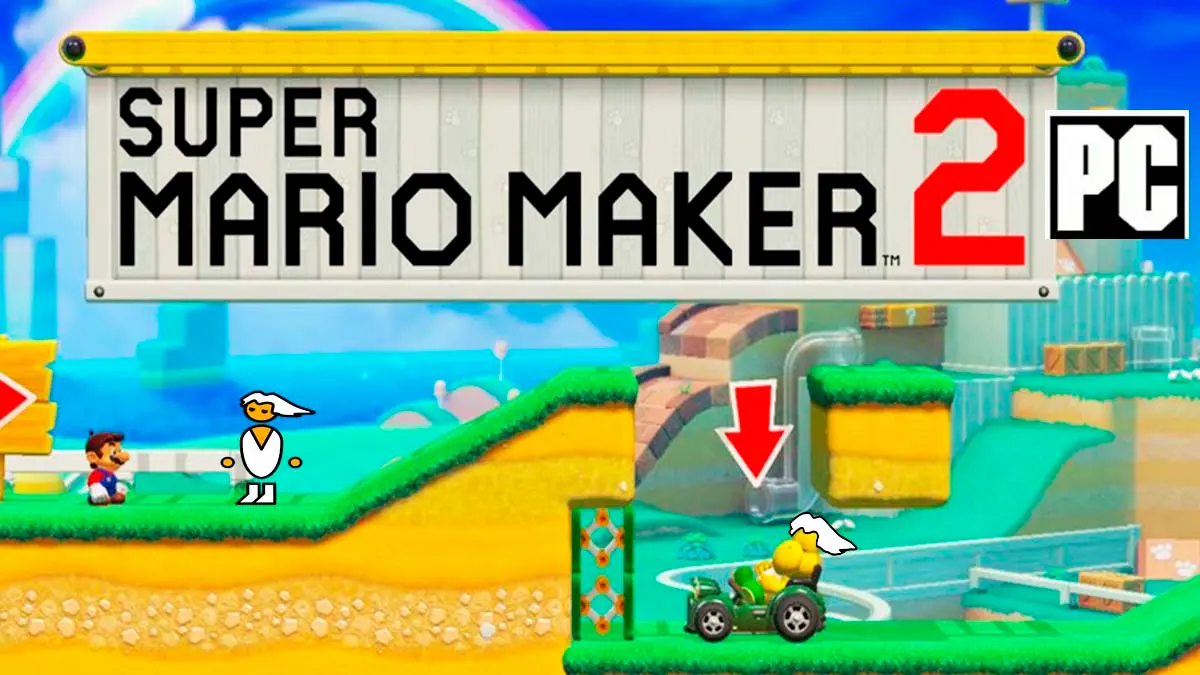
Super Mario Maker 2 has a native PC version named SMM2 Recomp, which just released its 0.4.8 update on October 23 and arrives packed with features that completely transform the gameplay experience, from the return of the 100-Mario Challenge from the original Super Mario Maker to a Level World that does not rely on Nintendo’s servers.
It is a native, emulator-free port that adds local multiplayer, revives the original 100-Mario Challenge together with several mods and improves smoothness with modern graphics engines like Vulkan and Metal, as well as offering optional Frame Generation so the image can run at 120 FPS on high-refresh monitors, although the game still operates at 60.
Technical details, updates and installation steps
It is a native port of Super Mario Maker 2, based on the Switch version 3.0.3, created through static recompilation, meaning the game’s code is pre-converted to C so your computer can run it as its own program, without emulation, while a native environment replaces the Switch’s system services and Vulkan or Metal handle the graphics. There are ready-to-download builds for Windows, Linux and macOS, and although it also runs on Android, iPhone and iPad, in those cases you have to compile it yourself.
Among its novelties is the complete reintroduction of the 100-Mario Challenge, with difficulty selection, the map, the starting hand, and the ending of the original Super Mario Maker, which coexists with the Endless Challenge from Super Mario Maker 2. Additionally, both modes can be played in local cooperative by connecting more controllers, while the Play Together option enables local matches with up to four controllers, though the developers have only tested it with two.
The Level World also operates without Nintendo’s servers, thanks to a self-hosted open-source server that anyone can set up or the public level file from TGRCode, with lists, search, downloads, leaderboards and the community’s Super Worlds. There is even online play via the Nextendo network, though its creators caution that this is a new feature they have not thoroughly tested yet.
In addition, classic mods from the original Super Mario Maker are included, such as the Mystery Mushroom costumes, Skinny Mario, shell-jump tricks in midair, and overlapped pipes, each with its own switch, as well as the option to edit any downloaded level as a fresh copy, while preserving the original creator credit.
How to install the Super Mario Maker 2 port
To play it on Windows you need 64-bit Windows 10 or 11, a processor compatible with x86-64-v2, which nearly all CPUs from the last ten years support, and a graphics card compatible with Vulkan 1.3. You also need your own copy of Super Mario Maker 2 with the 3.0.3 update, in addition to the keys and firmware of your own console, because the port does not include any game files. Once you have everything, here are the steps to install it.
- Go to the GitHub releases page and download the file SMM2Recomp-windows-x86_64.zip from the most recent version, which appears first in the list.
- Extract it to a folder where you can store files, for example in Documents and not in Program Files, because your saves, your configuration and the program logs will reside there.
- Open smm2recomp.exe, and if Windows shows a warning, click More information and then Run anyway.
- On the configuration screen, choose your copy of Super Mario Maker 2, which can be the NSP or XCI file of the game along with the 3.0.3 update NSP, or the exefs and romfs folders if you already extracted them.
- Then indicate where the prod.keys file and the firmware of your console are located, which the port uses to load the game sources, although if you already use a Switch emulator on your computer, they are filled in automatically.
- If you own the original Super Mario Maker on Wii U, you can optionally add it to activate mods inspired by that game.
- Press the configure button and wait while the program scans your files and recompiles the game on your computer, a process that the first time can take from a few minutes up to about thirty minutes, but afterwards the game opens directly.
If you want to enable the Frame Generation, go to Settings and then Video, where it is disabled by default. And if the program fails, the project itself asks you to open a GitHub report with the logs left in the port’s folder.
PC port release of Super Paper Mario
On the other hand, if you enjoy Mario ports, a few days ago we also reported on the PC port of Super Paper Mario, the Wii classic that now runs on a computer without an emulator, in 4K, at 120 FPS and with HD textures, and in that article we explained step-by-step how to download and install it.
To wrap up, both projects mark a significant advance for game preservation, as they offer native versions of Nintendo titles, with easy installation through recompilation on your own computer and new features that their original consoles never had.