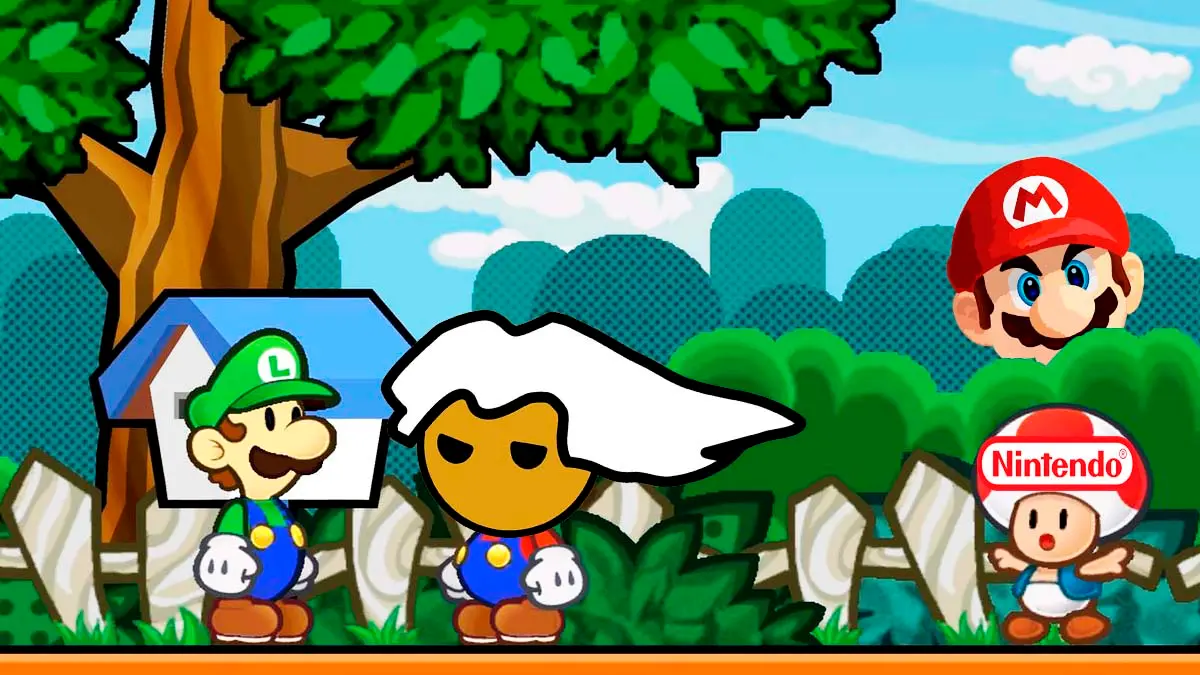
Amid the wave of exclusive console game ports that arrive on PC unofficially, if you’re a big fan of the adventures of the red-hatted plumber, we’ve got excellent news for you: the port of Super Paper Mario for PC has just released, a beloved title that spent almost two decades exclusive to Nintendo Wii, and now runs without an emulator, in 4K and at 120 FPS.
It’s called New Super Paper Bros, a community project created by developer JosiahG that brings Nintendo Wii’s 2007 game to today’s computers. The port offers resolutions up to 4K, high-definition textures, higher-quality music, compatibility with keyboard, mouse, and controllers from various consoles, and a smoothness up to 120 frames per second.
All the improvements of the Super Paper Mario port for PC
This new adaptation, developed independently by the community, allows PC players to enjoy this classic directly and natively, without dealing with the configurations that emulators typically require. To achieve this, the original game code was translated to C++ with the WiiCompiled tool, so it runs as just another Windows or Linux program.
To give a bit of context for those who don’t recall this release or haven’t tried it at the time, Super Paper Mario originally launched in 2007 and blends 2D platforming with RPG elements, featuring a mechanic that lets you switch between 2D and 3D to discover hidden paths. In its story we accompany Mario, Princess Peach, Bowser, and Luigi on a mission to collect the Pure Hearts, essential to stop the evil Count Bleck and his minions before they destroy the entire universe.
On this occasion, the Super Paper Mario port comes with a launcher that streamlines the initial setup, requiring only that the user provide their own copy of the original game, since the program does not include any disk files. It also allows importing your saved Wii or Dolphin saves, so you can continue your adventure right where you left off.
In terms of visuals, the improvements are noteworthy, as the game supports resolutions up to 4K and is configured by default to run at 1080p in a borderless window. It also adapts to widescreen displays with options for 16:9 or a cinema 2.39:1 format without stretching the image, or you can keep the original 4:3 aspect, and it incorporates HD textures and soundtrack tracks with higher quality than the console, both created by the community.
Fluidity is another strong point, reaching up to 120 frames per second through frame interpolation, which makes each jump and animation appear much smoother on screen.
As for controls, you can play with a keyboard and mouse, where the mouse takes on the Wii pointer function used with Tippi, though it’s also compatible with Xbox, PlayStation, and Nintendo controllers, with the freedom to remap each button according to your preferences. As a bonus, the launcher includes a mods section to replace game files or textures.
Requirements and how to install the Super Paper Mario port
To play, you’ll need 64-bit Windows 10 or 11 and a graphics card compatible with DirectX 12 or Vulkan, in addition to your own copy of the Super Paper Mario disk for Wii, in the US or Europe version, in .iso, .ciso, or .wbfs format. There is also a Linux version, though its support is recent. The full project can be found on New Super Paper Bros’ GitHub page.
- Download NewSuperPaperBros.zip from the project’s releases page and unzip it into a folder.
- Open New Super Paper Bros.exe. If Windows shows the warning “Windows protected your PC,” click “More information” and then “Run anyway.”
- In the Play tab, choose your disc image. The files are copied once and then you don’t need the image.
- If you have a saved Wii or Dolphin save, import it from the Play tab.
- Press PLAY to start playing.
- Inside the game, press F10 to open the settings menu and F11 to switch between fullscreen and windowed mode.
The native arrival of Mario Strikers Charged on PC
Following in the footsteps of major games for this character heading to PC, not long ago Recharged was announced, a native adaptation of Mario Strikers Charged that lets you enjoy this intense and chaotic football game on Windows, Linux, macOS, and Steam Deck, without emulators and completely free.
This project brings back the memorable sports title that Next Level Games released in 2007 for Nintendo Wii, taking advantage of the code reconstruction work done by fans to generate a native program for each platform. Thus, the original game rules, ball physics, and the frenetic pace of the matches remain intact, but with modern advantages such as 4K graphics, anti-aliasing, and unlocked FPS, using DirectX 12, Vulkan, or Metal.
To close, this version also offers support for keyboard and mouse, modern controllers, and even the possibility of connecting the original Wii Remotes via Bluetooth or with special adapters, and in our note about the Mario Strikers Charged port for PC we leave download links and the installation steps.
