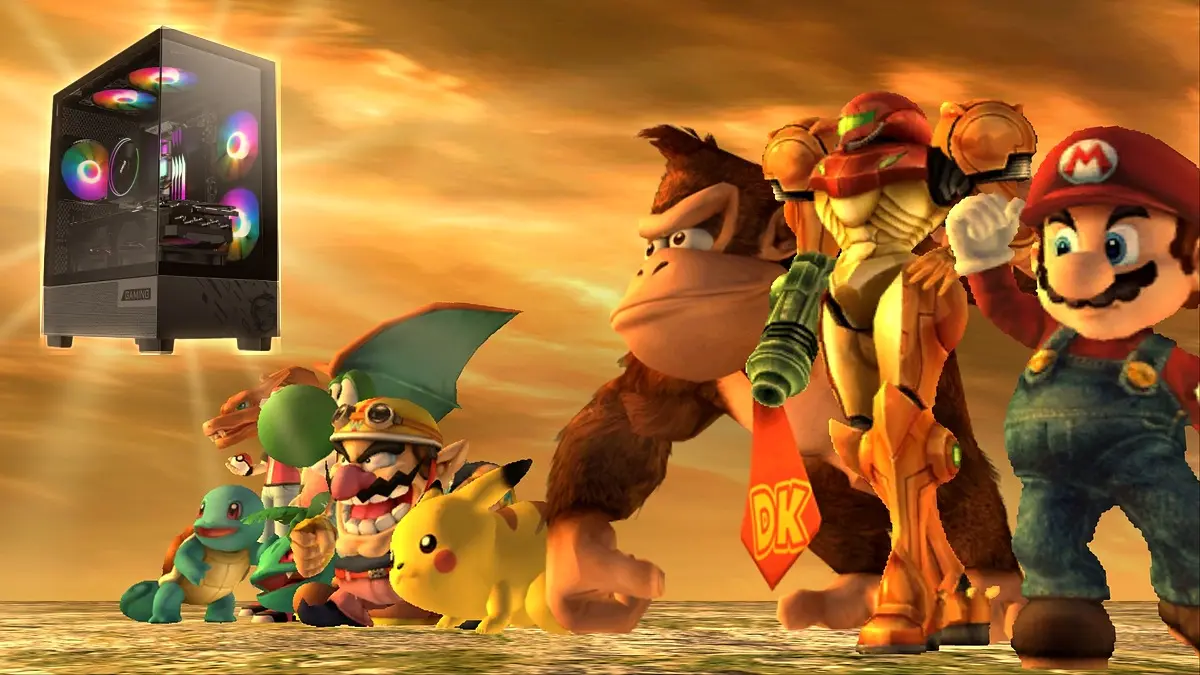
Super Smash Bros. Brawl, one of the Wii’s most beloved games, has a PC port that runs without an emulator, at resolutions up to 4K and with support for the community’s most famous mods, including one featuring about 150 fighters, which can be downloaded for free from GitHub. The project is named Brawl Recompiled and its latest release, version 0.3.0, came out on October 22.
The port takes the code from the 2008 Wii version and turns it into a native Windows program, a process known as recompilation, so the game runs directly on your computer. It also uses the same tooling as the Super Paper Mario port we mentioned a few days ago.
What the Super Smash Bros. Brawl PC port offers
Visually, it allows you to push the resolution up to 4K, uses the game’s own 16:9 widescreen mode and can also stretch the image for ultrawide displays. It also brings 120 FPS with frame interpolation, a technique that creates intermediate frames to make the game appear smoother on monitors over 60 Hz, although the game still runs at its normal speed and this option remains experimental.
In terms of controls, any controller works as a GameCube controller, with layouts for Xbox, PlayStation, or Nintendo, so you can host local matches with friends, as in the original which allowed up to four players. Player 1 can also use mouse and keyboard, and it’s even possible to connect real Wii Remotes via Bluetooth to play as on the console, although online play isn’t currently supported by the port.
Mods with up to 150 fighters
The most striking feature of the port is that it accepts the community’s most popular Brawl mods, installed in the same way as on a Wii SD card. The largest is Super Smash REX, with about 150 fighters. It’s followed by Project+Ex, with around 55 characters including Ridley, Waluigi, and Dark Samus; Legacy XP, with around 50; Brawl Minus, with 47; and Project+, with 42, including Knuckles, Mewtwo, and Roy. Costumes, stages, and moves created by the community in Brawl Vault also work.
That said, the project is still in development, because for now the menus, the combat matches, the demos, and the beginnings of Classic Mode and Subspace Emissary work, while the rest of those modes have not yet been tested.
Requirements and how to install the Super Smash Bros. Brawl port
To play it you need 64‑bit Windows or Linux, and on Linux you’ll need a 2022-or-newer distribution with Vulkan-compatible drivers. You also need your own copy of Super Smash Bros. Brawl, only the US version, known as RSBE01 revision 1, in ISO, .ciso, or .wbfs format, because the port does not include any game files and using another region or revision may not work. The developer did not publish minimum processor or graphics card requirements. Once you have everything, here are the steps to install it.
- Download the Windows zip file or the Linux .tar.gz from the GitHub releases page and unzip it into a folder with enough free space.
- Open Brawl Recompiled.exe and, on the Play tab, select the image of your disc so the launcher prepares the game, a process that happens only once.
- On the Display tab, set the resolution up to 4K, choose the widescreen or ultrawide mode, and enable 120 FPS only if your monitor supports more than 60 Hz.
- On the Controls tab, configure your controller or enable keyboard and mouse for the first player.
- Press PLAY to start, and inside the game use F10 to open the settings menu and F11 to switch between fullscreen and windowed mode.
If you have Wii or Dolphin save files, the launcher allows importing them from the Play tab.
How to install mods in the Super Smash Bros. Brawl port
Mods aren’t included with the port, so you’ll need to download them from their official sites, always in their Wii or console version, and follow these steps.
- Download the mod you want from its site, whether Super Smash REX, Project+Ex, Legacy XP, Brawl Minus, or Project+. In the latter case, use its Lite Wii version.
- Unzip the mod and locate its main folder, which is rex_ for Super Smash REX, P+Ex for Project+Ex, LegacyXP for Legacy XP, Minusery for Brawl Minus, and Project+ for Project+.
- Copy only that folder into the port’s UserDataSD folder, because the apps, private, and codes folders from the Wii download are not needed.
- On the launcher’s Mods tab, choose the mod you want to use in Codes to load, since you can have several installed at the same time.
- Press PLAY and be patient, because the first time the port builds a virtual SD card with the mod’s files and it can take several minutes.
Keep in mind that large mods take up a lot of space, since only Super Smash REX weighs in at around 8 GB.