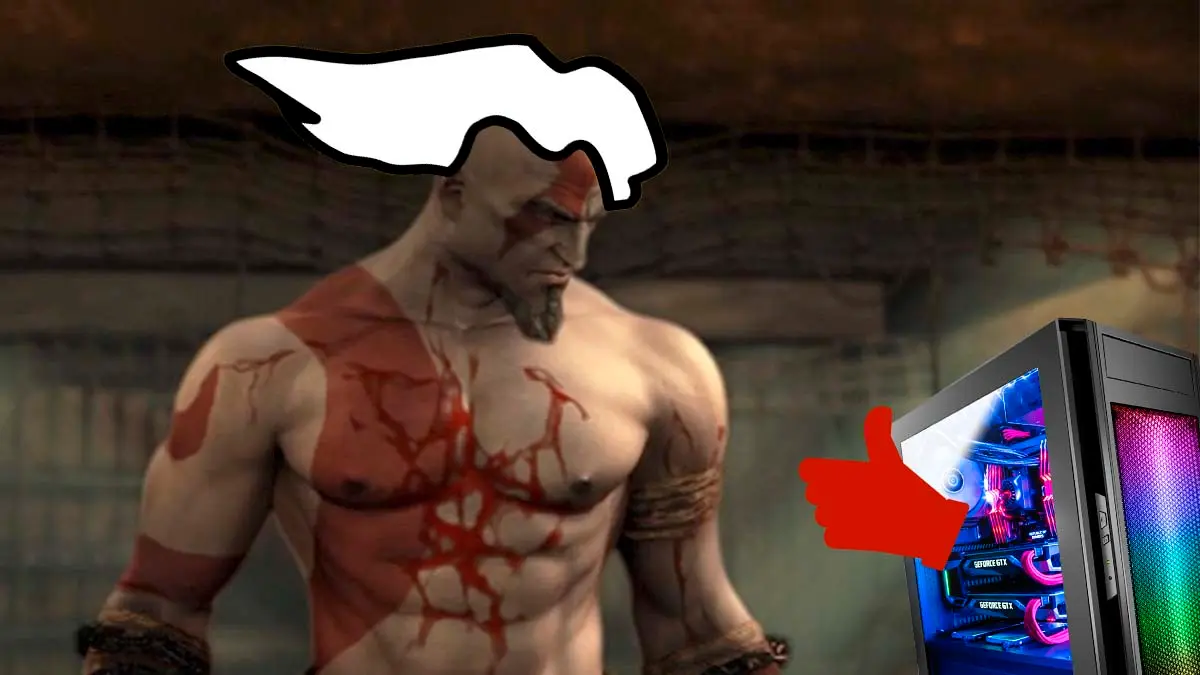
The world of classic video games continues to surprise thanks to the tireless work of fan communities and independent developers who seek to revive past gems on modern PCs without the need for emulation. Following the recent unofficial release of the third installment, the time has now come for PS2 God of War, the first Kratos adventure released in 2005, to receive an unofficial native PC port.
This port features an accessible in-game menu reachable at any moment with the F1 key, from which players can toggle visual settings on the fly, enable cheats, and manage save files. It also uses profile-guided optimization (PGO), applied during installation, to boost performance toward a target of 60 frames per second, although the author notes that a fixed 60 FPS is not yet achieved in the heaviest combat sequences.
Technical features, graphical options and project evolution
If you’re among those who don’t know it beyond the modern titles, the PS2 God of War, released in 2005 for PlayStation 2, is an action-adventure game set in Greek mythology, in which you control Kratos, a Spartan warrior haunted by tragedy who seeks revenge on the god Ares after being tricked into slaughtering his own family.
This entry is one of the most memorable in the PlayStation 2 catalog thanks to its brutal gameplay, its puzzles, and its epic scale. Until now, PS2 God of War hadn’t officially arrived on PC, where it now comes back to life through this community project.
Now comes this fan-made port of God of War for PS2, which uses a technique called static recompilation to translate the game’s code into a native Windows application rather than relying on an emulator. It offers support for keyboard, mouse, and controllers, for an ISO with fan translations that only modify text, and for graphical features such as adjustable internal resolution, FXAA, anisotropic filtering, and graphic profiles.
Additionally, it includes a dedicated launcher that automates much of the process, without requiring Visual Studio, Git or Python, and it only asks for your own copy of the game in ISO format, since the project does not include or download any game files.
To bring that experience to modern PCs, the internal menu and the launcher allow adjusting the scaling filter and sharpness, tweaking graphic profiles (Performance, Balanced and Quality), and enabling fullscreen without borders, as well as remapping every controller button and creating backups of virtual memory cards.
On the performance side, versions 3.0.0 and 3.0.1 introduced notable improvements, including early frame termination, fewer cross-thread calls, and faster VU1 code.
With these changes, the author measured gains of nearly 20% in the most demanding battles thanks to early frame termination and first-run preparation, along with the PGO optimization, which reduces compile time from about 63 to around 24 minutes. On a test rig consisting of a Xeon E5-2666 v3 with an RX 580, the average stands at about 57 FPS and around 55 FPS in heavy combat.
System requirements and step-by-step guide for preparation and installation
To compile and run the port, you need 64-bit Windows 10 or 11, a 64-bit x86-64 processor with SSE4.2 instructions and preferably 4 cores or more, at least 8 GB of RAM (16 GB recommended during compilation), and a graphics card with OpenGL 4.3 or higher, as well as less than 10 GB free on disk depending on language and build.
In addition, you need your own PS2 God of War NTSC-U ISO image (SCUS-97399), since the project does not include any game files, and a fan translation of that disc that only changes the text.
Once these components are verified, the steps to install and prepare the port are as follows.
- Download the gow-native-pc-setup.exe file from the project’s GitHub releases section, run it to install it for your user only (no administrator rights), and open the God of War Launcher.
- Go to the Install tab and click Download tools to fetch the portable tools needed by the process.
- Click Add ISO and select your own game image so the launcher can detect the available version and language.
- Click Install and build and leave the Prepare the first play option enabled, which records the game’s behavior to optimize performance. This process takes about 25 to 40 minutes depending on the CPU, and you can continue using the PC during it.
- Wait on the loading screen, choose a graphics profile in the Graphics section, review the controls, and click PLAY.
With all of this, the PS2 God of War port presents itself as a preview build that still has details to polish, such as occasional frame drops with audio hiccups when switching areas and an audio channel alignment issue in scenes in Portuguese. Nevertheless, the author plans texture packs, a Linux port and ISO mods, and asks users to report errors in the GitHub Issues section, specifying the processor and graphics card. It’s important to note that for now only the US disk code is supported and it runs only on Windows.
