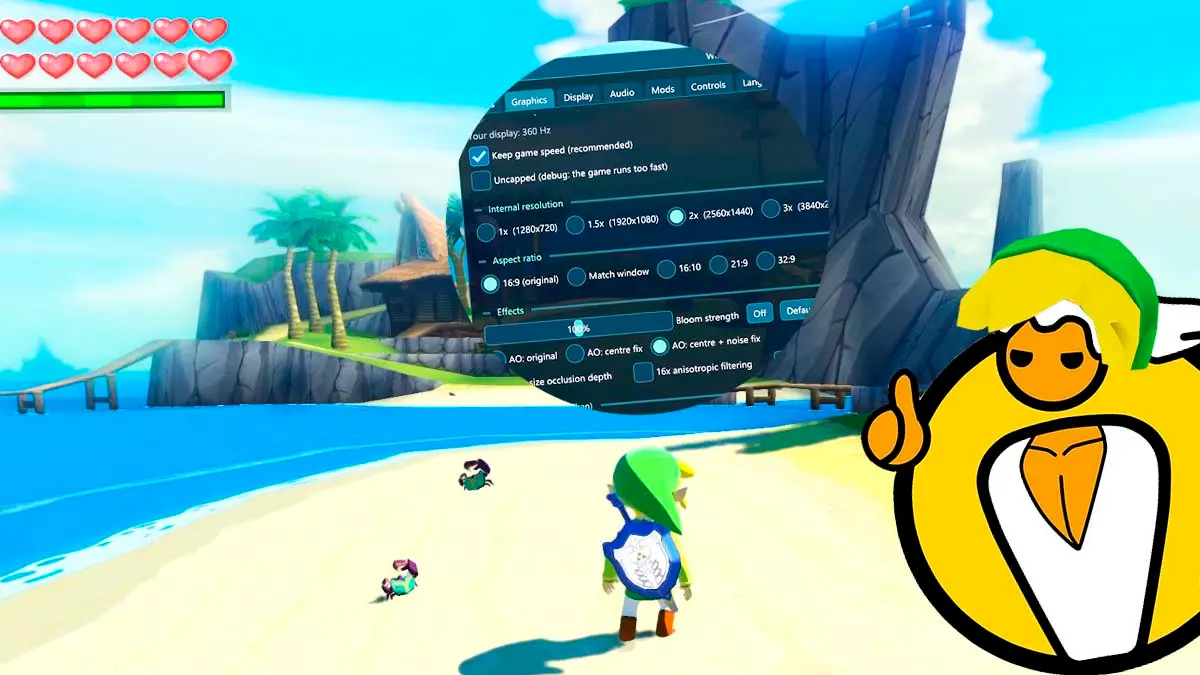
Nowadays there are a huge number of unofficial versions of classic PC games being released at an impressive pace, and with advances in new programming tools, fans have managed to adapt beloved titles directly, especially Nintendo ones. Among all these options stands ZeldaWWHDRecomp, a port that lets you run Zelda Wind Waker HD from Wii U on Windows, Linux, Mac, and Android without an emulator.
The project offers a 60 frames per second fluidity with frame interpolation, sharp high-resolution graphics, compatibility with modern controllers such as the Xbox with the buttons adapted, the ability to save your game at any moment and a built-in editor to create your own islands. Note that this is not the same project as the GameCube Wind Waker port we mentioned a few weeks ago, but a port of the Wii U HD remaster.
What is Zelda Wind Waker HD from Wii U and how it looks on PC
For those unfamiliar with this entry, Zelda Wind Waker HD is the high-definition remastered version of a acclaimed Nintendo action-adventure fantasy game. In its story you play as Link, a young hero who must sail across a gigantic ocean filled with islands, treasures and dungeons to rescue his kidnapped sister and save the world from the clutches of the evil Ganondorf.
Its artistic presentation stands out for a visual style reminiscent of a animated film, while the Wii U version notably improved the lighting, simplified ship navigation, and adapted the interface so the adventure feels much more agile.
The fundamental difference between this project and a traditional emulator is that the game’s code runs natively on your processor, since it has been recompiled before playing. This eliminates the extra work computers endure when simulating a full console, which translates into more stable performance and lower resource consumption.
Additionally, this PC version allows playing with a free camera controlled by the mouse, aiming with a gyroscope with adjustable sensitivity, and includes a powerful built-in editor to design your own islands, quests and characters, something impossible to do on the original console.
According to the author from XDA Developers, when testing this port you immediately notice how fluid and modern the adventure feels compared to the console version. The animated visual style unfolds with impressive smoothness, and although at first it may feel strange to see a classic running so smoothly, you get used to it within a few minutes.
The port also includes quality-of-life improvements such as an internal resolution up to three times the original, HDR support for more vibrant colors in Windows, and the option to view the Wii U GamePad screen in a separate window.
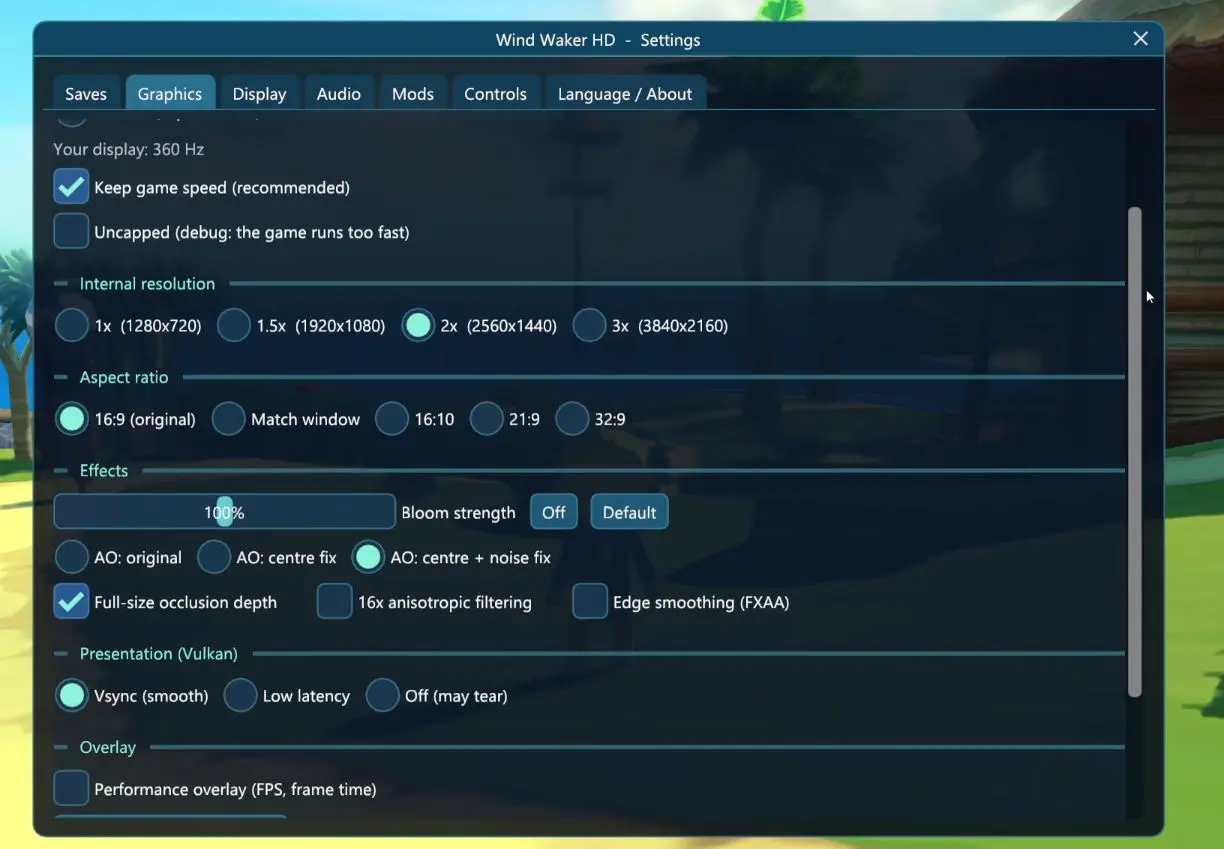
Another strong point is how easy it is to install mods to enrich the story. The community has created additional missions, unpublished treasure maps, and a story notebook that you receive via the Rito mail, and that lists every new mission with what you must do and where.
If at any moment you prefer pure adventure, all these extra features can be disabled from the menu. Additionally, you can import your saved games from Cemu, the Wii U, or even the GameCube version, to continue exactly where you left off.
Requirements and how to install the Zelda Wind Waker HD port
To play you need your own copy of the game, from the US or Europe, extracted from your Wii U, since the project does not distribute any copyrighted files. On Windows you need Windows 10 or 11 and a graphics card with Vulkan 1.3 compatible drivers. The first time you open the program, it sets up the game from your copy in about two minutes, and from there it opens instantly.
- Go to the ZeldaWWHDRecomp releases page on GitHub and download the compressed file for your operating system, whether Windows, Linux, Mac or Android.
- Unpack it to any location on your disk or on an external drive.
- Open Wind Waker HD to start the initial setup.
- Choose the location of your game, which can be a disk image (.wux or .wud), a Cemu archive (.wua) or a folder with the extracted game.
- If you are using a disk image, the program will prompt you for its key and the Wii U’s common key. It detects them only if you leave the files in the same folder. With a Cemu file or an extracted folder you don’t need any key.
- Wait about two minutes while the game is assembled, and if you want, import your saved game when the program offers it.
So, to close, players who dreamed of enjoying it on PC will surely appreciate this project, which allows native Zelda Wind Waker HD play, at 60 FPS, with mouse support and an island creator, with just a quick setup using your own game files. 60 fps, mouse support and an island creator, requiring only a quick installation with your own game files.
