DLSS Swapper officially released version 1.2.7, incorporating one of the most requested features by the gaming community, which is the ability to update the DLSS of all your games at the same time, alongside FSR and XeSS, swapping the files of these technologies across several titles simultaneously and without waiting for patches for each game.
Until this update arrived, when you wanted to update or modify the internal libraries that manage the upscaling of your games, you had to open the application and adjust game by game, which resulted in a long and heavy process for anyone with a large catalog. This new version allows modifying several games at once, removing the need to do it one by one, adding bulk restore and speeding up the detection of installed games on the computer.
Tool Operation and Explanation of DLSS, FSR and XeSS
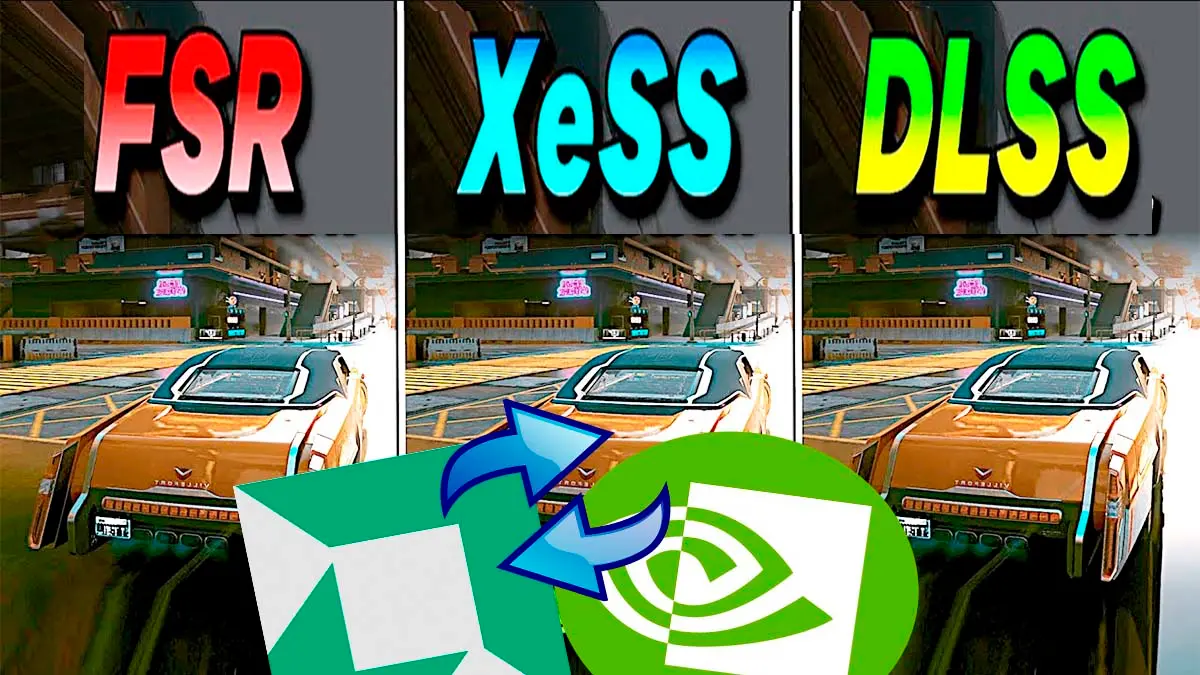
To understand the importance of this tool, and if you are one of those who don’t quite grasp their differences, here’s what these components do. NVIDIA DLSS, AMD FSR and Intel XeSS are image upscaling technologies created by the three major GPU manufacturers.
Their main function is to make the game be processed internally at a lower resolution to gain many more frames per second, and then reconstruct the image with artificial intelligence or advanced algorithms, making it look sharp and very close to native resolution. Each new version tends to improve sharpness and reduce issues such as ghosting, but many games stay with the version they released with, and that’s where DLSS Swapper comes in, which allows to put a newer version without waiting for a patch, or revert to an older one if the new one doesn’t convince you.
The main difference lies in which brand developed them, since DLSS belongs to NVIDIA and works only on its GeForce RTX cards, FSR is the AMD alternative and XeSS is Intel’s solution, all with the goal of delivering smoother performance while losing as little graphical quality as possible.
With the new batch-change feature, it is possible to mark several games at once or select your entire library to apply the versions or presets you prefer in a single operation, all this in a free project that you can download from the version 1.2.7 page on GitHub.
Using the batch Change option, you can decide exactly which version to assign to each technology or which preset to apply to your list of games. If any game in your library does not use a specific technology, for example if it lacks XeSS or FSR support, the program will not stop or flag a false error, but will simply skip it.
Similarly, if you prefer to revert changes or something does not work as expected, DLSS Swapper allows restoring the original files in bulk, a key feature, since the creator himself warns that changing the version does not guarantee better performance and that in some cases a game might not launch until you revert to the original file. When finished, the application shows a report indicating which games were updated correctly, which were omitted and whether any issues arose along the way.
Speed Optimization, Fixes and Installation
In addition to the batch-change features, version 1.2.7 fixes an important bug in Steam library scanning, which in earlier versions could cause the program to close when listing your installed games. With this fix and other improvements, the application detects and loads all your games much faster, reducing the wait time from the moment you open it to when you can start managing them.
Alongside these stability improvements, support for the DLSS Frame Generation preset C was added, as well as an update notice that appears in the interface when a new version is available, something that didn’t always appear before. The program automatically recognizes games from Steam, GOG, Epic Games, Ubisoft Connect, the Xbox app and Battle.net, and it also allows adding others manually. That said, it does not add DLSS to games that do not have it; it only changes the version they already include.
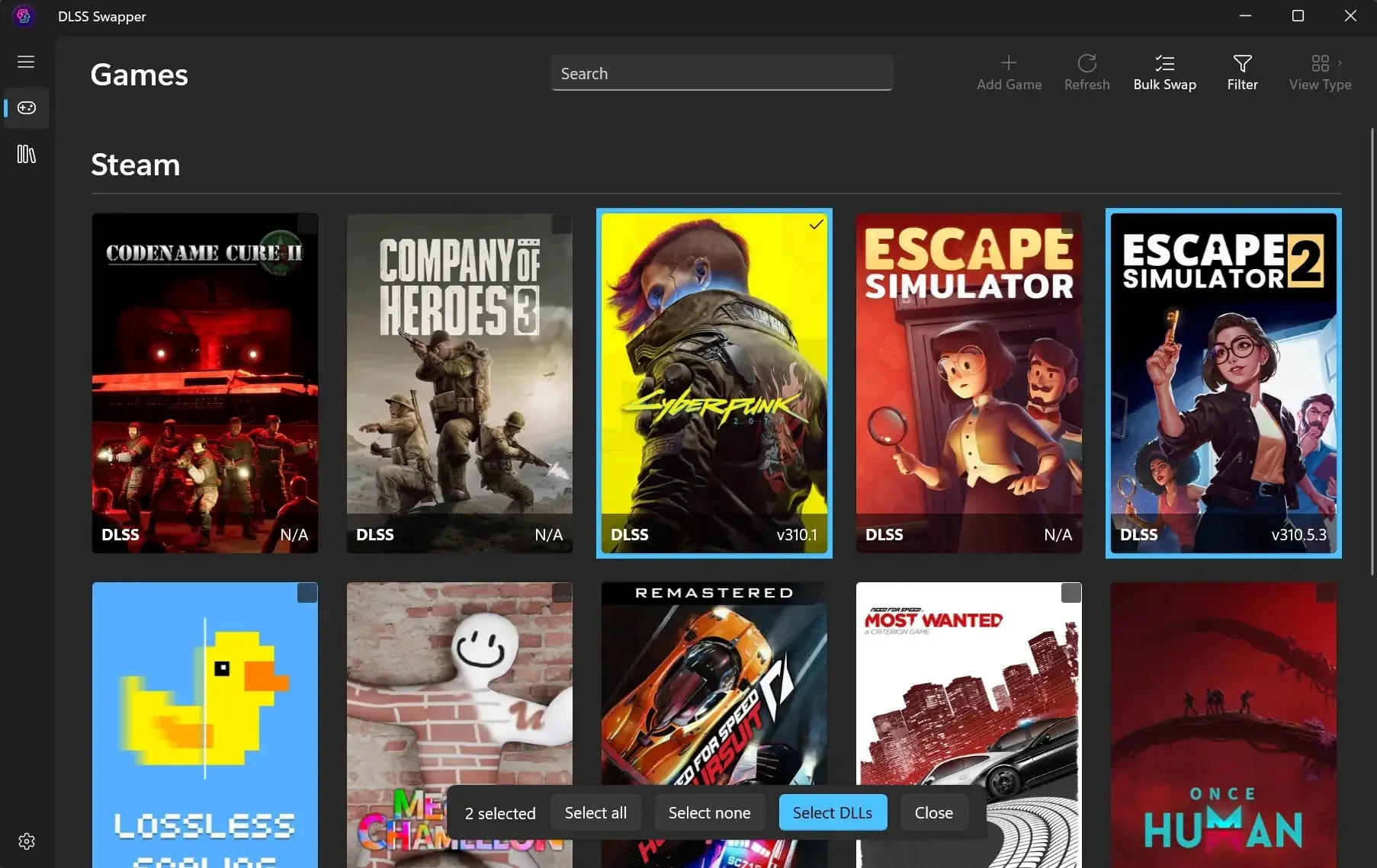
To use it you need 64-bit Windows 10 or newer and it works with any graphics card. Note that the creator warns that there are fake sites pretending to be DLSS Swapper, so you should only download it from its official GitHub or via winget.
- Download the installer from the DLSS Swapper releases page on GitHub, or install it by typing winget install –id=beeradmoore.dlss-swapper -e in the Windows terminal.
- Open the program and let it scan your game libraries.
- Select the games you want to modify, or your entire library, and use the batch change option.
- Choose the DLSS, FSR or XeSS version, or the preset, that you want to apply and confirm.
- Open the game and check that everything works well. If something fails, go back to the program and restore the original file.
To conclude, DLSS Swapper 1.2.7 is available completely free, and those who already have a version installed will see the update notice directly in the program, a good opportunity to bring the DLSS of all your games up to date in just a few minutes.
