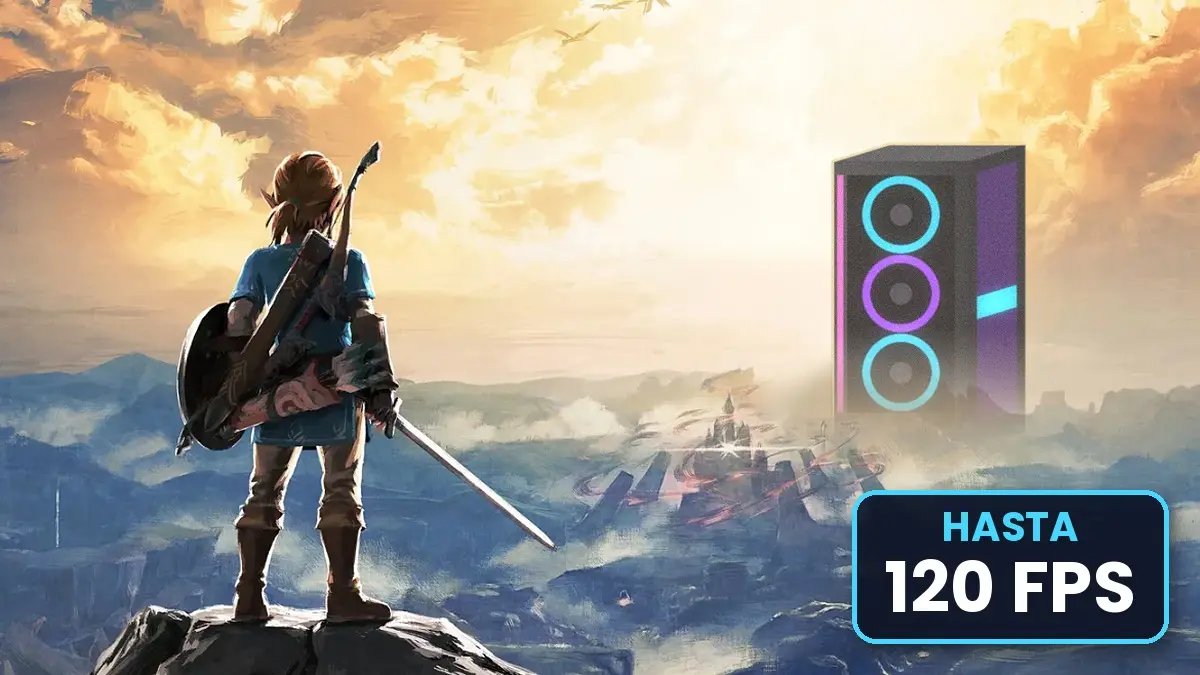
Zelda Breath of the Wild has a new PC port that runs without an emulator, delivering up to 120 FPS and 4K, and it can be downloaded for free from GitHub. It is called Savage Wind Recomp, created by a developer known as Revivedx, with its second alpha version released on October 22, though at the moment it is an alpha and has only been tested at the start of the adventure.
Unlike emulators like Cemu or Ryujinx, which imitate a console’s hardware to run its games, this port takes the Nintendo Switch code and converts it into a native Windows program, in a process known as recompilation. Therefore the game runs directly on your PC, just like any other PC game.
What the Breath of the Wild PC port offers
The biggest improvement lies in smoothness, because the port allows you to choose between 30, 60, 90 and 120 FPS, or even play without a cap, without the game speeding up, when on Switch it runs at 30. However, according to the developer on Reddit, for now the game fluctuates between 45 and 60 FPS on an RTX 3060 at 1440p and without FSR, so enhancing performance is his top priority for this week.
The resolution can be increased up to 4K, and those with more modest computers can use AMD FSR 1 to gain performance. It also features mouse and keyboard support with a control layout similar to Dark Souls and all keys configurable, works with any controller and includes PC-specific menus for video, audio and controls, along with a separate program to adjust settings without launching the game.
Another novelty is that you can choose voice language and text language separately, something the Switch version does not allow, so you can, for example, play with Japanese voice acting and Spanish text.
Another notable detail is that, according to the developer on GitHub, the project is built almost entirely with artificial intelligence, using Claude via Claude Code, while one person handles direction, testing and review. The port is also based on LAS Recomp, another recompilation project created in the same way, and about its name, the developer explained that he simply liked it, though he joked that “I don’t want anyone knocking on my door”, in English originally.
What it still lacks
That said, you have to be patient, because this is an alpha version and so far only the Shrine of Resurrection and the Great Plateau, the first area of the game, have been tested, so later on bugs or unexpected crashes could appear. Also, the first time an effect appears, the game shows a small stutter while it prepares it, although in areas you have already visited it does not recur.
For now it is also not compatible with DLC, which the developer plans to add later together with FSR 3 with Frame Generation, DLSS, support for mods, monitors with variable refresh rate and more accessibility options. He is also preparing a system that will hide amiibo-granted items in chests scattered across the map so they must be found through exploration rather than luck.
Requirements and how to install the Breath of the Wild port
To play it you need Windows 10 or newer, an AVX2-compatible processor, a graphics card with Vulkan 1.3 and about 35 GB of free space. The port does not include any game files, so you need your own Breath of the Wild copy from Switch, updated to version 1.8.2 and extracted from your own console, a version the developer chose because it remained definitive for a long time, while later updates only brought bug fixes and the Thai language. Once you have everything, these are the steps to install it.
- Download the file SavageWind-0.2.0-alpha.2-windows.zip from the GitHub releases page.
- Unzip it to a folder that is not Program Files, because that is where the game files, your saves and the configuration are stored.
- Open savagewind.exe and, when prompted, choose the folder with your copy of the game and press Set up game files.
- Wait for the preparation to finish, which is done once and takes about 40 minutes on a 12-thread processor, and when finished the game will launch automatically.
- From there, savagewind.exe goes directly into the game, and the graphics, controls and language options are in the pause menu, under System and then Options.
If you are upgrading from the first alpha, you need to unzip this version in a new folder and prepare the files again, although you can copy the save folder to avoid losing your progress.