UPDATE (October 26): the port’s repository on GitHub is no longer available, so it can no longer be downloaded from its official page, and for now the reason is unclear, as no copyright withdrawal notice in Nintendo’s name has been published, although GitHub usually makes them public with a few days’ delay.
That said, the takedown occurred a few days after Nintendo sent a notice to GitHub on October 23 to remove the Rhythm Heaven project for Game Boy Advance and more than 20 copies, including PC versions, so we recommend not downloading copies of the Xenoblade port from unofficial sites, as they could be altered, and we will update this note if there are developments.
ORIGINAL NOTE
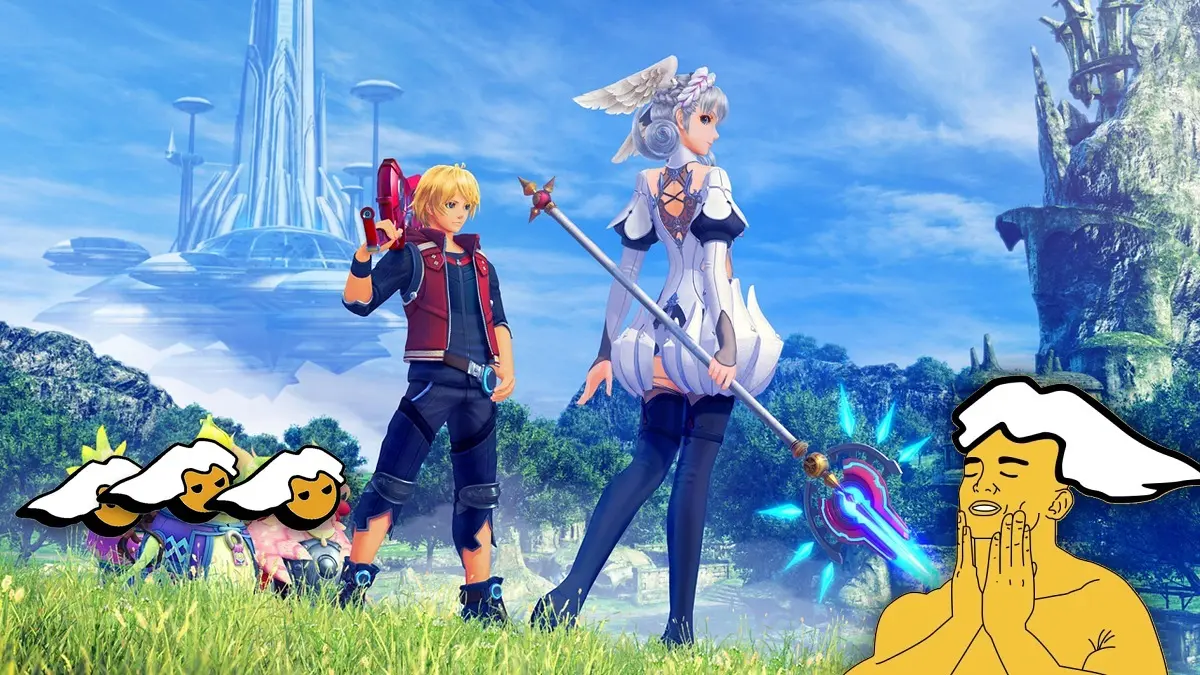
Xenoblade Chronicles Definitive Edition, the Monolith Soft RPG that Nintendo re-released on Switch in 2020, can be played in full on PC with a free port that runs natively without an emulator, with a resolution of up to 4K, the option to play unlimited FPS, and mouse-and-keyboard controls designed for PC, in a project that also includes its launcher in Spanish.
The port is called Monado, named after Shulk’s sword, and it was published on GitHub by user TheMonadoGuy, who recompiled the game’s code to turn it into a native Windows program, while the Switch graphics are rebuilt on Vulkan, all based on LAS Recomp, the same project that underpins the PC port of Zelda: Breath of the Wild.
What the Xenoblade Chronicles PC port brings
The most striking feature, according to its author, is that the entire game can be played on Windows with NVIDIA RTX cards, including the story, battles, side quests, affinity moments, and the Future Connected epilogue, as well as the menus, cutscenes, and sound-enabled videos.
In terms of graphics, the port allows raising the internal resolution up to three times that of the Switch, reaching 4K, playing on ultrawide screens without distorting the image, and using NVIDIA DLSS, AMD FSR 3.1 and the Frame Generation of FSR 3, in addition to turning on or off the motion blur and depth of field that the game used to mask the 720p of the console.
Regarding performance, the FPS can be locked to 30, 60, 120, 144, 165 or unlimited, without speeding up the world, the game clock, or the cutscenes, while the controls include an MMO-style mouse-and-keyboard scheme, with the camera controlled by the mouse and the combat arts on the 1–8 keys, with all keys and buttons remappable.
Moreover, the port is designed to work on modest hardware, as it detects RAM, the processor, and integrated graphics to adjust its consumption, aiming to run on a Ryzen 3 3200G with 8 GB of RAM at 720p, and it features a safe save system that creates automatic backups of progress, along with support for mods.
How to download and install Xenoblade Chronicles on PC, step by step
Before you begin, it’s important to know that the port does not include the game, so you need the files from your own Xenoblade Chronicles Definitive Edition copy, in version 2.0.0 and extracted into two folders named exefs and romfs, since the program does not accept .nsp or .xci files directly, and unlike other ports, this is not downloaded ready-to-play, but is assembled on your computer, although an automatic script does almost all the work.
Additionally, you’ll need a 64-bit Windows 10 or 11 PC, a graphics card compatible with Vulkan 1.3, at least 8 GB of RAM (16 GB recommended), and about 20 GB free for the game files and installation.
- Download and install Git for Windows, keeping the default options, as the port’s installer relies on them to function.
- Go to the project’s GitHub page, click the green Code button and then Download ZIP, and extract the file to a folder on your computer, for example C:GamesMonado, making sure the path does not contain letters from other alphabets.
- Open the folder and double-click Build Monado.bat, and if Windows shows the message “Windows protected your PC”, click More information and then Run anyway.
- The script will ask if you want to install the tools it needs, which are MSYS2 and Python, so you should accept each time it asks.
- When prompted, choose the folder where you have the game’s exefs and romfs folders, and the program will verify that they are version 2.0.0 without copying anything.
- Wait for the script to assemble the game on your computer, which takes between 10 and 20 minutes the first time and uses about 5 GB.
- When finished, the launcher in Spanish will open, where you should press Precompile shaders once (it takes a few minutes) to avoid stuttering during play.
- Check the resolution, FPS, and control settings in the launcher and press PLAY, and from then you can open the game with Play Monado.bat, while inside the game the F1 key opens the options menu.
Note that to use DLSS and FSR 3.1 you must separately download the NVIDIA and AMD files that the project cannot include, and without them the port uses FSR 1 automatically, so the game still works without this extra step.
What still remains to be done in the port
For now, the port has been truly tested mainly on NVIDIA cards, so on AMD, Intel, and integrated graphics you may encounter errors, and on systems with 8 GB of RAM, long sessions hopping between maps can result in stuttering that can be resolved by restarting the game.
Additionally, its creator states that the project has been ended for his own computer and is looking for someone to continue it, especially to improve support for AMD, Intel, and low-end systems, so for now the best experience remains on RTX-equipped PCs.