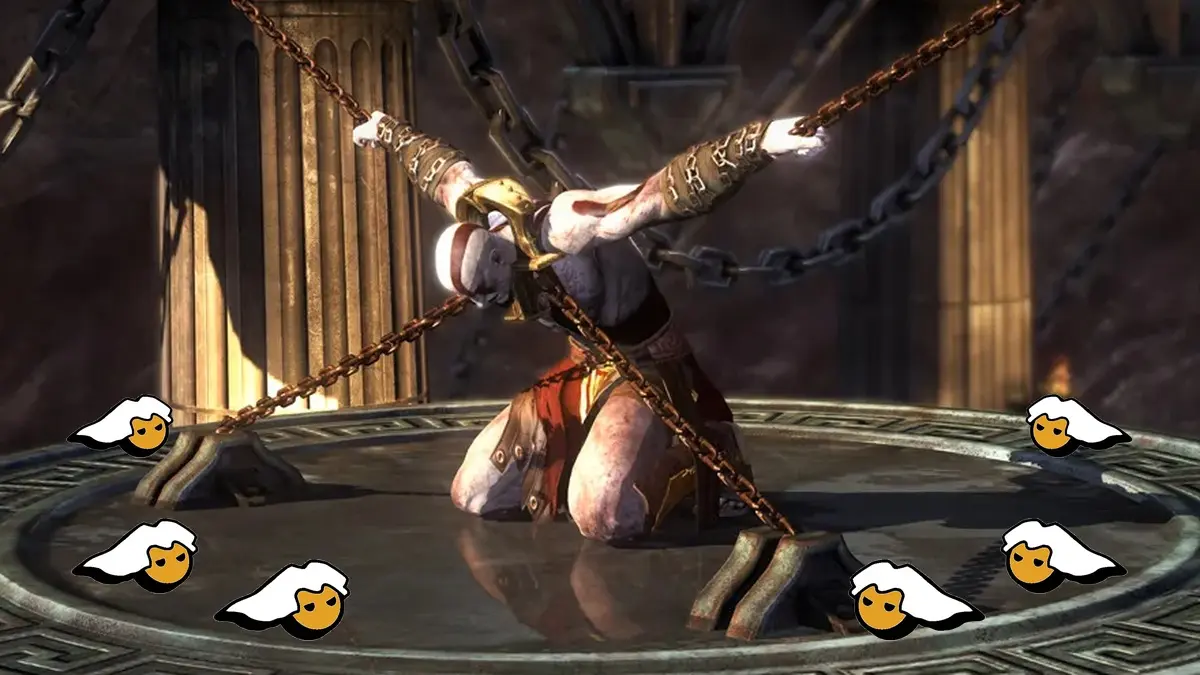
The programmer M Bilal, known as Bilal Reloaded, released the first public version of the PC port for God of War Ascension, Kratos’ prequel that arrived in 2013 as a PS3 exclusive and that never had an official PC version. After a lengthy closed beta, the project can be downloaded for free from GitHub and runs without an emulator, because the console’s original code has been translated into a native Windows program, allowing play at 4K and up to 5K, with AMD FSR 3.1 upscaling and graphical options that the PS3 never possessed.
The big breakthrough came with version 0.1.32, which added online multiplayer for up to 8 players via community servers, because the recompiled game does not connect to PlayStation servers, in addition to 5.1 surround sound, a new ambient occlusion option, and support for texture packs and shader mods. This is a major development for the saga, because God of War Ascension was the first God of War to include multiplayer, with competitive and cooperative modes, and to this day it remains the only classic Kratos title offering that experience, now playable on PC alongside other saga ports such as God of War III Remastered and God of War Betrayal.
What is the PC port of God of War Ascension and how does it improve over the PS3
This project is a static recompilation, which in simple terms means that the PS3 game code was translated before running as a program that your PC’s processor can understand directly, without a background emulator, and that is why it makes much better use of modern hardware. According to the project repository, the graphics run on DirectX 12 and the game allows native resolutions of 1080p, 1440p, 4K, or 5K, with an adjustable render scale to gain even more clarity.
In the visual department it includes SMAA smoothing, AMD FSR 3.1 upscaling, sharpness adjustment, anisotropic filtering, a configurable FPS cap, and an NVIDIA-exclusive option that reduces stuttering when loading effects. From the launcher you can also enable patches via checkboxes to remove motion blur, depth of field, and the original MLAA smoothing, plus some tweaks, skip intro and story videos, and use the sound mix from the game’s v1.04 release.
The port also improves the controls with a full range of the analog stick in diagonals, a dodge mapped to the right stick, and support for PlayStation controllers, while safeguarding your progress with automatic autosaves during play, an option to export and import saves, and automatic transfer when you install a newer version in a different folder.
How the online multiplayer for up to 8 players works
The multiplayer returns in full glory, offering Quick Match, a list of modes, Favor of the Gods, Team Favor, Capture the Flag and Trial of the Gods in both solo and cooperative play, for between 2 and 8 players. Since there are no PlayStation servers involved, everything runs on community servers that anyone can set up, and the port does not ship with any server address, so you must enter the address of a community server, play on your local network (LAN), or create your own server.
The most important requirement is that you need your own Online Pass (the game calls it Network Pass), which is the INDEX.EDAT file that you obtain from your PS3, because the game checks it just as the console does, and without it there is no online play. Furthermore, all players in a match must use the same game region. The author notes that players very far apart, for example on a different continent, will experience lag, and in his X demonstration he showed real Trial of the Gods matches in 1440p and 60 FPS fixed, clarifying that the lag observed was server-side.
- Make sure you have your Online Pass (the INDEX.EDAT file from your PS3) along with your copy of the game, and read the README-ONLINE.txt included in the download, where the entire process is explained.
- Open the port’s launcher and go to the Online page.
- Enable the Play online option.
- In the Server field, type the address of a community server, or if a friend invited you, paste their code into the Match code field (formatted as CODE@server), or pick a server from Pick a server, where LAN servers appear automatically.
- Enter your player name and press Play. The first time you connect, the port stores a key on your PC that identifies you in subsequent matches.
- If you prefer to create your own server, the author published the community server on GitHub, which he says can be installed with a single command on a cheap Linux server or with a click to play on LAN from the launcher, and includes match codes, leaderboards, and Discord notices.
Requirements to play the PC port of God of War Ascension
To play you need your own PS3 copy of God of War Ascension, because the download does not include any game files. The project requests the European BCES01741 disc version 1.00, and if your copy doesn’t match the program stops, although its changelog mentions support for the US disc without detailing which version. You can use the game folder (the one containing PS3_GAME) or directly a .iso file.
Regarding the PC, you need Windows 10 or 11 64-bit, a processor compatible with AVX2, so older Intel Core 2nd/3rd generation and AMD FX CPUs are not supported, and a graphics card with DirectX 12 and Shader Model 6, meaning older integrated GPUs like Intel HD 4000 or 4600 typically won’t run it. The author notes that in the heaviest battles the game can dip below 60 FPS on CPUs with 8 cores or fewer, and that laptops perform worse. The repository does not specify available languages, though it does mention a Brazilian Portuguese translation mod.
Step-by-step to download and install the PC port of God of War Ascension
- Visit the project’s downloads page on GitHub and, in the latest version listed at the top, scroll down to the Assets section and download the Windows .zip file, which has a name like GodOfWarAscension-0.1.31-windows.zip with the latest version number. Do not download the files labeled Source code.
- Right-click the downloaded file, choose Extract All, and extract it to an easily accessible folder, such as C:JuegosGoW Ascension. Do not run anything from inside the .zip.
- Open the folder you extracted and run the port’s launcher. If Windows shows the warning “Windows protected your PC,” click More information and then Run anyway, because the program is not digitally signed.
- In the launcher, select the folder of your game, which is the one that contains the PS3_GAME folder, or your .iso of God of War Ascension.
- Check the graphics options and the patches with checkboxes, such as removing motion blur, and leave enabled the option Skip cutscenes to avoid issues with some videos.
- Press PLAY and wait, because the first time you visit each area the game may stutter as it prepares its graphical effects.
- To update to a newer version, unzip the new .zip over your previous folder, or into a new folder and open the launcher once, and your saves will be copied automatically.
Known issues and the future of the project
As with any port in development, there are still some details to know before playing. Videos can play with black screen and audio if the Skip cutscenes option is off, Kratos can die repeatedly in a cinematic near the end, which is solved by enabling Skip cutscenes for that segment, his skin appears yellow in a cinematic in chapter 29, square blotches appear on some lights and shadows on the ground, and on some machines a heavy area drops to between 21 and 25 FPS for unknown reasons. The author notes these final-cinematic issues indicate that the campaign can be completed to the end.
Additionally, if you use the Frame Generation of AMD FSR on a monitor under 120 Hz, the refresh rate drops in half, so the author recommends leaving that option off or using it in smoothing mode. The offline multiplayer is experimental, and if the buttons don’t return you to the main lobby you can exit by holding SELECT and START.
Finally, it’s important to know that M Bilal warned in the repository that he does not expect many updates going forward, due to financial reasons, although since the code is open, any programmer can continue improving it. Still, the port arrives in a highly complete state, with a full campaign, modern graphics options, and an online multiplayer that lets you relive Trial of the Gods and Capture the Flag with friends from PC.
