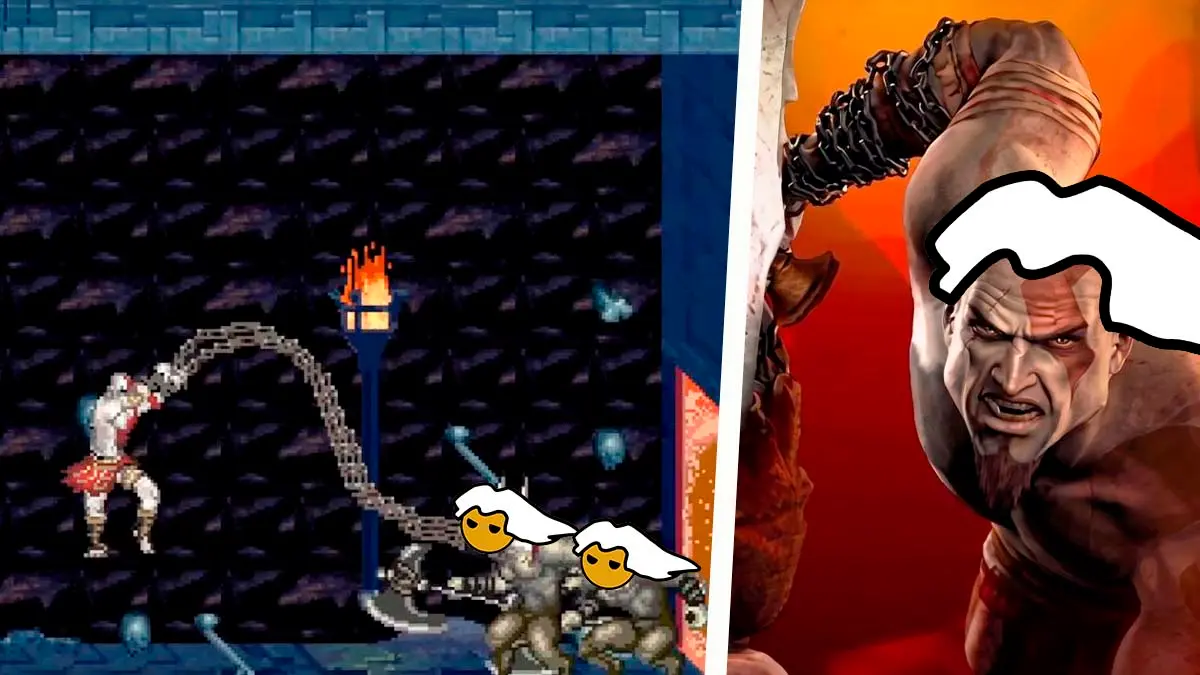
The most devoted fans of Kratos’ mythological adventures on PC, and even those who enjoyed the old mobile phone versions, have reason to celebrate, because God of War Betrayal, one of the most curious and overlooked entries in the saga, has just been given a second life on computers thanks to the talent and dedication of the independent developer community, with a port that can be played from start to finish.
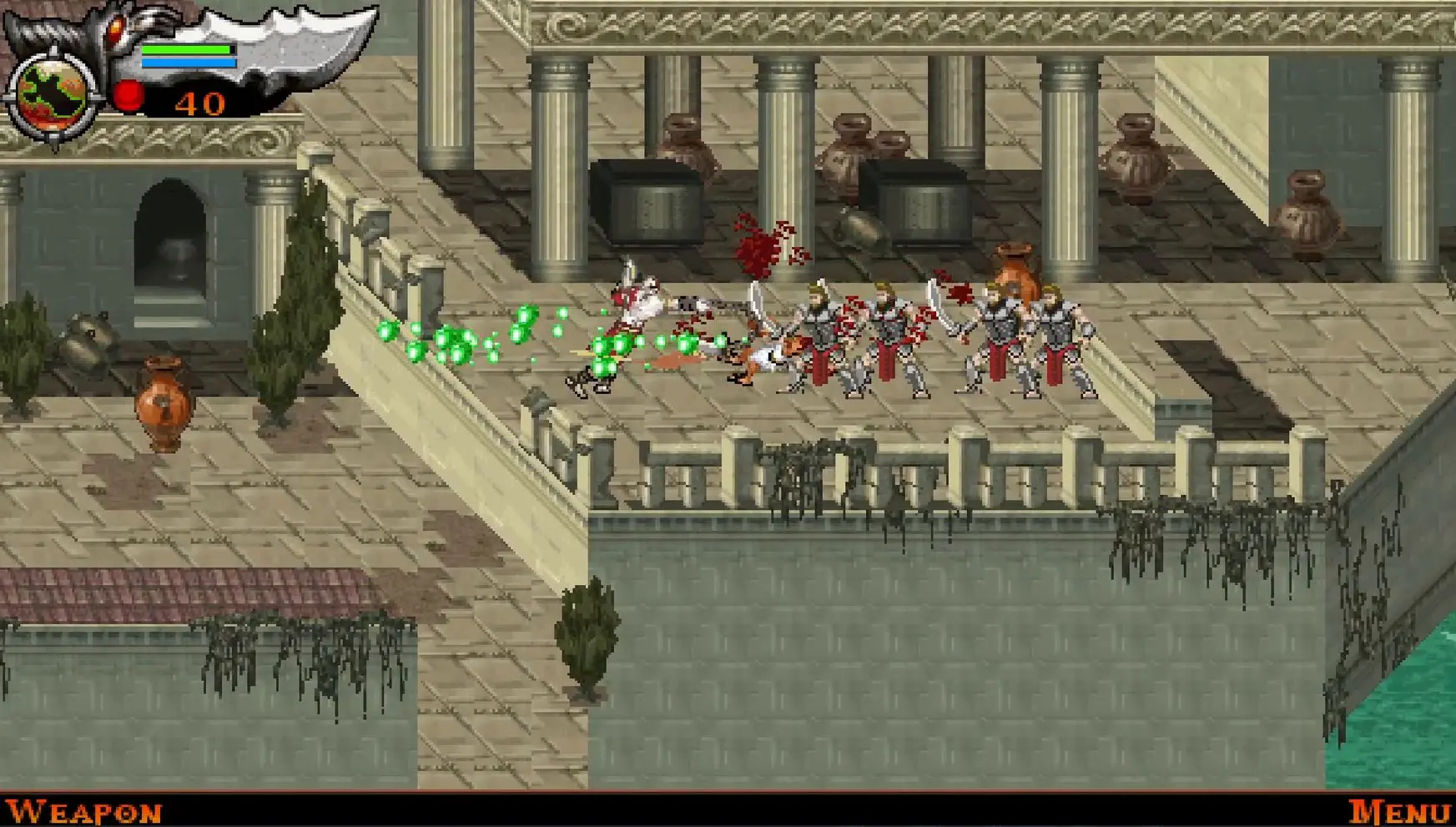
For nearly two decades this title remained trapped on the small mid-2000s buttoned mobile phones, and it became very difficult to play comfortably without resorting to clunky programs that mimicked tiny screens and awkward numeric keypads, but this new fan-made remaster allows modern computers to enjoy that portable 2007 adventure with support for widescreen and ultrawide monitors, an image fluidity of up to 240 FPS, and controls adapted to current standards, turning a historical curiosity into a highly enjoyable experience for any fan of the franchise.
The Renewed Portable Adventure: God of War: Betrayal
In case you’re among those who never heard of or read about this game, here’s the story: God of War Betrayal is a classic 2D side-scrolling action game, originally released for mobile devices in 2007, whose plot sits chronologically between the events of Ghost of Sparta and God of War II, as Kratos leads his formidable Spartan army across the lands of Greece before being implicated in the brutal murder of Argos, the giant creature that served the goddess Hera.
Now, as we previewed, this new PC version does not use an emulator, because it was rebuilt from the game’s original code to run smoothly on today’s hardware, and it allows you to take advantage of screens in 4:3, 16:10, 16:9 and 21:9 formats without warping or stretching the characters or the interface, since the program expands the field of view and shows a larger portion of each level on screen.
In addition to widening the visible stage to the sides, the project includes a frame interpolation system that lets you choose between 60, 90, 120, 144, 165 or 240 FPS, or remove the limit altogether, although the game logic remains at the original 25 steps per second, so the image looks much smoother without the game running faster, and it adds support for keyboard and XInput controllers, with the list of controls included in a README file inside the download.
It is important to note that this program does not include any files from the original game, due to legal reasons and respect for intellectual property, which means that to play you will have to obtain your own .jar copy of the phone version Sony Ericsson K800i with the exact name God-of-War-Betrayal_K800i_v1420.jar, because any variant from other phone models will not work and the launcher itself will warn you on screen if you select an incorrect file.
A very practical advantage is that the system does not require installing anything extra or downloading Visual C++ runtime packages, and it runs completely portable from any folder, while the launcher connects to GitHub every time it starts to check if there are new versions and offers a direct update button that keeps your saved games, although you should note that the music and sound effects are played with Windows’ MIDI synthesizer, so they sound different from the original phone, and the project page does not mention support for other languages, so there is no confirmed Spanish version.
- Download the official compressed archive from the project’s releases section found at this link, and extract it to any folder on your computer.
- Run the GodOfWar.exe file, click the Choose file… button, and select your .jar copy so that the launcher decompresses it and prepares it automatically.
- Choose your preferred mode between fullscreen or windowed and press the Play button to start the game, and if you want to switch modes while playing, use the F11 key or Alt + Enter.
God of War III native on PC with SpartanPort
Speaking of games in this beloved saga, we recently shared the release of SpartanPort, which lets you play God of War III Remastered on PC for free without relying on any traditional emulator, making the original PS4 release’s executable code run directly on your computer’s processor.
This is possible because modern consoles share the same x86-64 architecture used by today’s computers, which allowed its creator to design a specialized software environment that replaces the console’s internal libraries and translates all graphics in real time to the Vulkan API, using the shadPS4 video core as a base, the well-known console emulator.
Thanks to this reverse engineering, the game runs from start to finish and allows configuring resolutions from 480p to 4K, along with frame rates of 100, 120, 144 or 240 FPS, far above the original console’s 60 FPS, and it requires very accessible components, such as a GTX 1050 Ti 4 GB to play at 720p and 60 FPS, while averaging 144 FPS at 1080p on a system with a Ryzen 5 5600X processor, 32 GB of RAM, and a Radeon RX 6700 XT graphics card.
When it comes to the graphical department and customization tools, the port ships with three factory-enabled enhancements: texture correction, the option to skip cinematics by pressing the X button, and an initially set 120 FPS refresh rate.
All of this is documented in the note at this link, where you can find installation instructions and the download.
