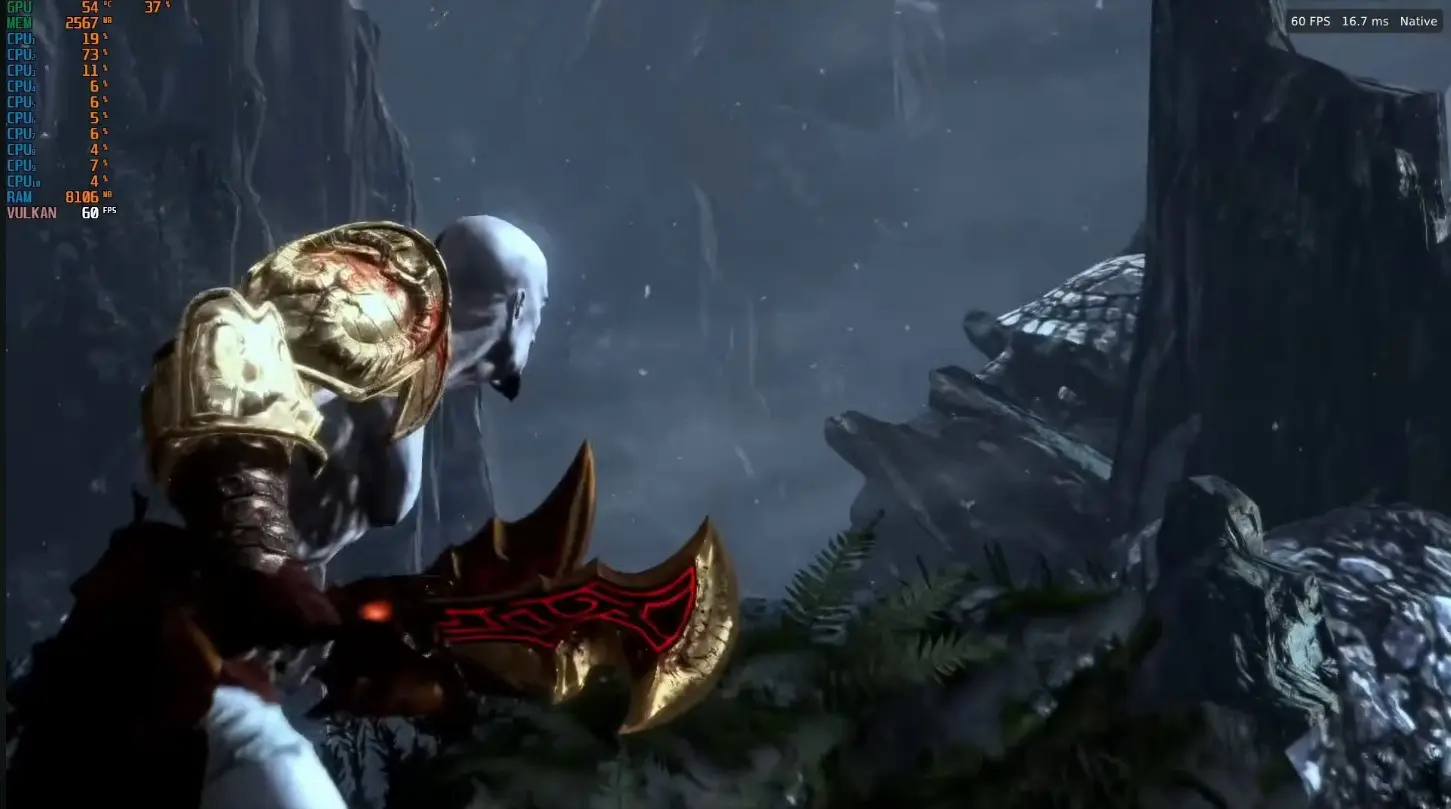
God of War III Remastered, the PS4 version of Kratos’s epic final battle against the gods of Olympus, is now fully playable on PC with a free, emulator-free port developed by Felipe Prado, which lets players experience the adventure from start to finish and push it far beyond what the console offered, averaging 144 FPS at 1080p and the potential to reach up to 240 FPS, four times the 60 FPS it ran at on PS4.
The most striking aspect is that this is not emulation, but a port that executes the game’s original code directly on the computer’s processor and translates its graphics to Vulkan, a technique that builds on the same groundwork that gave life to Bloodborne’s PC port, and that leaves behind the PS4 emulation-based version of God of War III Remastered.
Performance and features of God of War III Remastered on PC
Tests conducted by its creator, using an AMD RX 6700 XT graphics card and a Ryzen 5 5600X processor, show an average of 144 FPS at 1080p and 108 FPS at 4K when using FSR, AMD’s upscaling technology that helps achieve smoother gameplay without sacrificing too much image quality.
Additionally, the port adds full keyboard and mouse support with configurable keys, compatibility with DualSense, Xbox and other controllers, a launcher that lets you adjust settings, manage mods, and back up saves before each session, and an in-game menu that opens with the Insert key or with R3 and L2, featuring cheats, image options, and on-screen performance statistics.
That said, it should be noted that the project is still in alpha phase, so some areas may display yellow or corrupted textures, and its creator recommends playing at native 1080p, which is the best-tested resolution while continuing to fix errors in updates released almost daily.
How to download and install the PC port of God of War III Remastered
To play it you need 64-bit Windows 10 or 11, a graphics card compatible with Vulkan 1.3, and your own PS4 copy of God of War III Remastered (CUSA01623) with update 1.02, since the port does not include the game’s files.
- Download the file gow3-windows.zip from the Releases section of the official GitHub repository.
- Unzip it to any folder on your computer, and do not run it from inside the ZIP file.
- Open the file God of War III.exe. If Windows shows a warning, click More information and then Run anyway.
- Click on Choose the game folder and select the folder of your copy, the one that contains the eboot.bin file.
- Click on Play. The first launch will take a little longer to start.
With this release, God of War III Remastered joins the growing list of PlayStation exclusives that players themselves are bringing to PC without emulation, a trend that continues to evolve week after week.