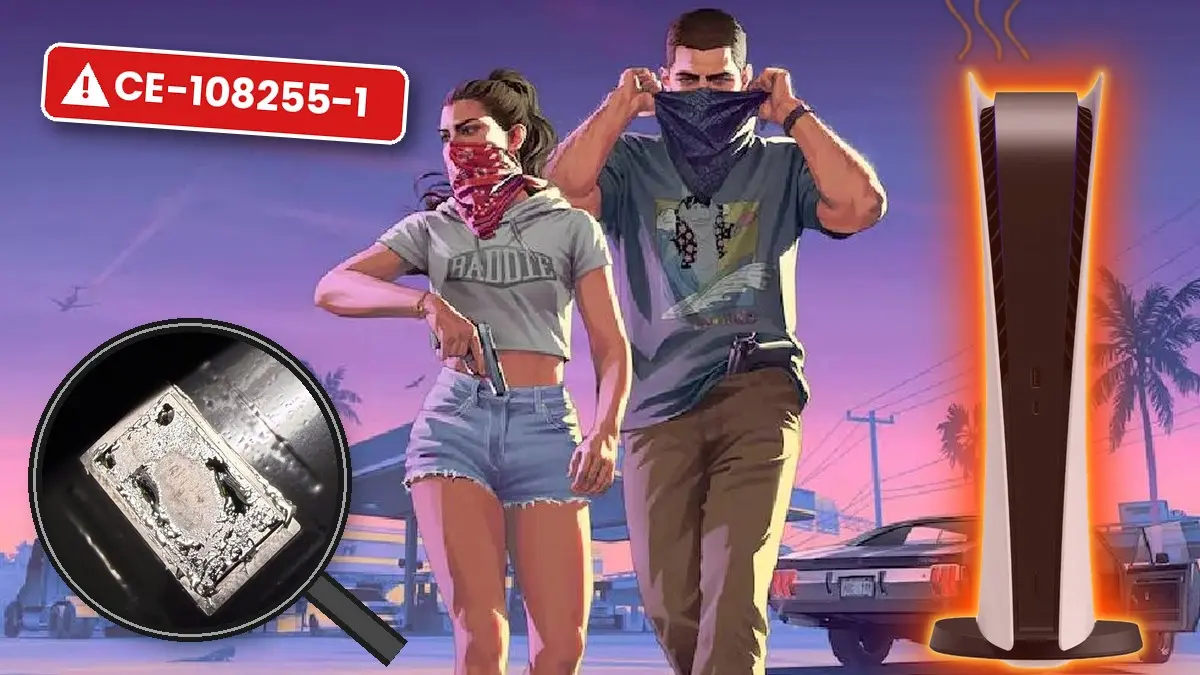
Many PS5 players are reporting that GTA 6 closes abruptly after a few minutes of play and returns to the home screen with the CE-108255-1 error, a problem that cannot be fixed by reinstalling the game, restoring licenses, clearing the cache, or rebuilding the database, according to Wccftech, which points to the liquid metal that cools the console’s processor as the main suspect.
Reports have piled up on Reddit and across social networks since the November 19 release, with players experiencing the game closing at the intro scene, after 15 or 20 minutes of playing, or even after an hour, while shopping for weapons in a store, and although the issue seems more common on original PS5 units, it also appears on some PS5 Slim and PS5 Pro.
Why liquid metal is the main suspect in the CE-108255-1 error
Liquid metal is an alloy kept in liquid form at room temperature and is used by the PS5 to transfer heat from the processor to the heatsink. The theory is that over the years, especially in consoles used vertically, that material shifts or dries in certain spots, so the processor overheats when a game as demanding as GTA 6 pushes it to the limit.
The user Modyfikator89, who repairs consoles, showed on X what the liquid metal looks like on a PS5 affected by this problem, with the silver layer dried and smeared across both the heatsink and the processor, and he claimed that a console on his test bench reached 100.9 °C in the processor and logged 15 temperature shutdowns.
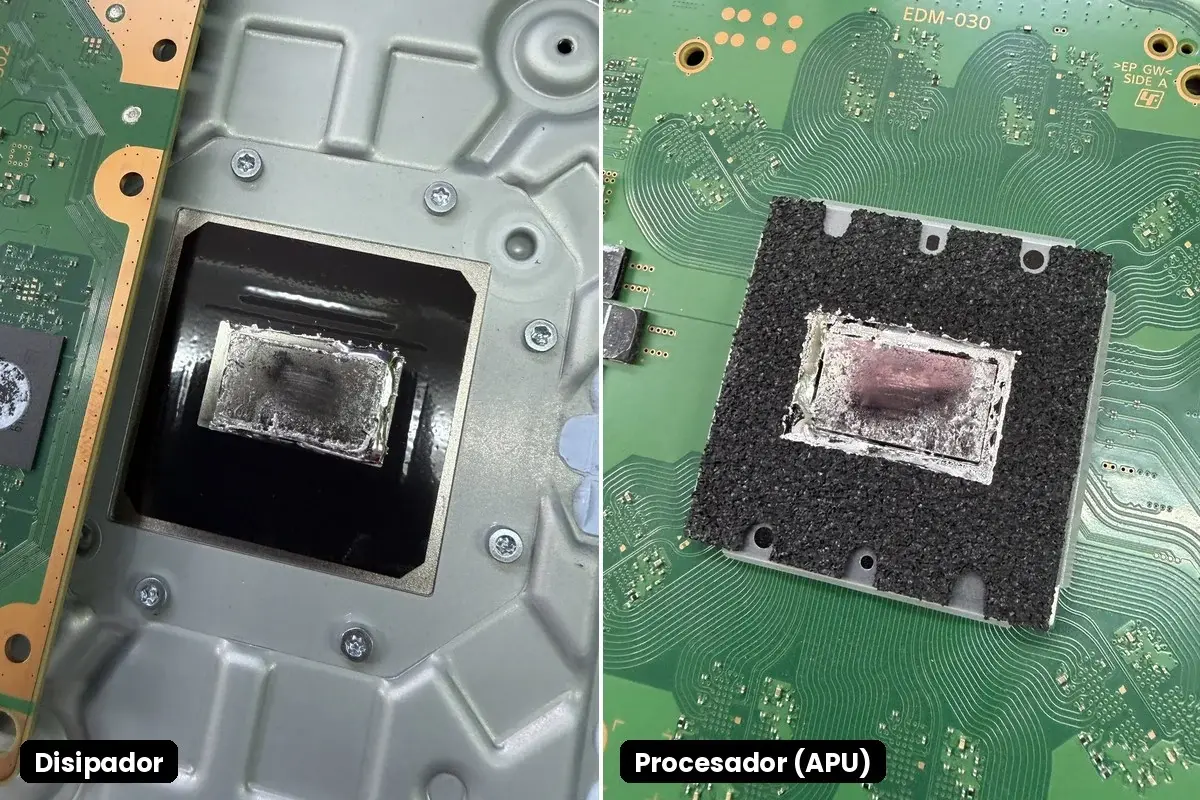
The suspicion has some grounding, because the newer PS5 models, including the PS5 Pro, have gaps in the heatsink contact area designed precisely to prevent liquid metal from moving when the console is standing upright, and because other less demanding games continue to run well on the same consoles that fail with GTA 6.
That said, the theory does not explain all cases, because the CE-108255-1 is a generic PlayStation warning that only indicates an application closed unexpectedly, without saying why, and liquid-metal issues typically cause the console to shut down completely, not just the game closing, as Yahoo Tech explains.
The very Modyfikator89 agrees on that point, because he clarifies that the CE-108255-1 error only indicates that the game closed, and overheating is a real possibility when what goes off is the entire console, something that can be confirmed in the PS5 service log, where a processor-temperature shutdown appears with the code 0x808D0000.
That the error also appears on the PS5 Slim and PS5 Pro, which are newer models, weakens the argument that everything is due to older consoles, and for now neither Sony nor Rockstar has linked the CE-108255-1 error to liquid metal or to any hardware fault, amid a launch that also carries other bugs and glitches and frame drops down to 23 FPS.
What you can do if GTA 6 closes on your PS5
Before thinking about opening your console, it’s worth trying Sony’s official solutions, although many players have reported they do not work.
- On the home screen, highlight GTA 6, press the Options button and choose Check for update.
- Go to Settings, then Users and Accounts, then Other, and select Restore Licences.
- Shut down the PS5 completely, hold the power button until you hear the second beep to enter Safe Mode, connect the controller with a cable and choose Clear Cache and Rebuild Database.
- Make sure the console has room to vent, clean the dust from the vents, and if you have it standing upright, try laying it flat, as some players recommend.
If none of this works, do not open the console yourself, because changing the liquid metal is a delicate job that can damage the processor and void the warranty, so the best course is to contact PlayStation Support, especially if your PS5 is still under warranty, and wait for Rockstar to release its first major patch.
