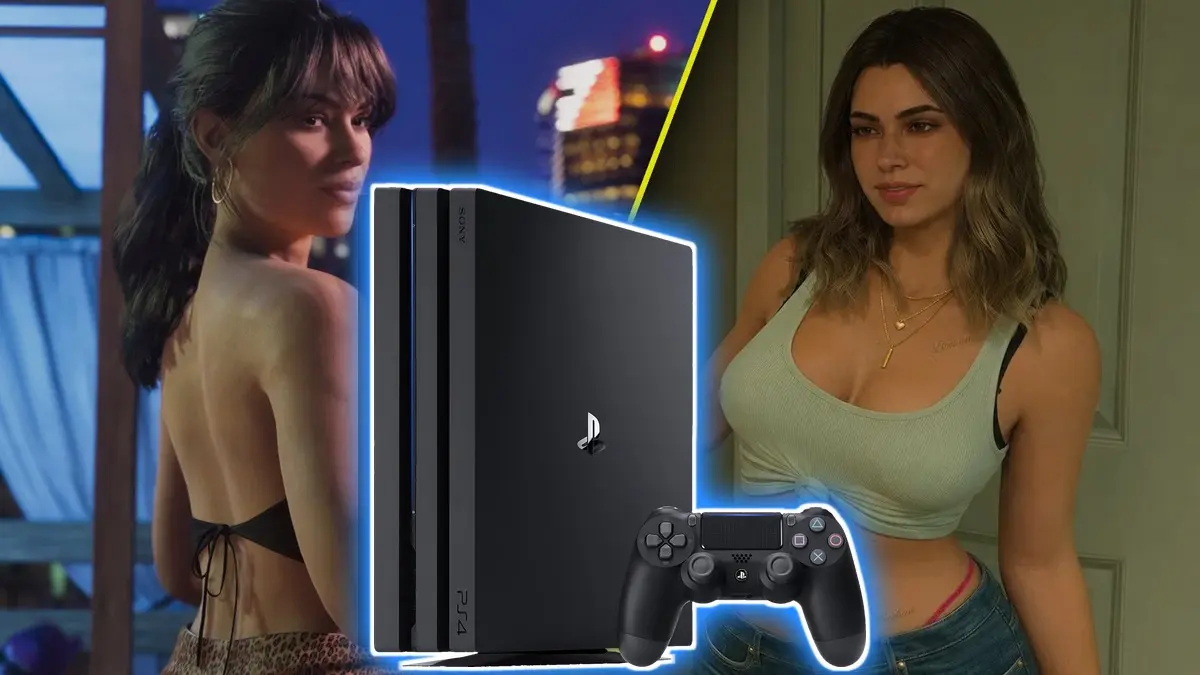
Those still playing on a PS4 have a surprise, because GTA 6 can be played on an unlocked PS4 thanks to XCloud4, an unofficial program that connects the console to Xbox Cloud Gaming, according to GameGPU citing a post on X, even though the platform itself had clearly stated on its official site that the game “will not be available for PlayStation 4 consoles.”
The trick doesn’t make the PS4 run the game by itself, because GTA 6 runs on Microsoft’s servers and the console only receives the image, just like an Xbox One, so you need an unlocked PS4, a copy of the game on your Xbox account, and access to Microsoft’s cloud with Game Pass Ultimate.
How GTA 6 Works on an Unlocked PS4
XCloud4 is a community-created program, whose latest public version is 1.3.0 Beta, and it joins other similar projects that brought Xbox Cloud Gaming to unlocked Sony consoles, such as the PS Vita and the PS5.
The reason GTA 6 doesn’t have a PS4 version is technical, because the game is designed to load the enormous Leonida map from very fast SSD drives, and the PS4’s mechanical hard drive would be too slow to keep up, according to Sportskeeda.
What makes this case notable is that Microsoft limited GTA 6 in the cloud to its own consoles, so it cannot be played from a PC or a mobile phone, which suggests that XCloud4 presents itself to the servers as if it were an Xbox to enable streaming.
The case contrasts with what Microsoft did with its own older console, because GTA 6 likewise doesn’t have a version for Xbox One, but since November 19 its owners can play it officially via the cloud, an option that PlayStation does not offer for the PS4, where the official path is to own a PS5.
Regarding visuals, Microsoft confirmed that GTA 6 is streamed from the cloud with the Xbox Series S graphics settings, so on an unlocked PS4 it would look the same as on that console, which runs the game at 720p before upscaling the image.
That said, GameGPU does not show performance benchmarks or describe how it looks in practice, so it remains to be tested whether it runs stably or with hiccups, something that will largely depend on your internet connection.
What You Need and How to Install
To use this trick you need an unlocked PS4 connected to the Internet, the Xbox version of GTA 6 purchased on your Microsoft account, and a Game Pass Ultimate subscription, which is what gives access to the cloud.
If you don’t want to pay for Game Pass Ultimate, since November 11 Microsoft also allows purchasing cloud gaming hours in some countries, although availability depends on the market, so it’s worth checking whether the option exists in Chile before buying anything.
- Make sure your unlocked PS4 is connected to the Internet, preferably via a wired connection.
- Download the file XCloud4-1.3.0-beta.pkg, about 17.38 MB, from the project’s official GitHub page.
- Install the file on your PS4 using the package installer on your unlocked console.
- Open XCloud4, sign in with the Xbox account where you bought GTA 6, and look for the game in the cloud library.
Be careful with videos circulating on YouTube with download links on Telegram, because the only reliable place to download XCloud4 is its GitHub page, and any other file could come with malware.
If you don’t want to unlock your console, there is an official way to use your PS4 as a screen, because if you have a PS5 with GTA 6 installed, you can stream the game to the PS4 with Remote Play, the same feature that enables playing it on other devices, as we explain in our guide to playing GTA 6 on PC with Remote Play.
