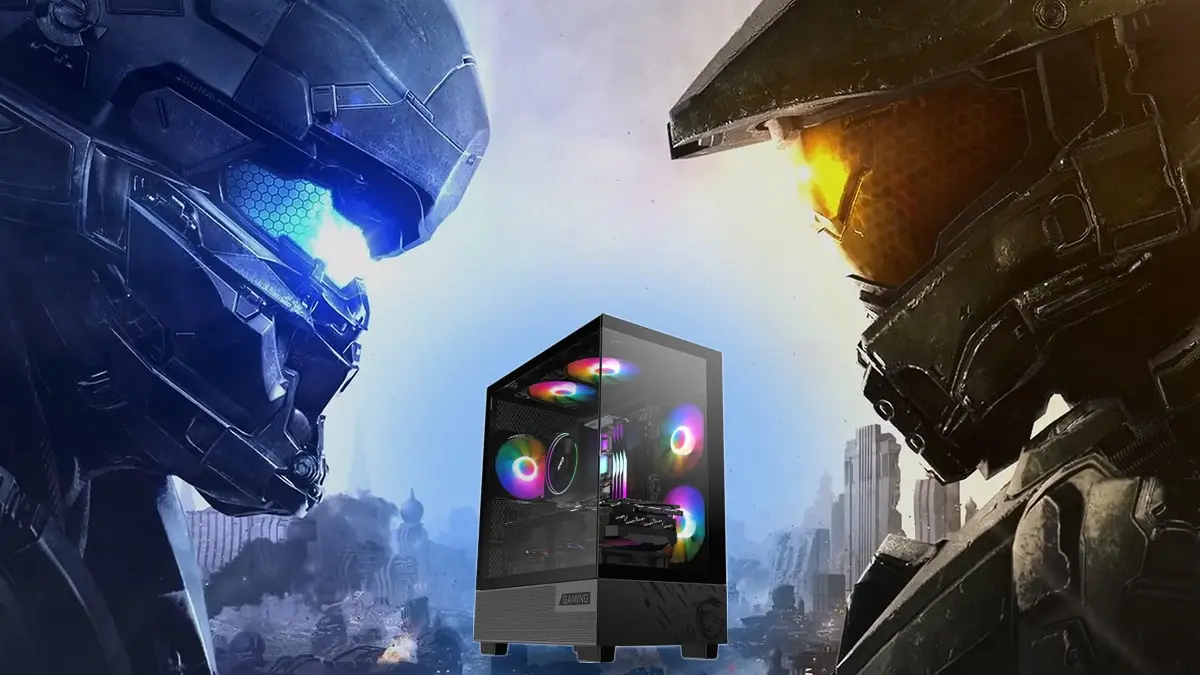
Halo 5 Guardians, the shooter from 343 Industries released exclusively for Xbox One in October 2015, can be played on PC with its 15 campaign missions thanks to a free project called Halo5OnPC, something PC players had been waiting for for 11 years, since it is the only mainline entry in the saga that never officially arrived on PC.
The project was created by programmer Daniel McCluskey, who explains that he did it because he wants to perform Halo 5 speedruns on PC, and his trick is to use Halo 5 Forge, the Windows-free version of the map editor that Microsoft released in 2016, to load the game’s full campaign with the original engine, so it runs without an emulator.
What the Halo 5 Guardians PC Port Brings and What Still Fails
The big novelty is that the 15 campaign missions can be played from the Solo menu, featuring the Master Chief’s story and the Osiris team led by Locke, although the project focuses only on the campaign, as its creator explains that he has no plans to add multiplayer, matchmaking, or the Xbox online services.
Since it is a development project, it still has several issues that the author himself acknowledges on his page, such as
Additionally, McCluskey left a message for Halo Studios in which he states that “I would gladly work for free on an official Halo 5 port for PC,” also in words originally in English, while another project called Halo 5 Reforged promises multiplayer for up to 32 players, Warzone, and online co-op, although it still does not have a public version.
How to Download and Install Halo 5 Guardians on PC Step by Step
Before you begin, it’s important to know that the port does not include the game, so you need your own Halo 5 Guardians files extracted from your copy, version 1.1.31695.21 in US English, which is the only language currently supported, and this is the hardest step, since extracting files from an Xbox One isn’t as straightforward as with other consoles.
- Open the Microsoft Store in Windows, search for Halo 5 Forge, and install it, which is free and includes Halo’s companion app that the port needs.
- Go to the project’s download page on GitHub, download the latest .zip file and extract it completely into a folder, for example C:GamesHalo5OnPC, by right-clicking and choosing Extract All.
- Open the folder and double-click h5sololauncher.exe, and if Windows shows the warning “Windows protected your PC”, click More info and then Run anyway (you don’t need to install Python or .NET).
- In the launcher, select the folder containing your Halo 5 Guardians files and a destination folder for the cache, which must be on a local NTFS-formatted drive, and it’s best if it’s the same drive where you have the game files to avoid the launcher error with other drives.
- Click Prepare & play and wait for the launcher to prepare the cache, which is the slowest step.
- When the game opens, go to the Single-player menu, choose the mission you want, and start playing.
- For subsequent sessions you only need to select the cache folder and click Play, without preparing anything again.
If something goes wrong, the author asks you to report it in the project’s issues section on GitHub with the information from the launcher’s Copy details button, and thus, while Halo 5 Guardians remains without an official PC version, this is the first way to play its full campaign on PC.