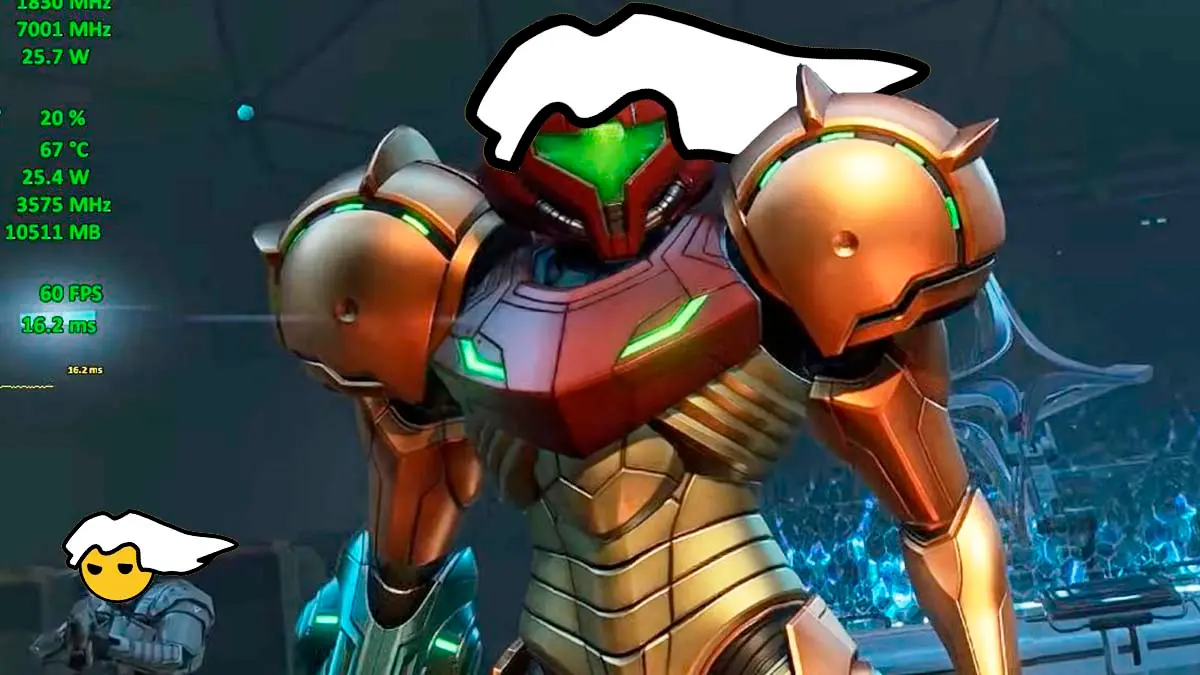
While the PC gaming community dedicated to emulation and ports concentrates a large portion of its energy on the remake of The Legend of Zelda: Ocarina of Time, another high-profile Nintendo release burst onto the scene, because Metroid Prime 4: Beyond, the Retro Studios adventure that arrived in late 2025, has a PC port that runs natively on Windows, without an emulator, and which, according to TweakTown, is playable from start to finish.
The PC port of Metroid Prime 4 is a recompilation that translates the game’s original code to run directly on the computer, published by PlagueDrRiess based on the work of linuxopt and on the engine that yozander2009-stack created for Metroid Dread Recomp, and although it remains in development and may show some stutter as graphical effects are generated for the first time, it allows unleashing the 60 FPS cap with just the press of F4, provided you own your own copy of the game to supply the original files.
The Return of Samus Aran and How This PC Adaptation Works
For those who are new to the franchise, Metroid Prime 4: Beyond is the fourth main entry in the action, exploration, and first-person shooter saga starring bounty hunter Samus Aran, arriving almost 20 years after Metroid Prime 3: Corruption, released for the Wii.
That said, the developer himself clarifies that the game was thoroughly tested on Linux and that the Windows version, compiled from the same code, has had fewer testing hours, so bugs may still appear.
- Operating system and video card. 64-bit Windows 10 or Windows 11, with a graphics card from AMD, NVIDIA or Intel compatible with OpenGL 4.3 or higher.
- Storage space. About 30 GB free on the drive where you will store the game folder.
- Copy of the game and update. Your copy of Metroid Prime 4: Beyond, with the program code 010019A01E2F2000, together with its update, because the installer checks that the main file matches version 8275FBE1EC5191C279F3A943AD8524F4BAB087A3, checks that the 445 internal files are present, which total 26.9 GB, and rejects the un-updated cartridge version.
- Accepted formats. You can provide the game in .xci or .nsp, with the update in .nsp and your prod.keys, or the ExeFS and RomFS folders extracted with the update applied.
Once you have the files from your own copy of the game, the installation is straightforward and nearly automatic.
- Download the file MetroidPrime4Recomp-PC-vX.Y.Z.zip from the GitHub releases section and unzip it into a folder with enough space, for example
D:Games, where the Metroid Prime 4 Beyond folder will be created. - Enter that folder and double-click on Metroid Prime 4 Beyond.exe.
- On the first launch, a setup window will appear where you must choose the base game file or folder and its update, and press Start Setup, so the assistant checks the files, copies them, and prepares the game in a few minutes if you have a modern processor.
- When it finishes, press Play, and note that on the first run the shaders are generated in the background, so your future sessions will load faster.
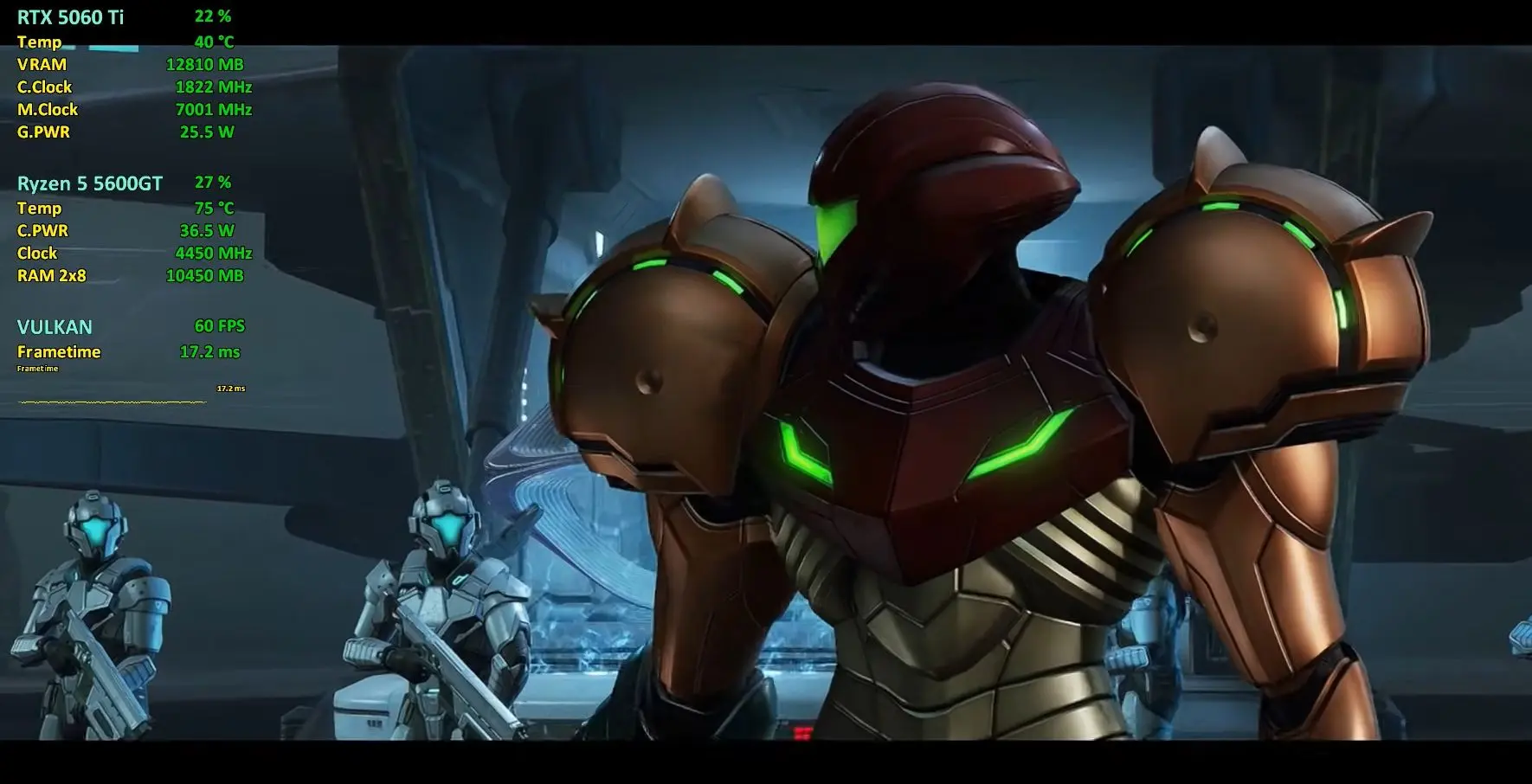
Available Controls and Internal Menu Options
This version supports a wide range of controllers, but it also adapts the game to keyboard and mouse as if it were a PC-born shooter, and adds several handy shortcuts.
- Controls. Xbox controllers work instantly without setup, while thanks to SDL2 you can also connect Switch Pro, Joy-Con, DualShock 4, DualSense, and 8BitDo controllers via USB cable or Bluetooth, pairing them beforehand in Windows settings.
- Keyboard and mouse. Move with WASD, aim with the mouse, shoot with left click, lock onto enemies with right click, fire the secondary weapon with middle click or F, jump with Space, interact with E, transform into Morfosphere with left Ctrl or C, switch visor with Q, summon Vi-O-La with V, select the firing mode with the number keys 1 through 4, use the lasso with G, and open the menu with Esc or Tab.
- As Morfosphere and in Vi-O-La. In Morfosphere you place bombs with left click, detonate power bombs with F, accelerate by holding and releasing Space, jump with Q, and activate Aracnosfera with right click, while in Vi-O-La you advance with left click, slow down with Shift or right click, accelerate with Space, and shoot with E.
- Quick shortcuts. F1 or your controller’s guide button opens an internal menu to change graphics, enable cheats, and configure resolution scaling; F3 saves screenshots to the captures folder; F4 toggles the 60 FPS limit; F5 generates a log to report issues; and F11 switches to fullscreen.
Among known issues, VSync is disabled by default, the first visit to a new area may still compile some shaders, loading a saved game freezes the game for about half a second, and the field of view control in the menu does not work yet.
Thus, any player who owns a copy of Metroid Prime 4: Beyond can relive or discover Samus Aran’s latest adventure on their PC, with PC controls and without relying on an emulator.
