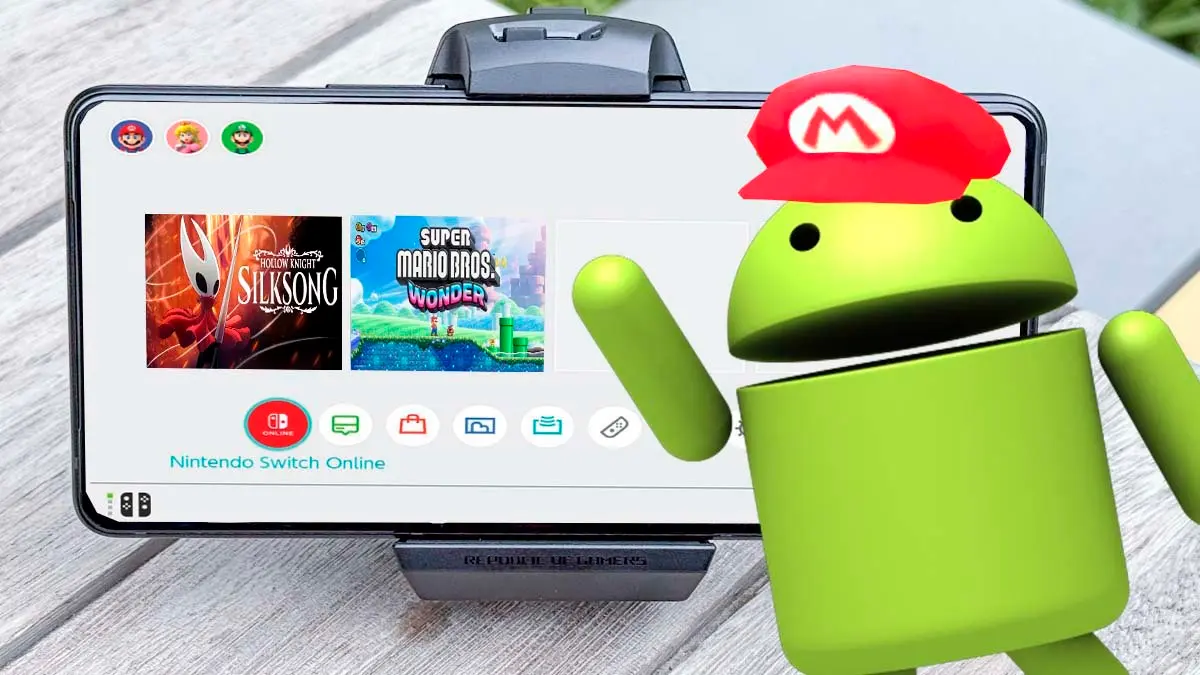
The open-source project nx2android has been upgraded to version 0.1.3, a tool that lets Windows users pick their game files and system keys to package them into APK files, the installers for apps and games, with the aim of running Nintendo Switch games on Android natively on smartphones and tablets, without an emulator.
To achieve this, the game’s executable, which on the Switch is compiled for ARM64 processors like those found in mobile devices, runs directly on the device, while Nintendo’s system services are replaced by a host, and the graphics, designed for the console’s NVN API, are rendered through Vulkan. In this way, this free utility converts Nintendo Switch titles into Android apps using your own backups and system keys, with the repository itself not containing any game files or keys.
How Nintendo Switch games perform on Android
Tests conducted by the creator on a Lenovo Legion Y700 tablet with a Snapdragon 8 Elite processor show 60 frames per second for titles such as Super Mario Bros. Wonder, with dips to 40, Hollow Knight Silksong, Hades II, Donkey Kong Country Returns HD, Captain Toad, Celeste, Blasphemous 2, Mario vs. Donkey Kong and Unpacking, the latter with touch-screen support, while Xenoblade Chronicles 3 runs at 30 frames per second but with effects and models not yet drawn. It should be noted, however, that the tool requires Adreno or Xclipse GPUs to read the game’s compressed textures, which excludes GPUs Mali or PowerVR used by many MediaTek-powered phones.
How to convert Nintendo Switch games into Android apps
To convert your own games without needing to code, the process on a computer follows these steps.
- Download and prepare the program. Go to the nx2android downloads page on GitHub, download the file nx2android-0.1.3-windows-x64.zip, unzip it on your computer, and run nx2android.exe.
- Configure the necessary tools. Open the Setup tab and click Download missing tools to fetch components such as the Android NDK and the .NET SDK, which together total about 1 GB. Then select your key file until all lines turn green.
- Select and package the game. Move to the Port tab, choose the folder where your NSP, XCI, NSZ or XCZ files are stored (including the base game, its updates, and downloadable content), and click Port to start the conversion; the first run may take a considerable amount of time.
- Install the game on your device. Check the option Install on the device when done with your phone connected by cable and USB debugging enabled, or manually copy the generated APK and data folder to your device’s storage.
Current status of the project and community reaction
This tool is effectively the Android adaptation of nxnative, the project that performs the same task on Apple devices like iPhone and iPad, operating with per-game profiles that specify which titles can be packaged and which have been verified.
On social networks, the release sparked huge enthusiasm among players, with many sharing the project link alongside remarks such as “My Android device has a new toy to enjoy!”, triggering astonishment and congratulations within the community.
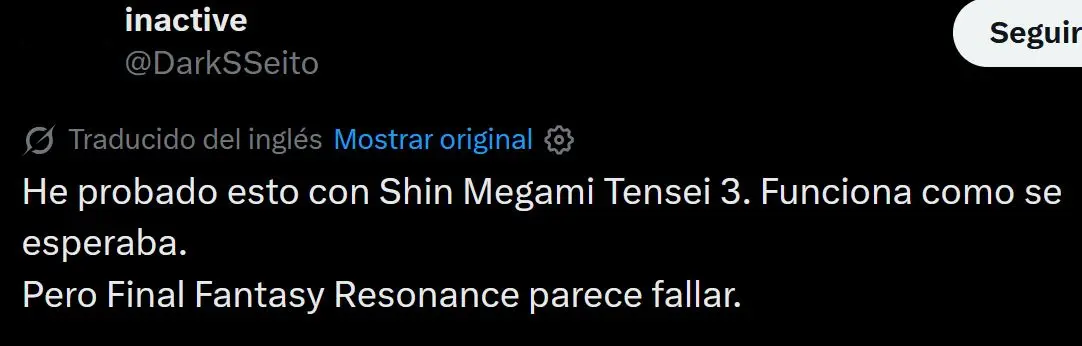
At the same time, other users began testing it on their own with mixed results, as some claim Shin Megami Tensei 3 works as expected, while others report issues with titles like Final Fantasy Resonance.
That mixed feedback led to discussions where some players expressed disappointment because compatibility was limited to around eight games, although with version 0.1.3 the official list of tested titles rose to 17, illustrating that the tool is progressing quickly but remains in an early stage and depends on the developers’ ongoing work to add more games and fix bugs.

In the end, nx2android 0.1.3 is a developing tool that enables Nintendo Switch games to run natively on Android devices with Adreno or Xclipse graphics, through an assisted packaging process based on your own files, although its catalog is still limited. Additionally, the project itself notes that Nintendo’s legal notices to date have targeted those who publish such projects, such as the 13 Switch emulators downloaded from GitHub in February 2026, and not the players, although decrypting your own games’ legality depends on the country you live in.