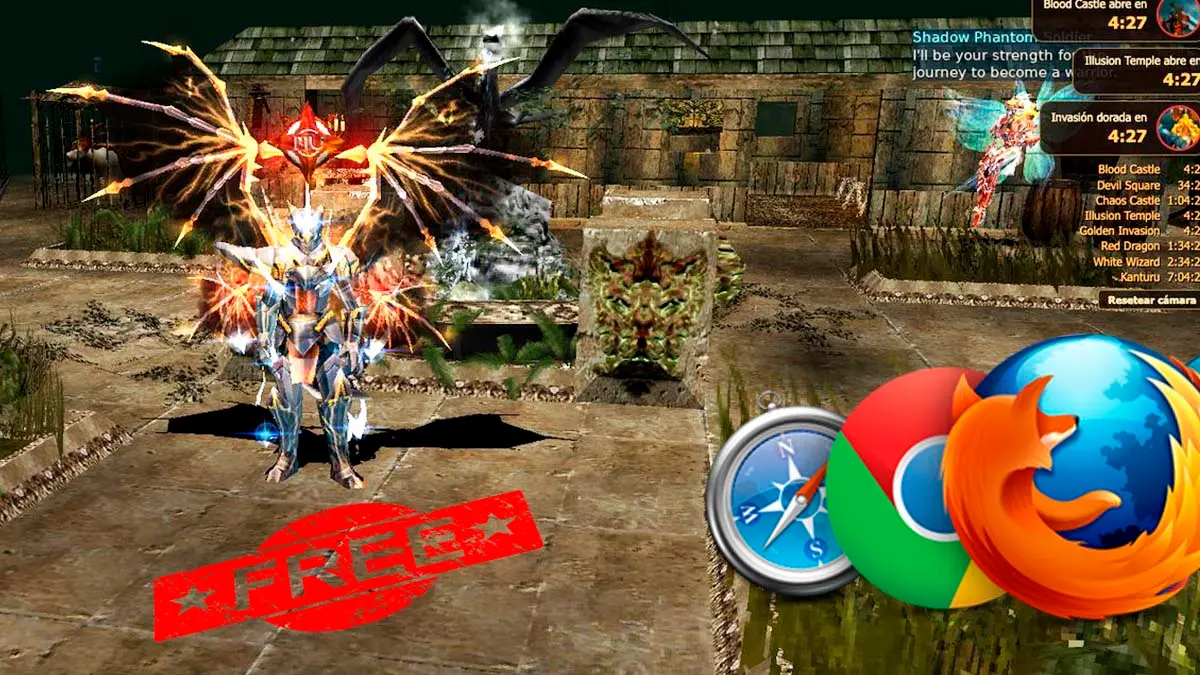
A developer named Javier contacted us to tell us that he managed to create Mu Andes, a complete adaptation of MU Online Season 6 that can be played directly in the web browser, without having to download heavy files or install programs on the computer, and in a completely free way, which makes this browser-based version of MU Online one of the easiest ways to return to one of the most memorable MMORPGs.
MU Online was one of the most influential and popular massively multiplayer online role-playing games of the early 2000s, becoming a true cultural phenomenon, and now, in this version, you just have to visit the official page and create an account to start playing immediately, offering compatibility for those who prefer playing on a PC with keyboard and mouse as well as, according to its creator, for users who want to connect from their Android or iOS smartphones, which completely eliminates the technical barriers that used to complicate access to this type of private servers.
Main features and server progression
According to the details shared by its own creator within the project’s official Discord, the action unfolds on a single server named Valhalla-1 (PvP), which is configured with experience multiplied by 500, a cap of level 400 plus 200 additional master levels, and a special rule where you can only level up by one level for each enemy defeated to prevent chaotic jumps.
When you create your account you immediately start with 1,000 free points to allocate and 10,000,000 zen, with the possibility to form groups of up to 5 people that grant a 20% extra experience bonus as long as you manage to gather at least 3 different character classes. Upon reaching level 400 you have the option to perform the Reset without any limit, returning to level 10 while keeping all your previous stats intact and adding 1,000 new points multiplied by your total number of resets in exchange for paying 5,000,000 zen for each accumulated reset.
Once you manage to complete 20 resets, the Great Reset is unlocked, a system that returns you to level 1 to grant you 1 Andes Coin, which is a special currency you can exchange with the character located right next to Lorencia’s bar to obtain an armor piece or a complete weapon with all its excellent, luck, skill and +12 options improvements.
To keep leveling dynamic and engaging, all maps in the world feature strategic points filled with monsters piled up that respawn every 5 seconds, complemented by the Arena zones 1 to 4 that you can travel to from levels 50, 100, 200 and 300 using the movement command or the global map, with the advantage that if you die inside you simply return to the entrance without losing progress.
Player-to-player economy is driven by an internal market opened by pressing the B key, where purchases and sales are conducted using jewels as currency, which can stack up to a maximum of 255 units and be easily split by clicking the mouse while holding down the Shift key or by entering the split command.
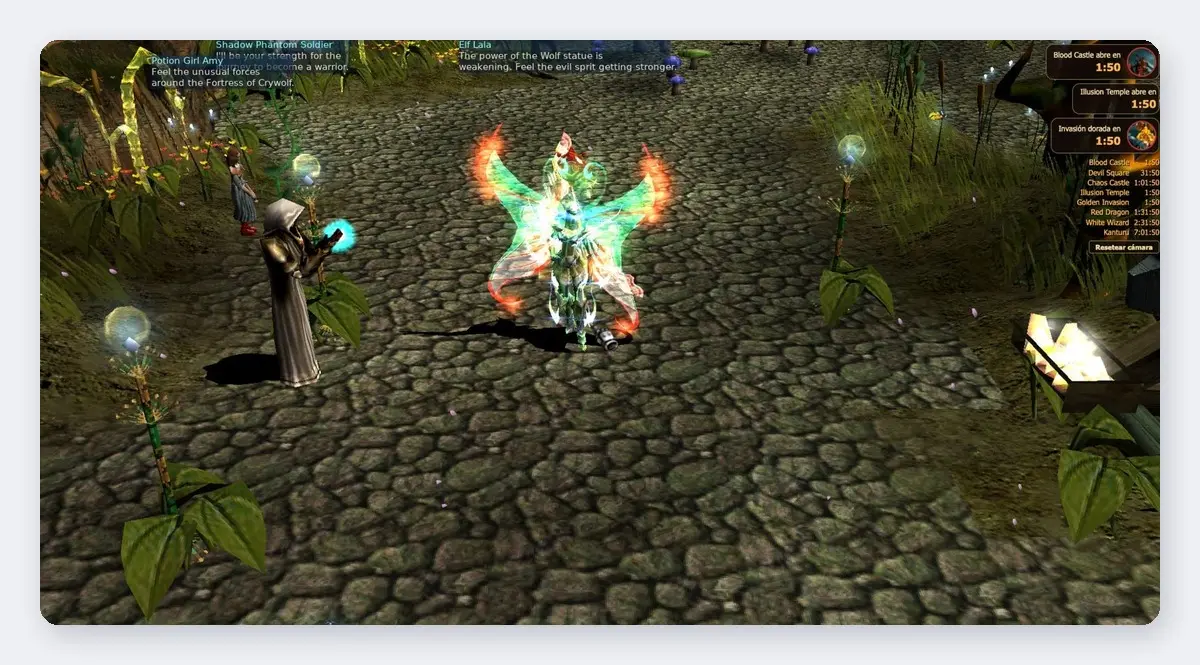
On the other hand, classic Kundun Boxes +1 to +5 drop when you defeat golden monsters, map bosses, and enemies in Blood Castle or Devil Square, always guaranteeing an excellent item with a 75% chance to include luck and protecting the loot for 10 seconds for whoever opened it, all this accompanied by Golden Invasions every hour and events such as Blood Castle, Devil Square and Chaos Castle every 2 hours whose remaining times appear at the top right, while larger events like Castle Siege, Doppelganger and Imperial Guardian remain turned off for the moment.
The player economy is driven by an internal market opened by pressing the B key, where purchases and sales are conducted using jewels as currency, which can stack up to a maximum of 255 units and be easily split by clicking the mouse while holding down the Shift key or by entering the split command.
How to configure your browser to start playing
The game is available at this link, but before anything else, we should note that to ensure the visual section of the game runs correctly on your screen and you can move your character or use abilities with the mouse without lag or graphics errors, it is essential that you enable graphics acceleration in your web browser settings before entering the game.
Steps to enable acceleration in Google Chrome
- Click the mouse on the three vertical dots (⋮) that appear in the upper-right corner of the main window.
- Enter the Settings section and click on the System tab on the left panel, or directly enter chrome://settings/system in the address bar to go straight there.
- Turn on the toggle named Use hardware acceleration when available and press the Restart button so the browser saves the new configuration.
Steps to enable acceleration in Mozilla Firefox
- Click the three horizontal lines (≡) in the upper-right corner and select Settings.
- Within the General tab, scroll down to the Performance section.
- Uncheck the option Use recommended performance settings to reveal the hidden options, check Use hardware acceleration when available and restart the browser to start playing.
Thus you can enjoy this web version of MU Online which, in closing, preserves the magic of the original title by combining the classic gameplay with the convenience of logging in from any modern browser, offering the ideal space to relive a good adventure without technical complications.
