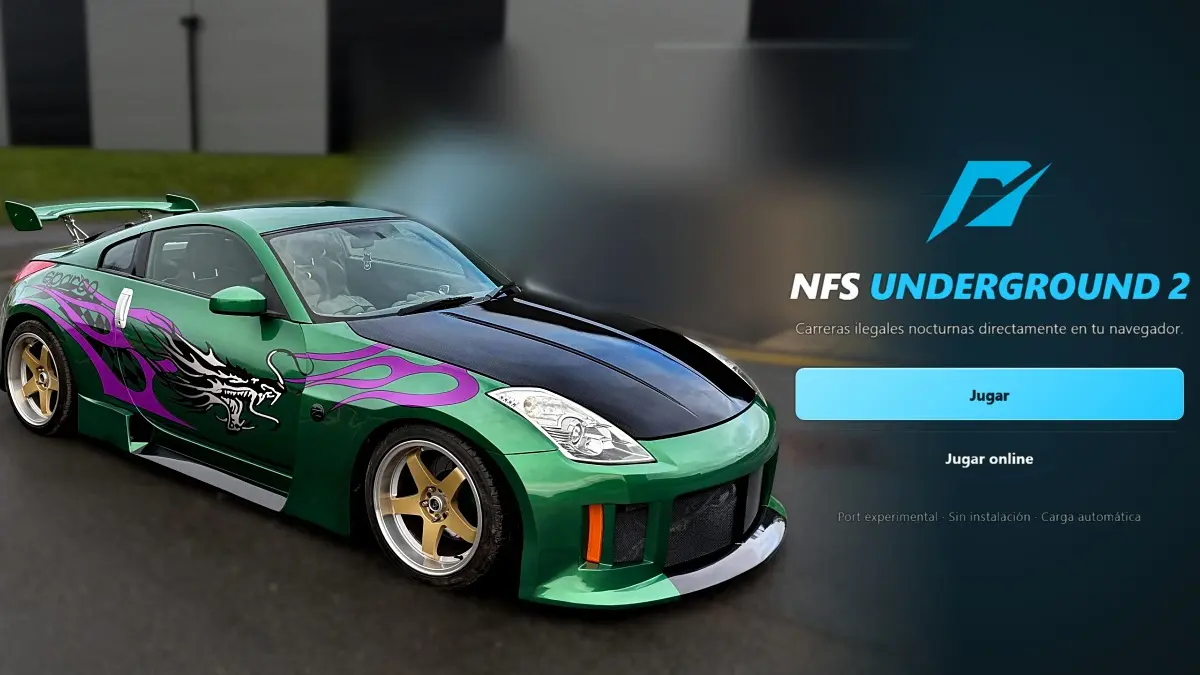
One of the PS2 generation’s most beloved racing games has come back to life, because now it is possible to play Underground 2 in the browser, for free and without installing anything, on both computers and mobile devices, and with online races against your friends. It is Need for Speed Underground 2, EA’s classic released in 2004 that defined an entire generation with its tuned cars, its nighttime races, and its open city, and which now joins other classics that can be played from a tab, like Dragon Ball Z Budokai Tenkaichi 3.
The project, which runs on the site NFS Underground 2 Online, is an experimental port of the PS2 version and is presented as an independent initiative, with no relation or authorization from the saga’s owners. For this reason, it may not be available forever, since this type of site often receives takedown requests.
How Underground 2 Works in the Browser
Unlike traditional emulators, the site runs the game directly in the browser thanks to WebAssembly and WebGPU technologies, using as a base the project PS2 Web Recomp, created by snuri00 and published as open source. Each player runs the game on their own device, while the server only provides the files and connects the two players’ controls, synchronizing them frame by frame.
In addition to solo races, the site allows online competition with a friend, either in a private room or by searching for a random rival, and it adds a community chat and a daily and weekly online win leaderboard. In online matches, the first player chooses the mode, the circuit, and the car, and progress is saved on a virtual memory card.
Controls, Requirements, and Limitations
To play, you can use the keyboard with configurable keys, or a USB or Bluetooth controller, while on mobile there appear on-screen touch controls. The only requirement is to have an up-to-date version of Chrome or Edge that supports WebGPU, although performance improves the more powerful your graphics card is.
That said, bear in mind this is an experimental version. The menus and races work, but performance during races is still being optimized and may run slowly depending on the hardware, so the site recommends using 1x resolution and keeping the tab visible while playing. Additionally, if both games become desynchronized in an online race, the race stops to prevent each player from seeing something different.
On the other hand, some players encounter the warning “Slow browser, WebGPU cannot find a graphics card”, which appears when the browser is not using the computer’s graphics card, so the game runs only on the processor and goes very slowly. Fortunately, in most cases it can be resolved with these steps.
- Use up-to-date Chrome or Edge, because Firefox and Safari are not yet fully compatible with WebGPU.
- Enable hardware acceleration. In Chrome, go to Settings, then System, turn on the option “Use hardware acceleration when available” and restart the browser.
- Check that WebGPU is active by typing chrome://gpu in the address bar. If the WebGPU line says “Disabled” or “Software only,” go to chrome://flags, find the option “Unsafe WebGPU Support,” enable it and restart the browser.
- Update your graphics card drivers from the NVIDIA, AMD, or Intel app, because old drivers can cause the browser to block the card.
- If you are playing on a notebook, plug in the charger and go to Windows Settings, then System, Display and Graphics, add Chrome or Edge and choose the “High performance” option to use the dedicated graphics card.
- Avoid playing through remote desktop or on a virtual machine, because in those cases the browser does not have access to the graphics card.
To play Underground 2 in the browser, you just have to follow these steps.
- Open the NFS Underground 2 Online site in Chrome or Edge, updated to their latest version.
- Wait for the game to load automatically.
- Configure keyboard controls or connect your controller via USB or Bluetooth. On mobile, use the touchscreen controls.
- To play solo, enter the game directly from the menu.
- To play online, create a private room and share access with your friend, or look for a random opponent.