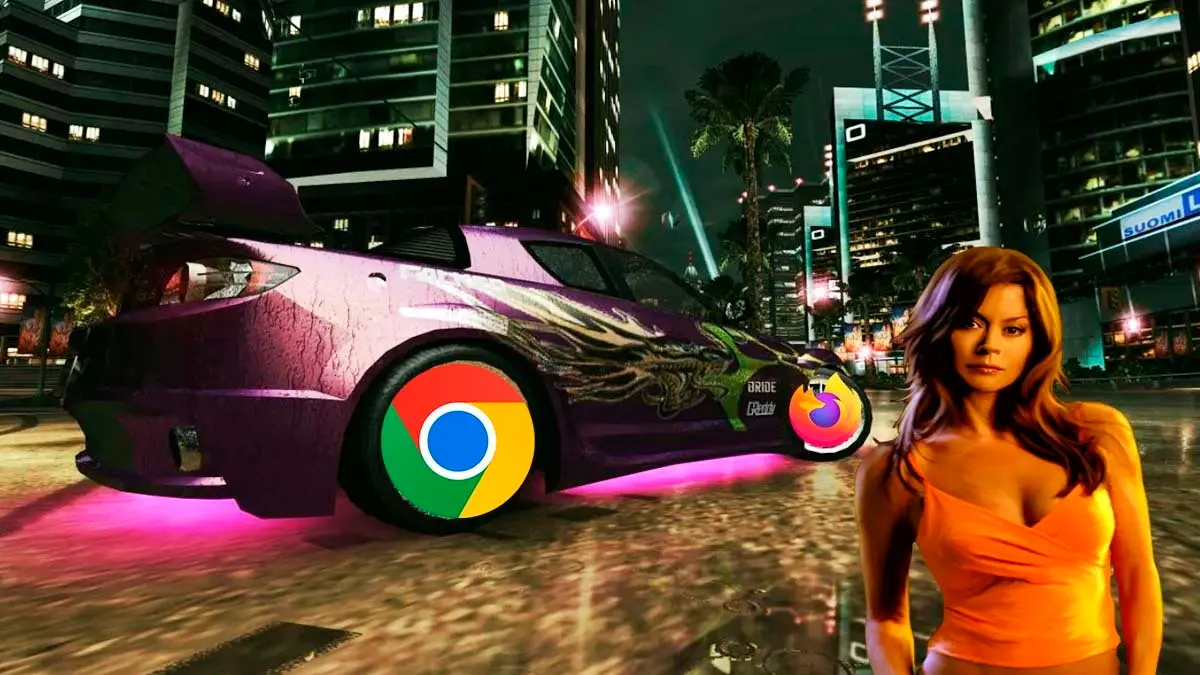
Continuing the recent trend of browser-executable game versions—playable without installing anything—Need for Speed Underground 2 in the browser returns with another surprise, because the project we showcased a few weeks ago now adds an online open world where thousands of players roam the city simultaneously, reviving the famous street racing title Electronic Arts released in 2004 that captured millions with its car customization style and late-night runs through the city of Bayview.
It is Underground 2 Revived, which rewrites the entire original PC game’s code using modern technologies such as WebAssembly and WebGPU to run directly inside popular browsers like Chrome and Firefox, with the support of AI tools during development, making Need for Speed Underground 2 in the browser run with impressive smoothness and also allowing users to explore the city’s expansive streets alongside thousands of connected players at once, without any prior downloads or complex operating system configurations.
Technical Requirements and the Immense Relevance of Running a Classic Game in the Browser
To enjoy this web version on your computer, the system leverages the graphics card through WebGPU, allowing up to 120 frames per second, support for widescreen displays, and multiple control options, and only requires a compatible browser such as Chrome 140 or Firefox 145 and later with graphics acceleration enabled. However, it’s important to note that GPUs without DirectX 12 support, such as Intel HD 4000 or earlier, cannot run it, and on laptops with dedicated graphics it’s advisable to configure the browser for high-performance mode from Windows’ graphics settings.
How to enable graphics acceleration in Chrome
- Open settings. Click the three dots in the top-right corner and choose Settings.
- Enter System. In the left-hand menu, select System.
- Turn on the option. Enable Use hardware acceleration when available.
- Restart the browser. Click Restart to apply the change.
How to enable graphics acceleration in Firefox
- Open the settings. Click the three lines in the top-right corner and choose Settings.
- Look for Performance. In the General tab, scroll down to the Performance section.
- Uncheck the recommended setting. Remove the check from Use recommended performance settings.
- Enable the option. Check Use hardware acceleration when available.
- Restart the browser. Close and reopen it for the change to take effect.
Alongside this, and as one might expect, a stable internet connection is required, because the initial load can download several gigabytes of game data from its own server that, according to VGTimes and GSMDome reports, supports up to 3,000 players and has at times gathered more than 4,000 connected. This technical rollout also carries a significant legal risk, since official files are being transmitted without Electronic Arts’ license, which could make this venture short-lived if the company steps in.
The significance of a title of this magnitude running directly in the web browser lies in breaking down accessibility barriers, proving how current technology enables loading heavy retro games onto universal platforms without cloud streaming services or cumbersome installations.
This means almost anyone with a compatible computer can join the street chaos of Bayview with just a click on a link, setting a fascinating precedent for the future of web development and the preservation of old games, in a project grounded on NFSU2Recomp, the rebuild by Talha Müderrisoğlu, and the open-source nfsu2-web project by th0mk.
Features of Need for Speed Underground 2 in the Browser
Among the main features of Need for Speed Underground 2 in the browser are the smoothness it achieves—up to 120 frames per second on widescreen displays, with an FPS counter that can be activated via the F8 key—and the ability to roam the city freely with other players and race online with friends, all while retaining the original story mode, car roster, and tuning, and also offering compatibility with Xbox and PlayStation controllers, racing wheels, and even touch controls or tilt controls on mobile devices.
Your progress isn’t lost between sessions, because saves are stored in the browser when you open the garage with Esc or Start and choose Save, and they can be exported or synchronized to the cloud to continue playing from another device.
The project’s creator notes, “My brother and I used to play this game about 20 years ago. That’s why I tried to adapt it to the browser so we could play together again. It worked surprisingly well, though things got a bit out of hand,” and adds with a smile, “I’m glad to see so many people playing.”
All of this makes Need for Speed Underground 2 in the browser work in a completely open and online fashion, reviving a nostalgic experience that many believed lost to time and now brought back to the web to connect the community in an entirely unexpected way, and you can play it by following this link.
The Arrival of Mortal Kombat 9 in the Browser with All Its Extras and Combat Modes
Leaving the racing genre behind and diving straight into fighting, another highly notable browser-based title case, which we covered recently, is Mortal Kombat 9, an unofficial version created by a programmer named Lauta that lets you play for free and without installing anything directly in the browser, including all its original downloadable content, the presence of the beloved guest character Kratos, the full story mode, and the ability to challenge online opponents in real time.
That build, harnessing the graphics card power through WebGPU to render visuals with full fluidity, caps the menus at 30 frames per second so the main battles run at 60 frames per second, and adds visual enhancement options such as up to 16x anti-aliasing and support for multiple languages, including Spanish.
Unlike traditional cloud-based systems, this development downloads characters and environments in chunks as the player needs them during the match, storing them on the device to speed up subsequent fights, with a very complete online matchmaking setup that includes an automatic opponent search button.
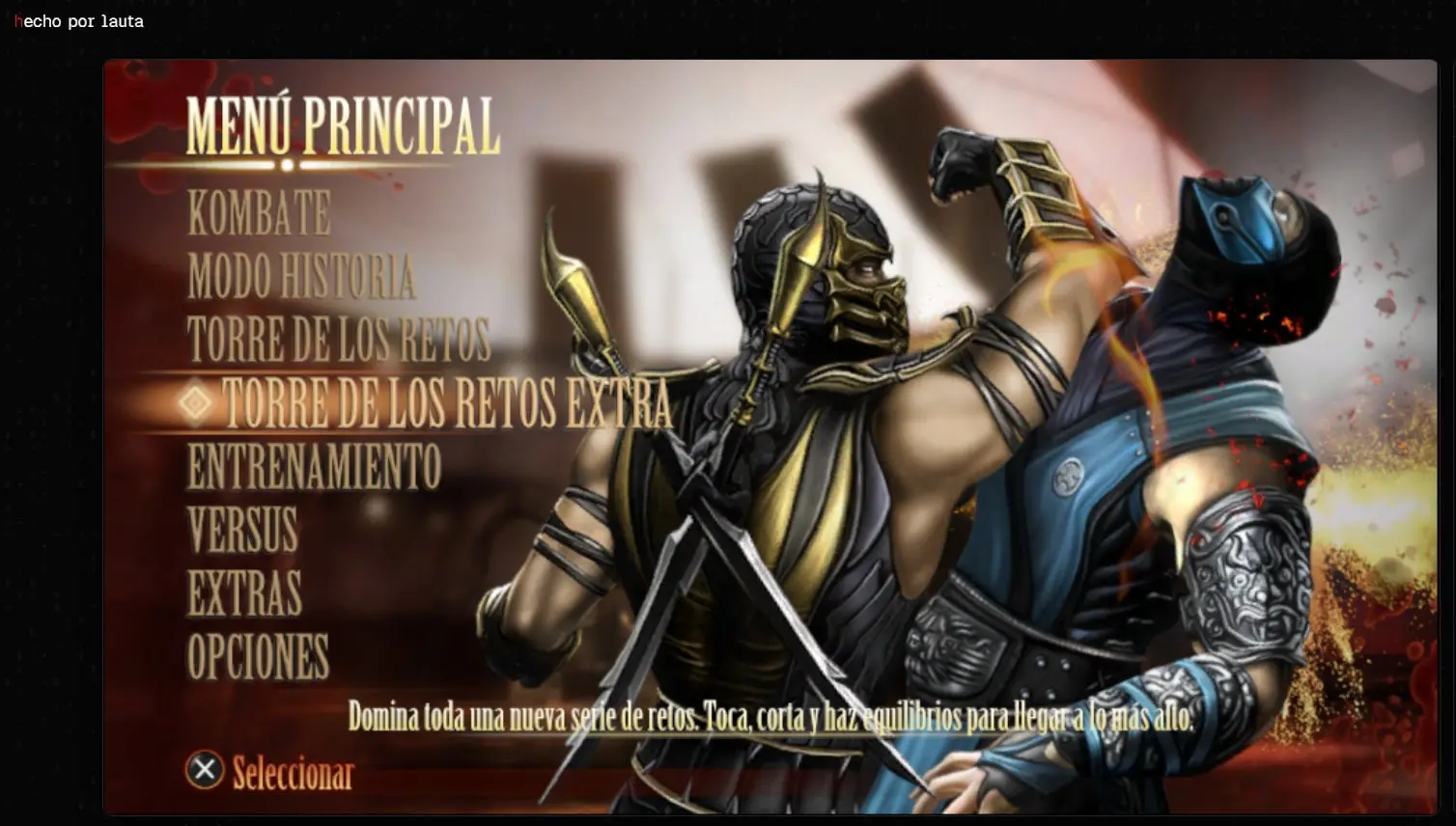
To close, as we mentioned in the linked note with access and more details, the highlights include the creation of public or private lobbies via codes, a visible list of players’ rooms across Latin America and Brazil, and a spectator mode to watch ongoing battles, all functioning independently without relying on official servers.