Since November 18, Microsoft began automatically downloading and installing Windows 11 26H2 on compatible computers, in the background and even if the user never clicked the update search button, in a rollout that so far reaches both personal devices and unmanaged corporate machines running 24H2 or 25H2.
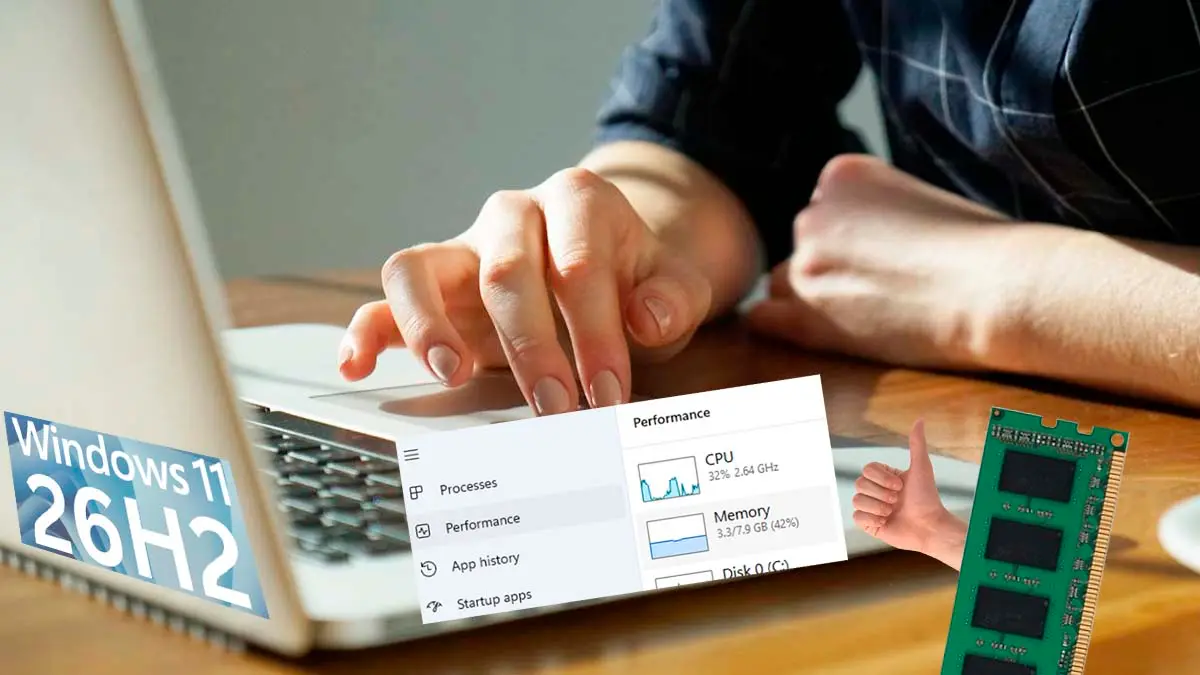
This version was released on September 29 and began to appear as an optional download on more devices during October, and its automatic installation comes with good news, because in Windows Latest tests on an 8 GB notebook, memory usage fell from 5 GB to 3.3 GB after upgrading.
The Hidden Role of Artificial Intelligence in the Deployment
According to Microsoft’s official support document, the rollout is gradual and begins with personal devices and company computers not controlled by an IT department, with scheduled restarts outside normal working hours to avoid interrupting work, so the only way to avoid the change is to pause Windows updates for weeks or months.
Microsoft has not explained what system it uses to decide which computers receive the update, but Windows Latest claims to understand that the deployment is managed by an artificial intelligence and machine learning system that analyzes telemetry from each device to send the patch only to those without compatibility blocks.
What’s curious is that, unlike what happened with Windows 10 and with Windows 11 versions 23H2, 24H2 and 25H2, where Microsoft often boasted about its smart technology for distributing updates, this time the company has not said a word about the topic.
A possible explanation is that Windows’ reputation is going through one of its worst moments, with users constantly criticizing the forced integration of AI features across the system, so mentioning it could generate rejection toward an update that actually works well.
Faster Performance and Memory Savings with Windows 11 26H2
Far from being a cause for concern, receiving this update brings clear advantages, because Windows 11 26H2 is based on the same 24H2 version used by 25H2, which allows for a quick installation with no compatibility problems, and according to Windows Latest its main goal is to extend the official support period for your device.
It doesn’t turn an old computer into a top-tier machine, but it does bring together the performance improvements Microsoft has been adding to ease the load on modest devices with 8 GB of RAM, and according to the company, opening the Start menu, using the search, entering Settings, or browsing the File Explorer responds up to 20% faster than with the January 2026 update.
Windows Latest also reports that, in a lab test on an 8 GB Snapdragon device, a session with several programs open finished up to 40% faster, though it does not specify who conducted the test, while in its own test with an 8 GB notebook the Task Manager showed memory usage after reboot dropping from 5 GB to 3.3 GB, thanks to 26H2’s ability to keep up to 2 GB of additional active data in memory instead of sending them to storage, which is slower.
In the end, with Microsoft confirming there are no new known issues active, everything points to Windows 11 26H2 being a safe and lightweight update, worth installing to extend your device’s lifespan and improve daily fluidity, although after updating it’s worth checking that your graphics card drivers remain up to date, because Windows 11 has the bad habit of updating them on its own.
