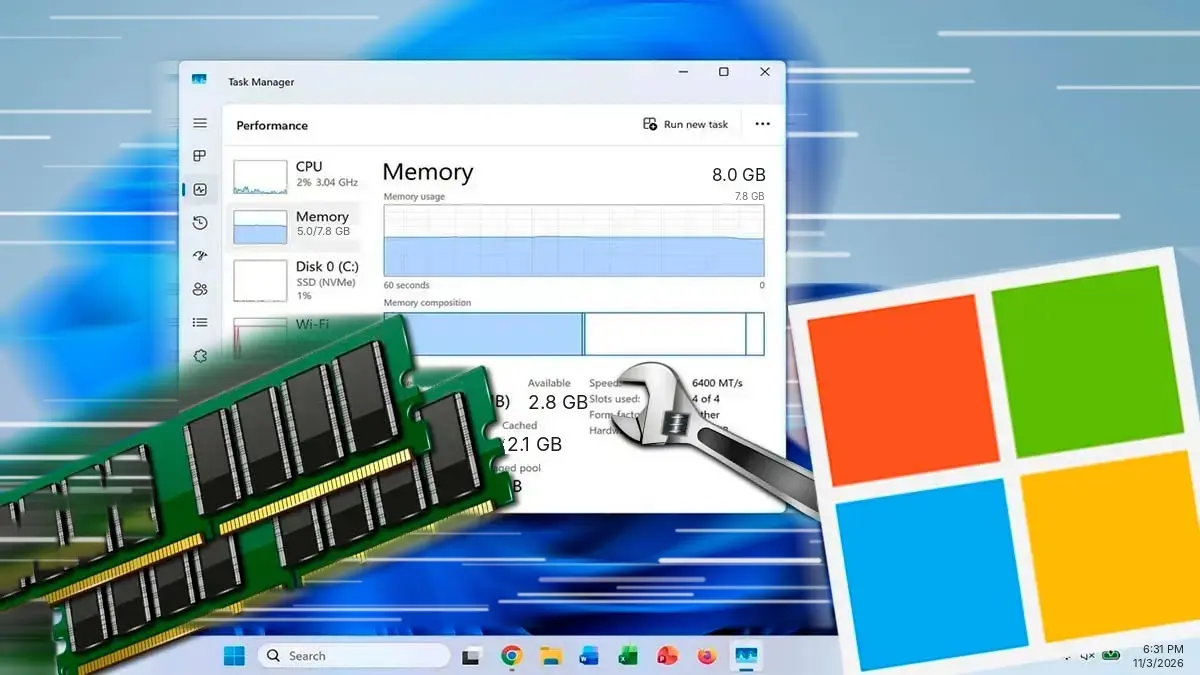
Microsoft confirmed that Windows 11 on PCs with 8 GB of RAM is now up to 20% faster when opening the Start Menu, Search, the context menu, Settings, the Snipping Tool, and File Explorer. It also acknowledged that on these devices the system sent data from open apps to slower storage, causing them to reload when you returned to them. With the new 26H2 version, Windows now keeps up to 2 GB more of active data in RAM. The change arrives at a moment when RAM is increasingly expensive due to the demand from artificial intelligence, and many people prefer to stretch their computer rather than upgrade to 16 GB.
The data come from the official Windows blog, where Pavan Davuluri, the head of Windows, stated that “the true test is whether your PC keeps responding, not how much memory remains unused”. Microsoft also promises multitasking up to 40% faster, although that figure comes from a single lab test on an HP OmniBook 3 notebook with many apps open at the same time, and the company itself clarifies that this is not a benchmark. All of these results are from Microsoft and were measured under specific conditions, so the improvement on your device could vary.
What Windows 11 Improves on PCs with 8 GB of RAM
In addition to keeping more data in RAM, Microsoft reduced memory growth by as much as 900 MB used by Windows, Edge, Office, Outlook, and Teams during a multitasking test, with about 360 MB of that saving attributed to Office and Outlook. On devices with 8 GB or less, the Widgets only load when opened, saving around 200 MB while closed, and Teams enables by default its efficiency mode, with openings up to 20% faster.
Edge also received changes, because now it opens up to 33% faster when it continues to run in the background, although its own team notes that most users will see an improvement closer to 15%. Additionally, inactive tabs are suspended after 15 minutes instead of two hours. Windows also prioritizes the app you’re using on screen and pauses background tasks, such as indexing, while you work.
According to Windows Latest’ test, conducted on a notebook with 8 GB of DDR4 RAM and a SATA SSD, memory usage after reboot fell from about 5 GB to 3.3 GB, and available memory rose from 2.9 GB to 4.6 GB. The author notes that they cannot guarantee that all the improvements come from these changes, and that opening more programs causes RAM to rise again.
It should be noted that Microsoft did not measure gaming performance, so these improvements primarily aim to make the system and your programs respond better when many things are open. For heavy tasks, such as 3D modeling, advanced video editing, or working with large data sets, the company still recommends 16 GB or more.
How to Get the Windows 11 Update
The improvements arrive with Windows 11 version 26H2, from build 26300.9818, along with the latest versions of Edge, Microsoft 365, and Teams. That build arrives in the optional update KB5127936, published on October 28. If you don’t want to install it manually, it should reach everyone with the November 10 security update.
- Open Windows Update. Press the Windows key + I to open Settings and go to Windows Update in the left menu.
- Enable early updates. Turn on the option Get the latest updates as soon as they are available.
- Check for updates. Click Check for updates and wait for KB5127936 to appear, the update for version 26H2.
- Install it and restart. Click Download and install and restart your computer when Windows asks you.
- Update your applications. Open Edge, Microsoft 365, and Teams and look for updates within each, because part of the improvements depend on their new versions.
- Check your version. Press the Windows and R keys, type winver and press Enter, and in the window you should see version 26H2 with build 26300.9818 or newer.
If the update does not appear, it is not an error, because Microsoft is rolling it out gradually by device and region. In the coming months, the company also plans to improve memory compression, make Search, Widgets, OneDrive, and Photos share the same web engine, and refresh the File Explorer, Notepad, and Paint so that they open faster and use less memory.
